A mode for every child
Two modes to choose from per child — Standard with text and checkboxes for readers, or Visual Support with large images for younger children and children with neurodevelopmental disorders.
You choose per child so that the app always adapts to their level, not the other way around.
How the display mode works
The same routine, two different presentations. You build once — the app adapts the display based on which mode is active for the child.
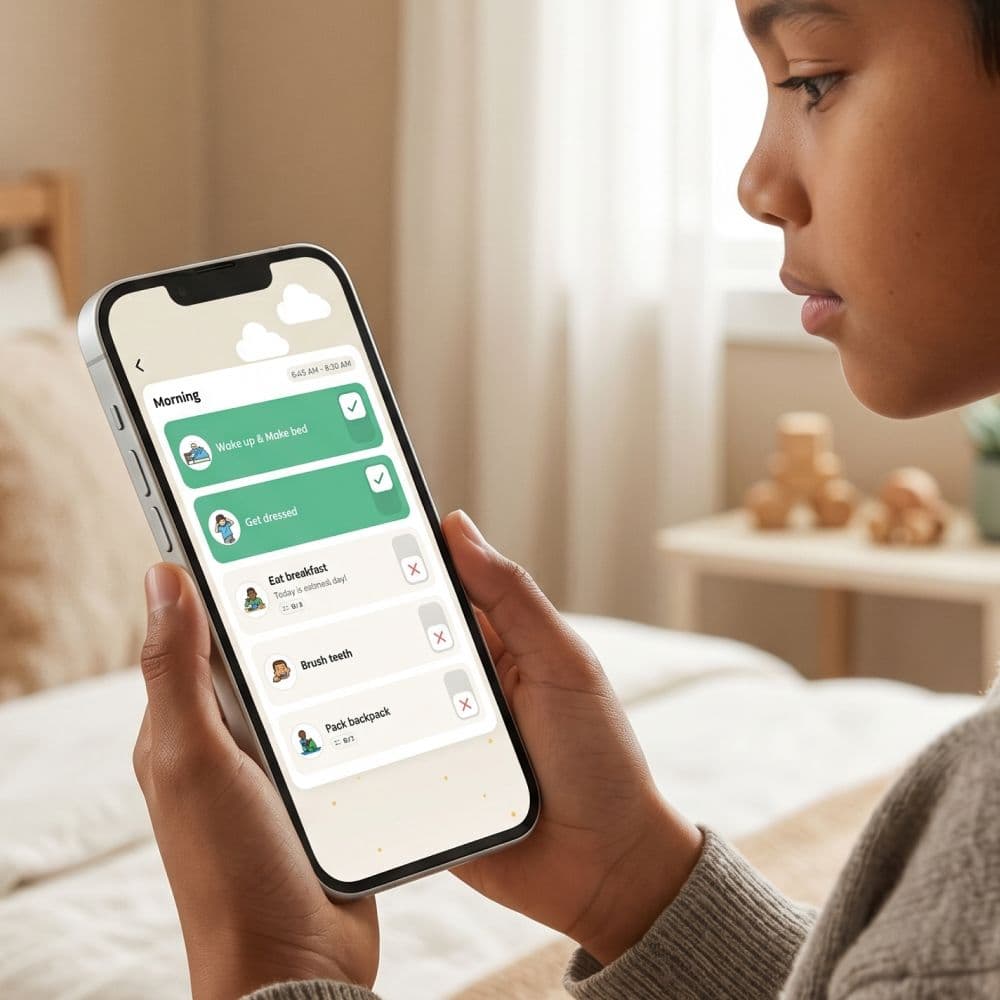
Text and checkboxes
A compact list view where the routine's steps are presented with text and small icons. The child checks off each step via a checkbox and sees several steps simultaneously — an overview of the entire routine.
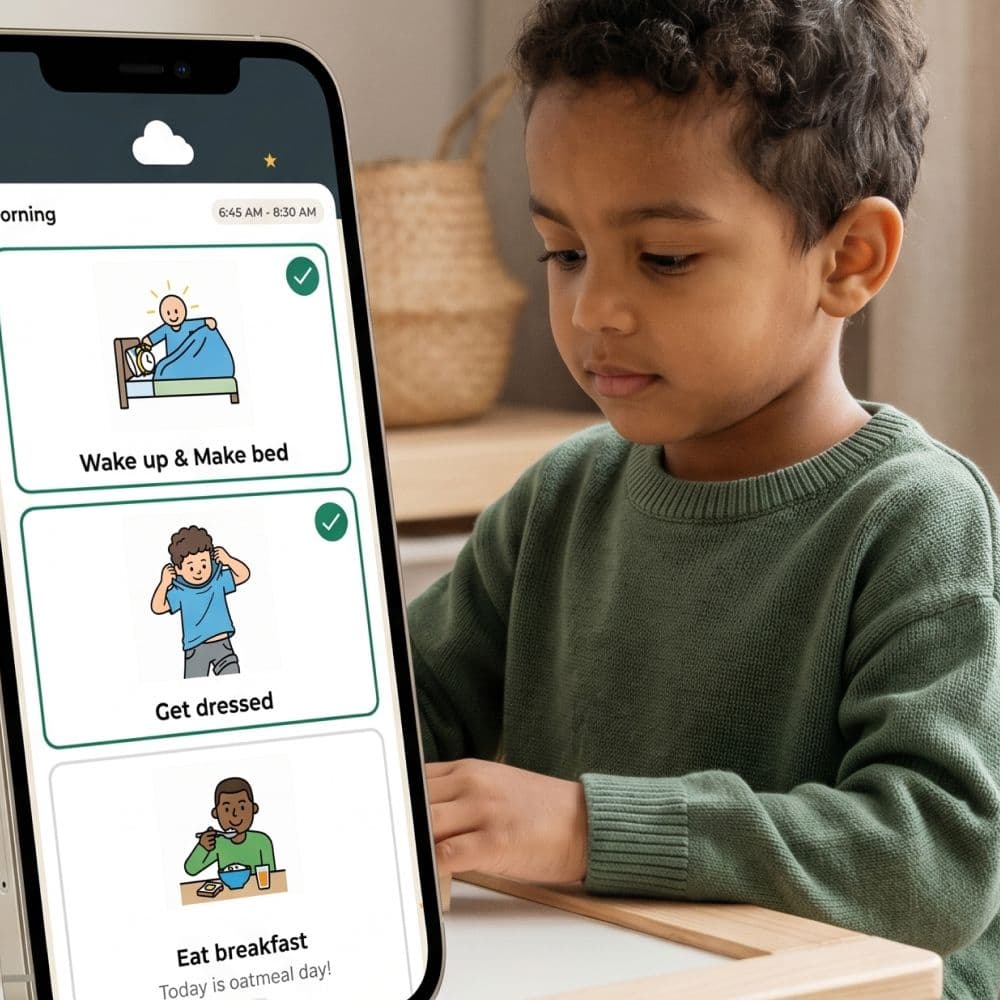
Large images without checkboxes
Large image cards dominate the screen. Focus on the visual, one step at a time. No checkboxes — the child swipes or moves on when the step is complete. Minimal cognitive load.
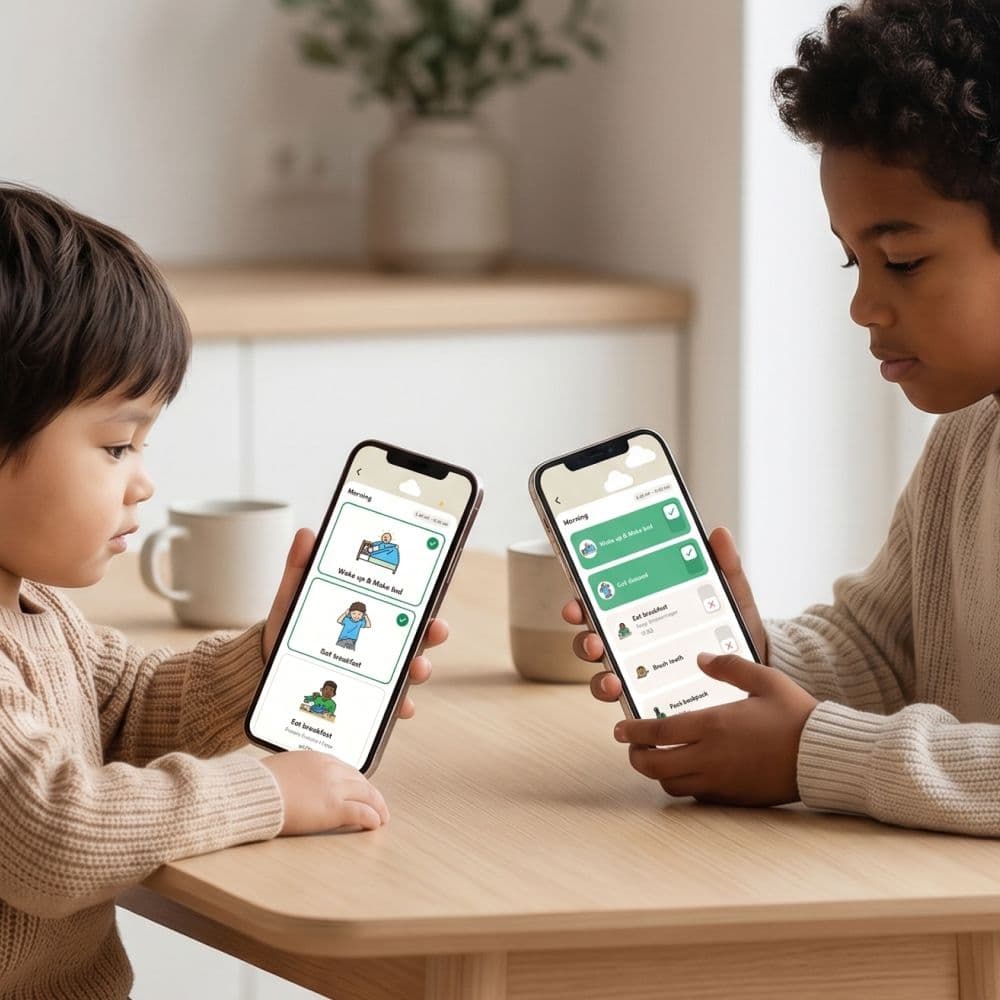
Different modes simultaneously
Big sister on Standard, little brother on Visual Support — at the same time, same app, same family account. Each child profile has its own display mode without affecting each other.
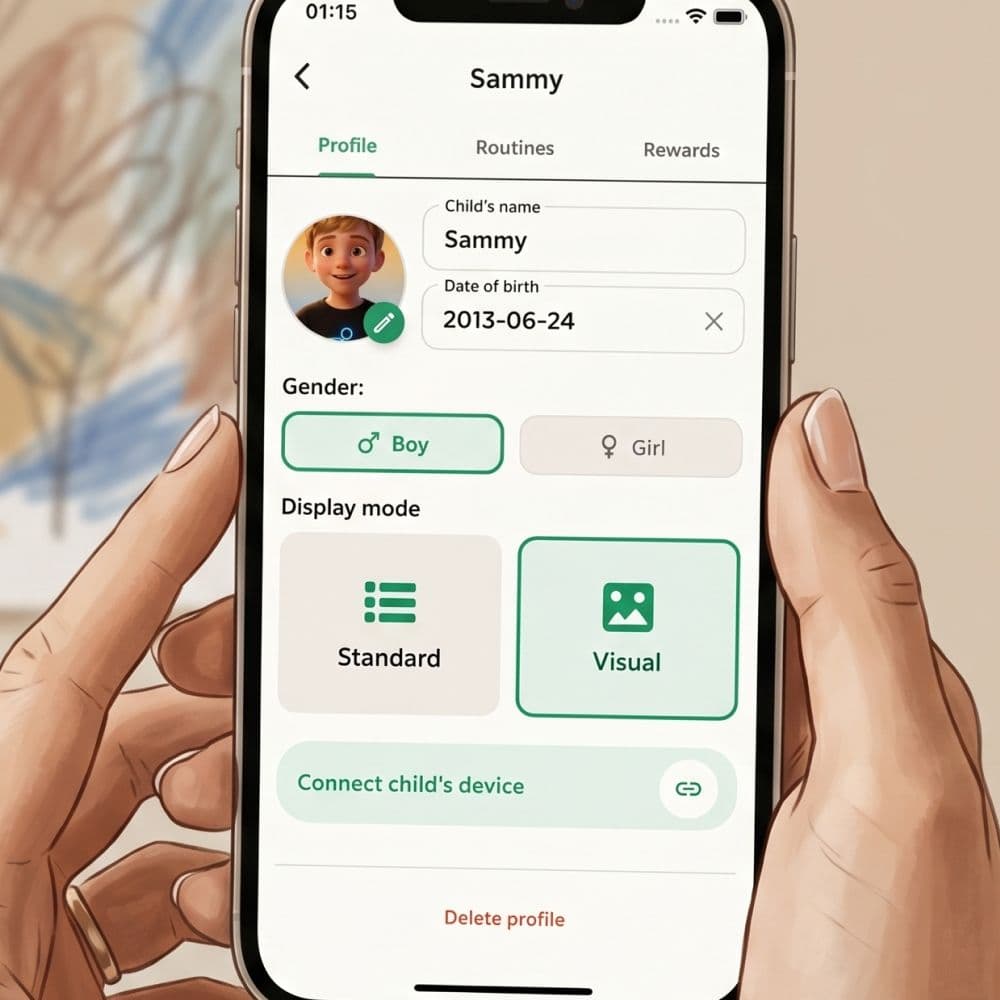
Switch as the child grows
When the child is ready for text — switch from Visual Support to Standard without rebuilding anything. The same routines work in both modes, only the presentation changes.
Why two modes — and not a "perfect" one
No interface fits all children. A 4-year-old child with autism needs something completely different from an 11-year-old who reads chapter books. Many apps compromise and become mediocre for both. Routined lets you choose — one mode per child, changeable at any time.
Standard — for fluent readers
Standard is the list view: the routine's steps are presented compactly with text and icons side by side. Each step has a checkbox that the child taps to mark it as complete. Several steps are visible simultaneously, giving the child an overview.
Suitable when: the child is approximately 8 years or older and reads fluently, or is younger but is proficient with digital interfaces and wants control over the entire routine.
Advantages: overview of the entire routine, faster for children who want control, more compact presentation suitable for young people.
Disadvantages: can feel overwhelming for younger or more easily distracted children.
Visual Support — for image-based navigation
Visual Support shows each step with large image cards that dominate the screen. It's one step at a time rather than a list — focus on the current step and no checkboxes in the traditional sense. The child moves through the routine by advancing to the next card.
Suitable when: the child is younger, has autism or concentration difficulties, is non-verbal, or does not yet read fluently.
Advantages: minimal cognitive load, focus on the current step, clearer for image-based children, visual details can dominate instead of competing with text.
Disadvantages: less overview — the child does not see the entire routine at a glance but only the current step.
When should you switch?
There is no perfect age. We recommend starting with the mode that seems suitable now, and switching when you notice that the child has outgrown it. Signs that it's time to switch from Visual Support to Standard:
- The child starts asking "what comes next?" — wants an overview.
- The child skips images and only wants to read.
- Visual Support feels "childish" to the child.
- The child wants control over the order in which steps are performed.
Display mode for adults in solo mode
The display mode can also be set for your own profile in solo mode. Many adults with ADHD find Visual Support surprisingly helpful even for themselves — the reduced cognitive load works regardless of age.
Consider this before choosing
It's not a lifelong choice. The display mode is a setting that can be changed in seconds. Many families start with Visual Support and migrate the child to Standard when they are approximately 8–9 years old and read fluently. Others stick with Visual Support much later — it depends entirely on the child.
Frequently asked questions
Ready to simplify everyday life?
Download Routined today and start the journey towards a calmer everyday life with your family.


* 14-day free trial included for new users.