Charge phone
An uncharged phone on the nightstand only shows up when the alarm never sounds or the screen dies on the way to school. The visual support below catches the step before tiredness takes over.
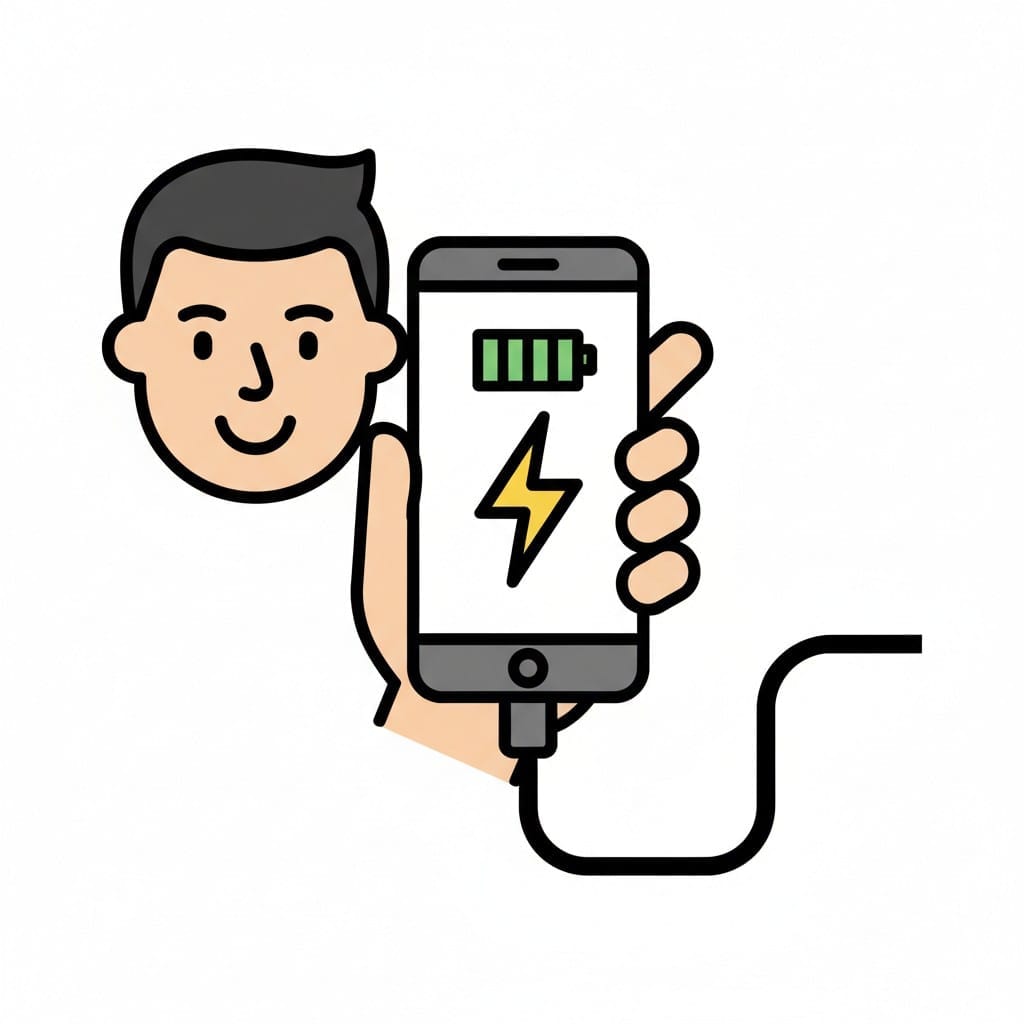 ♂
♂Charge phone
A person charging their phone. The phone shows a lightning bolt and battery icon indicating it's charging.
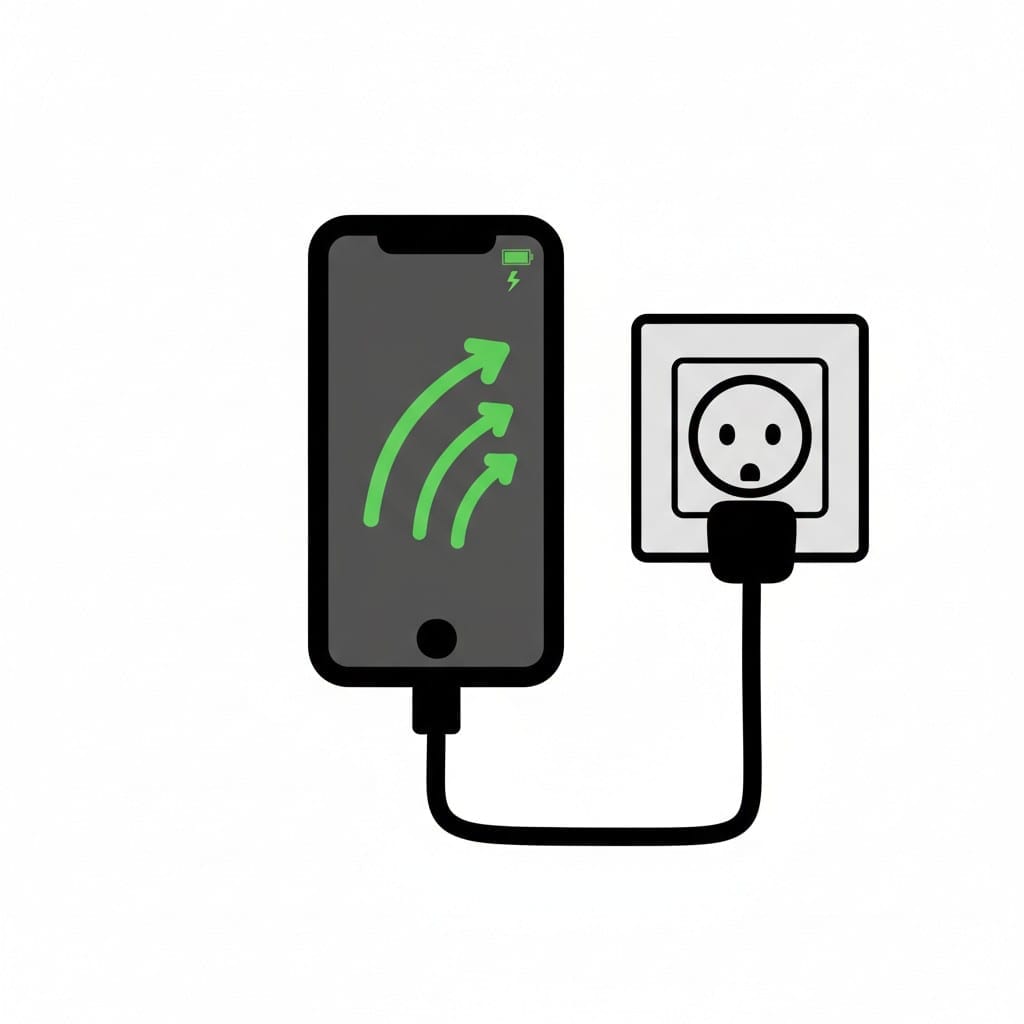 ♂
♂Charge phone
A smartphone is plugged into a wall outlet and displays green arrows indicating it is charging.
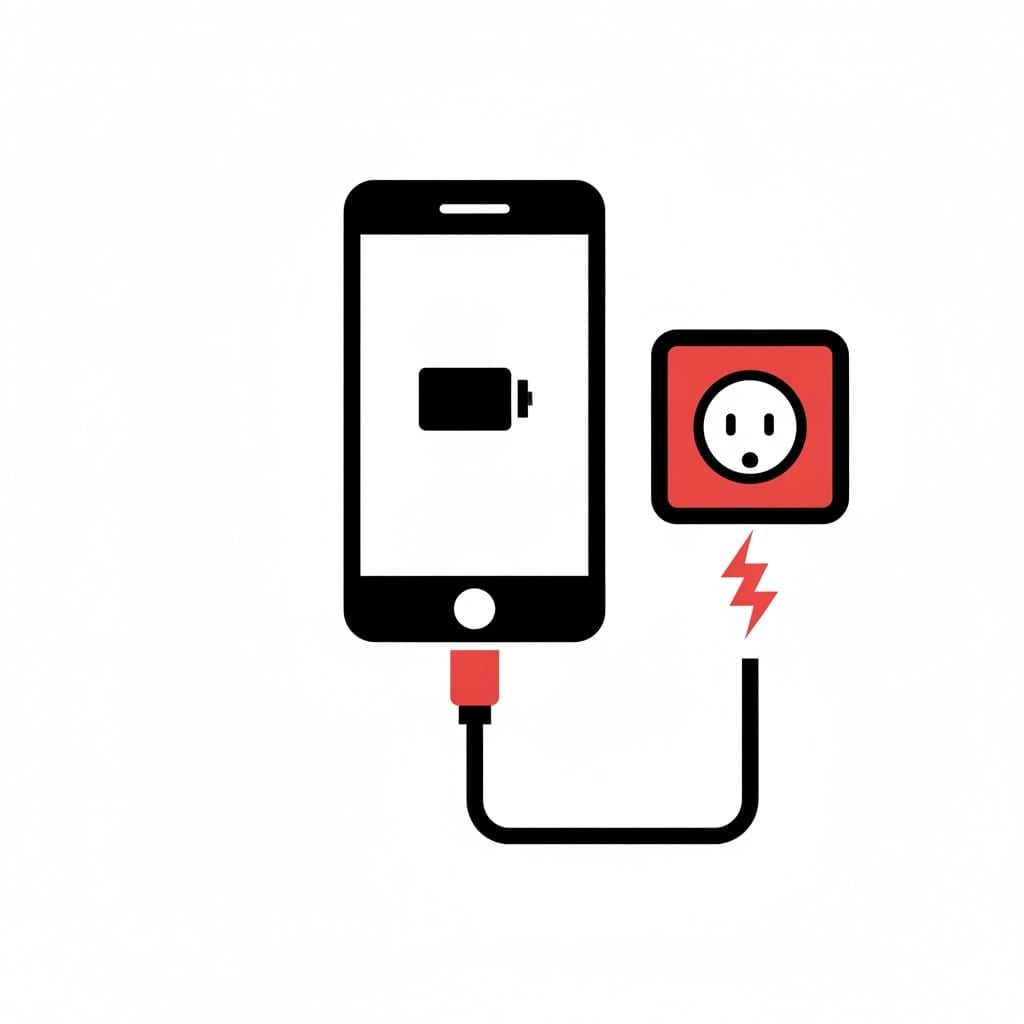
Phone plugged into the wall
A phone showing a battery icon is connected by a cable to a red wall socket, with a small lightning bolt beside the plug.
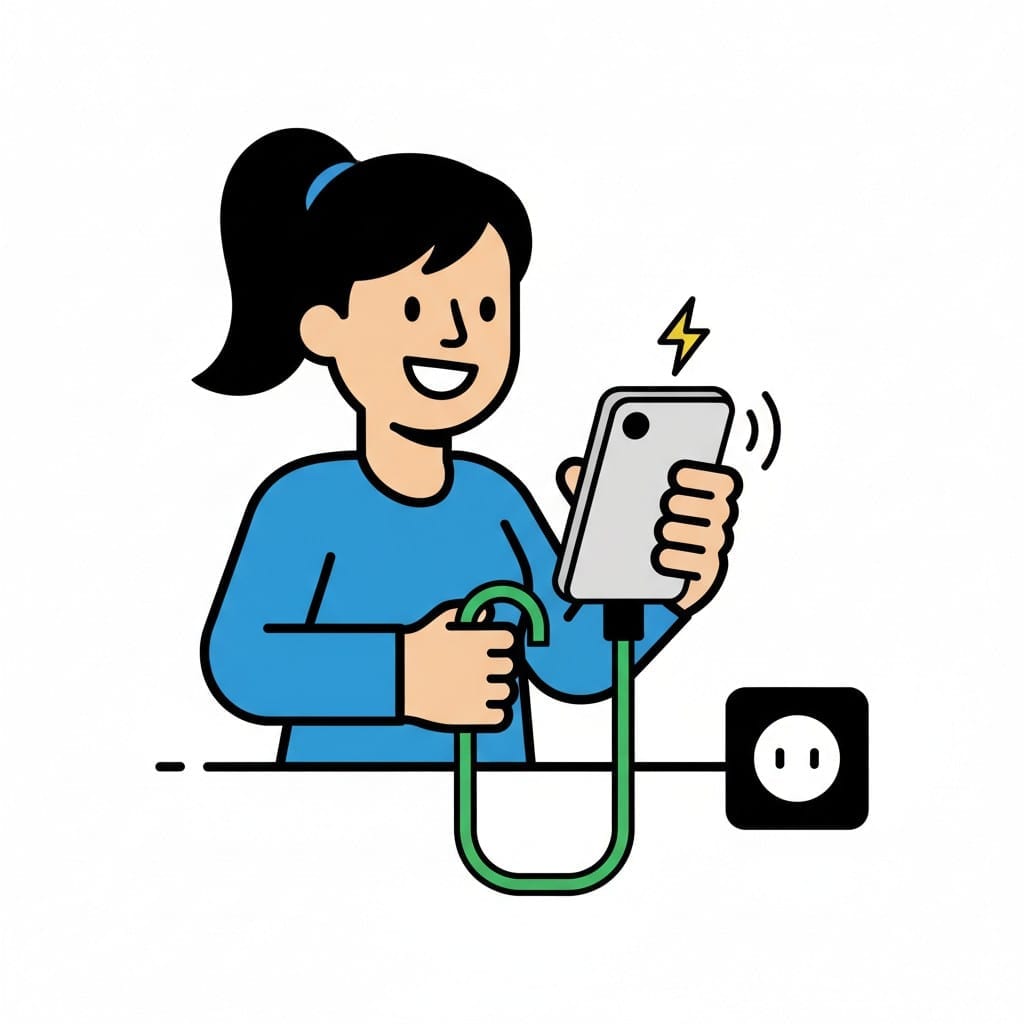 ♀
♀Charge phone at outlet
A person charging their phone by plugging it into a wall outlet. A lightning bolt symbol is shown near the phone.
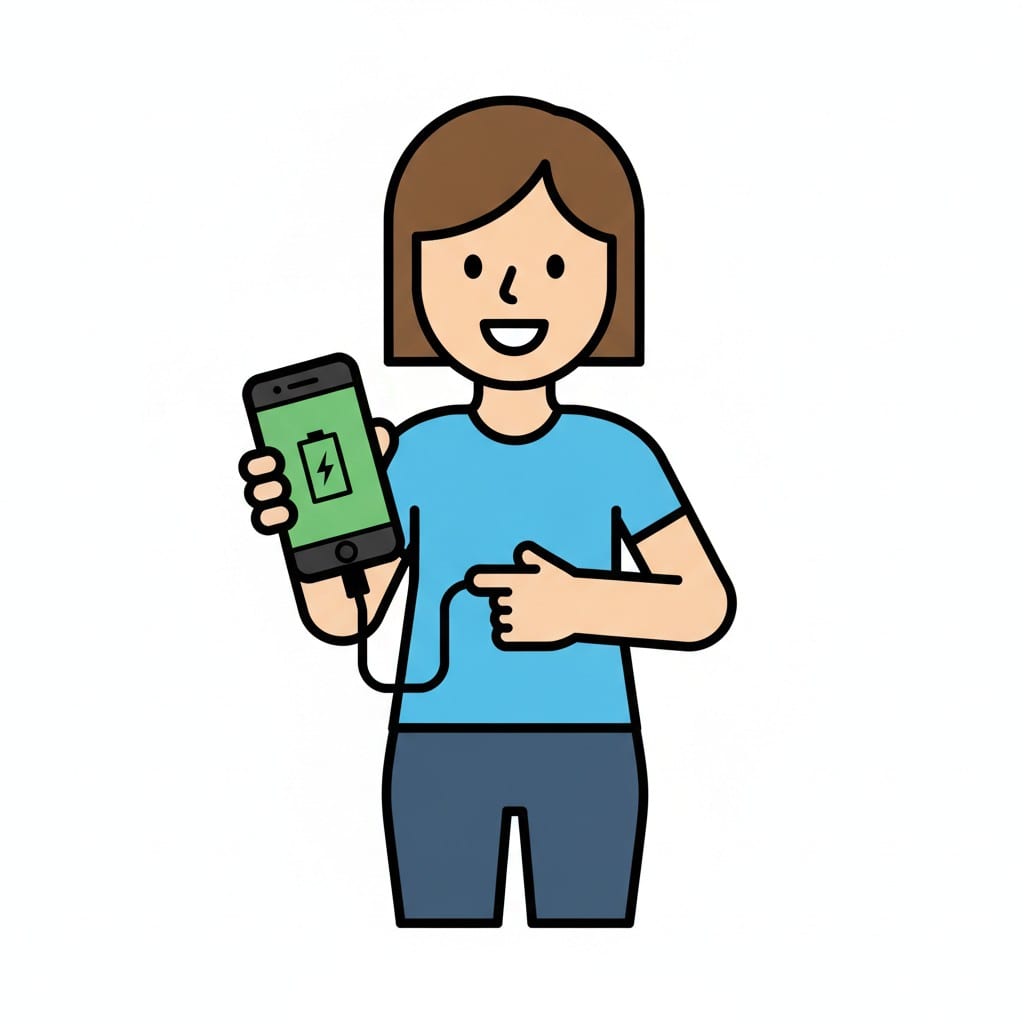 ♀
♀Charge phone
A person holds a phone with a green charging screen and a cable, pointing at it.
About this visual support
Plugging in the phone is one of the smallest moments of the evening, and maybe that is exactly why it slips so easily. When the couch feels soft and the eyelids get heavy, tomorrow morning is not where thoughts go. The cost only shows up the next day, usually at a moment that matters.
A visual schedule for this single step works as a small hook for the eye. When the picture of the charger sits inside the evening routine, the action gets tied to a place in the order, not to remembering on your own. The image is still there even when the brain has already shifted into low gear.
One practical tip: place the picture right before tooth brushing. That way the charging step passes before the body has settled on the bed, and getting up again is not needed. Inside the Routined app, you can stack the whole evening with images, so the charger finds a fixed spot next to the pajamas.
Use this image in a schedule
Build your own visual schedule with this image and download it as a print-ready PDF. Completely free.
More similar visual supports
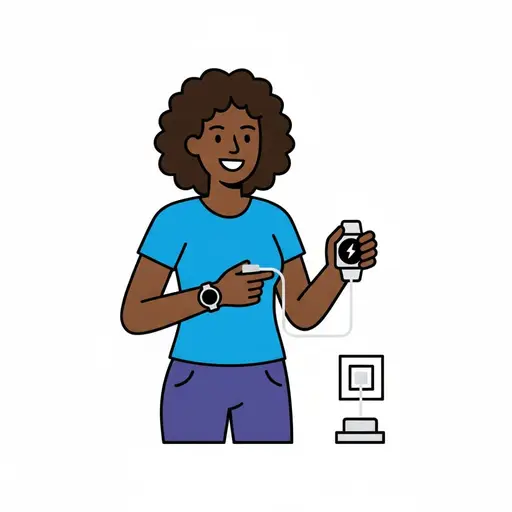
Charge watch
A woman with curly hair holds a smartwatch connected to a charging cable plugged...

At home
A person sits in a chair inside a house watching TV with the remote in hand.

Bag
A brown paper bag with blue handles, filled with groceries such as an apple, a b...

Cats and guinea pigs
A simple symbol picture of a cat sitting beside a guinea pig.

Empty bag
A dark blue backpack with red shoulder straps and a large empty grey front pocke...
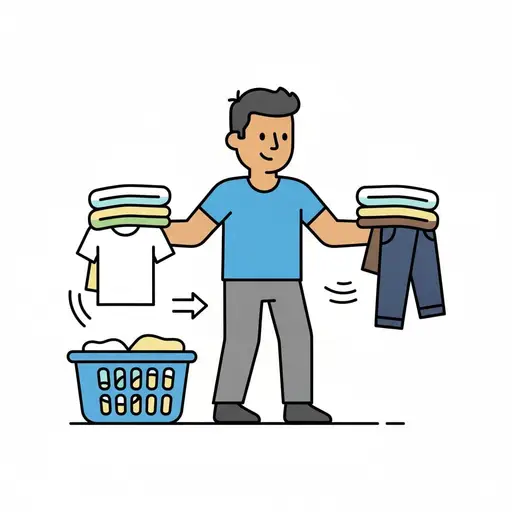
Swap the laundry
A person holds a stack of light clothes over a laundry basket and a stack of dar...
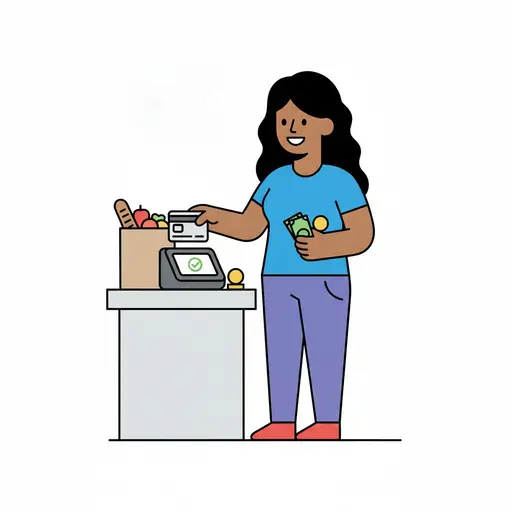
Pay
A person pays with a card at a card reader while holding banknotes, with a bag o...
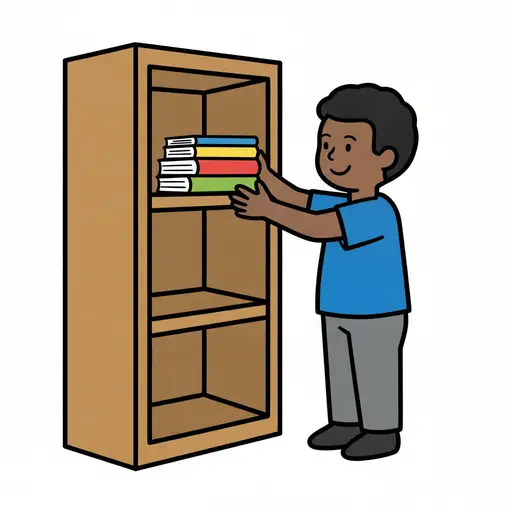
Put away books
A boy puts a stack of books into a bookcase.
This visual support in other languages
Take the visual supports with you
In Routined you build schedules from these pictures, add timers and voice instructions, and your child follows the day on their own.


* 14-day free trial, then $2.39 a month or $20.99 a year (US pricing). Cancel anytime.