Charge tablet
For many children the tablet is not just entertainment but a sense of control, and handing it to a charger can feel like losing something. The visual support below shows that the pause is just that, a pause.
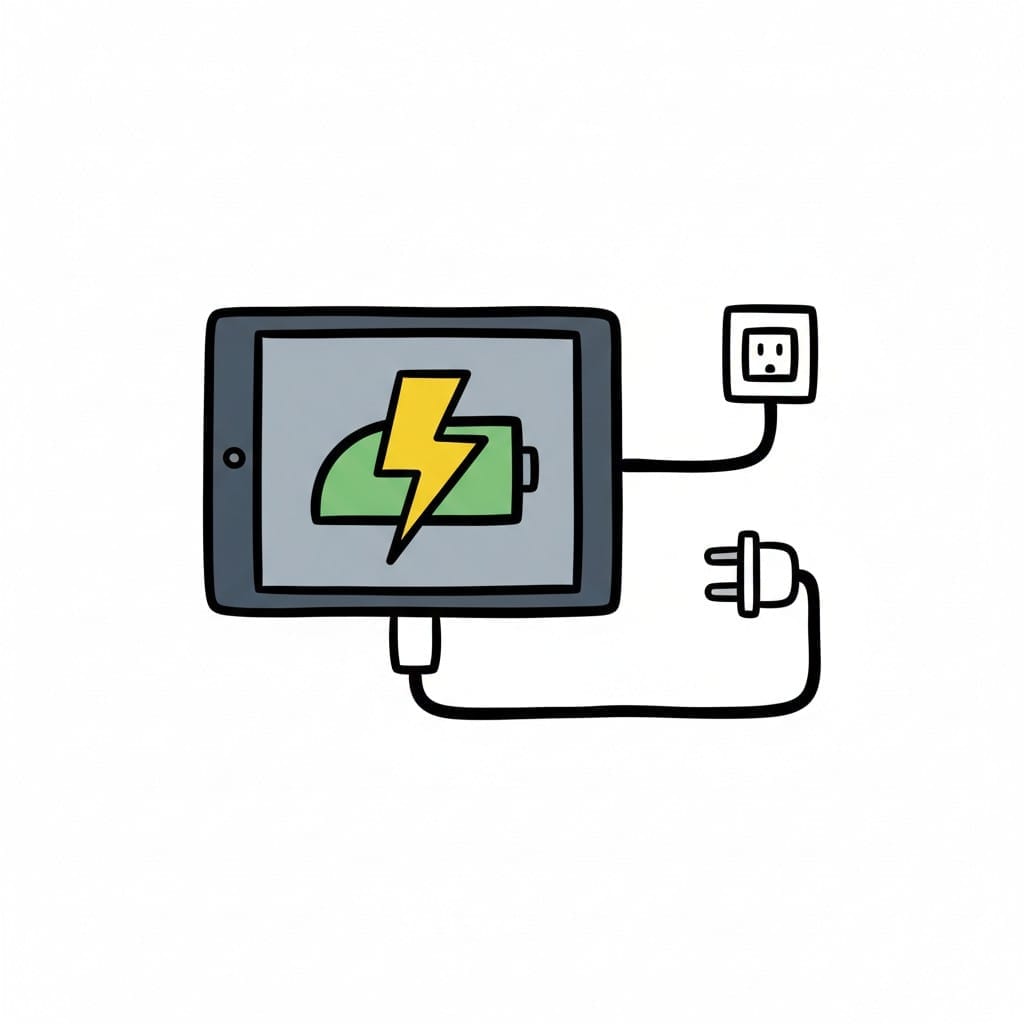
Charge tablet
An illustration of a tablet being charged via a plug in a wall outlet. The battery on the tablet screen shows a lightning bolt symbol.
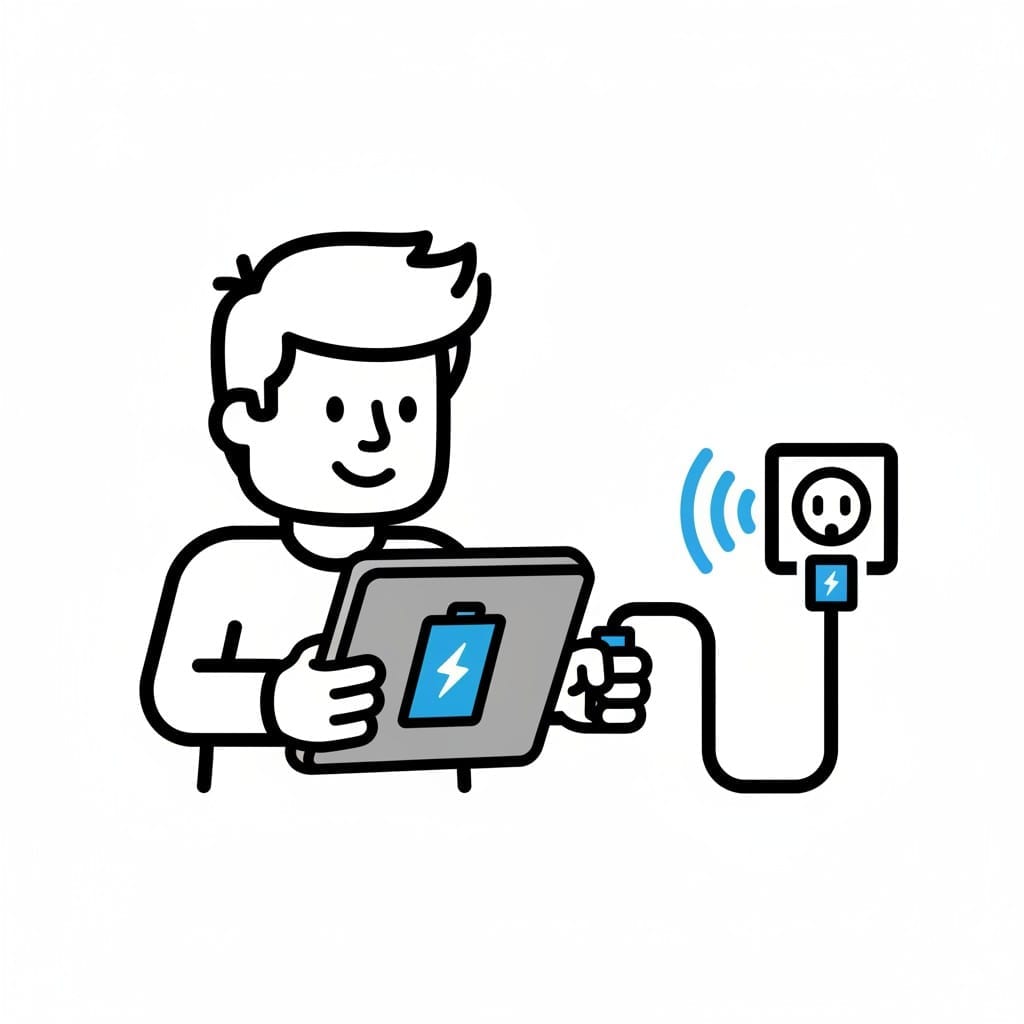 ♂
♂Charge tablet
A person holding a tablet and plugging the charger into a wall outlet. The tablet screen shows a battery symbol with a lightning bolt.
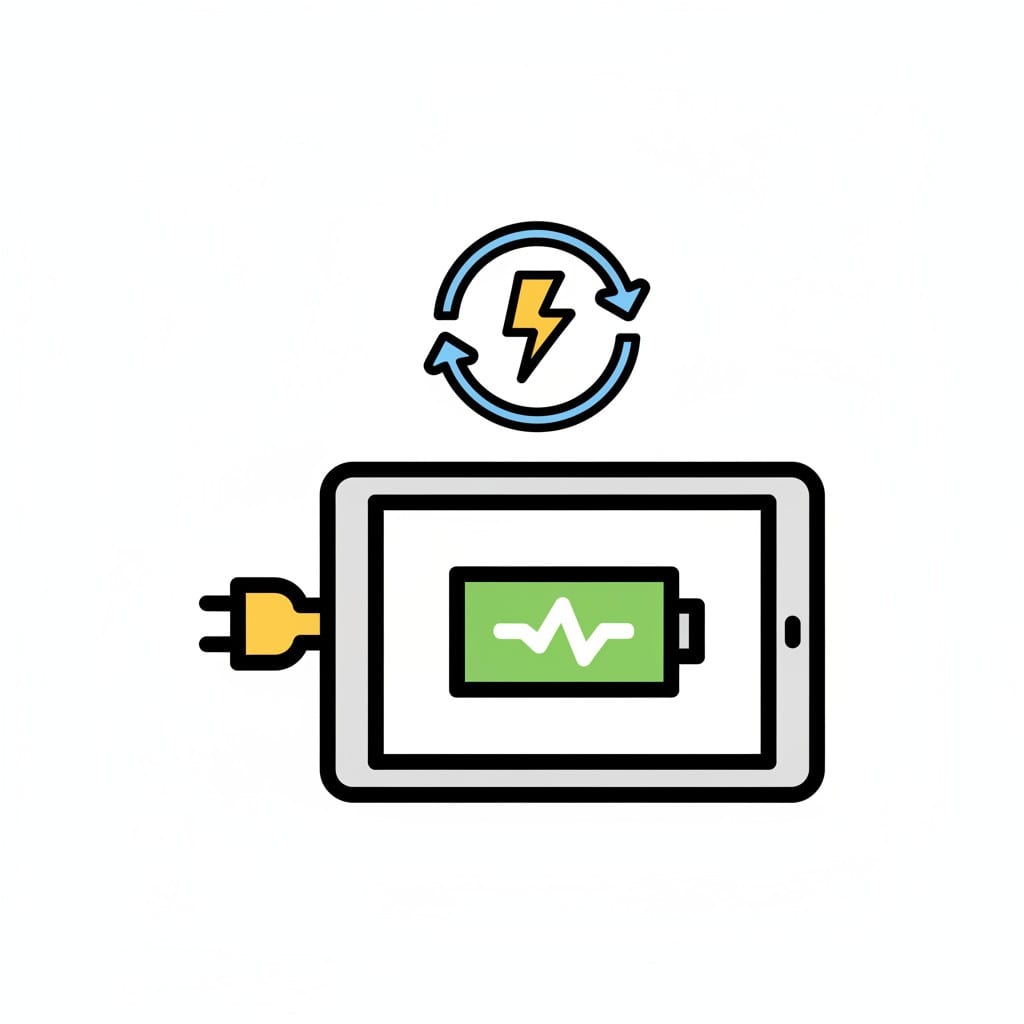
Charge tablet
An illustration of a tablet with a charger connected. Above the tablet, a circular arrow with a lightning bolt symbol indicates charging or refresh.
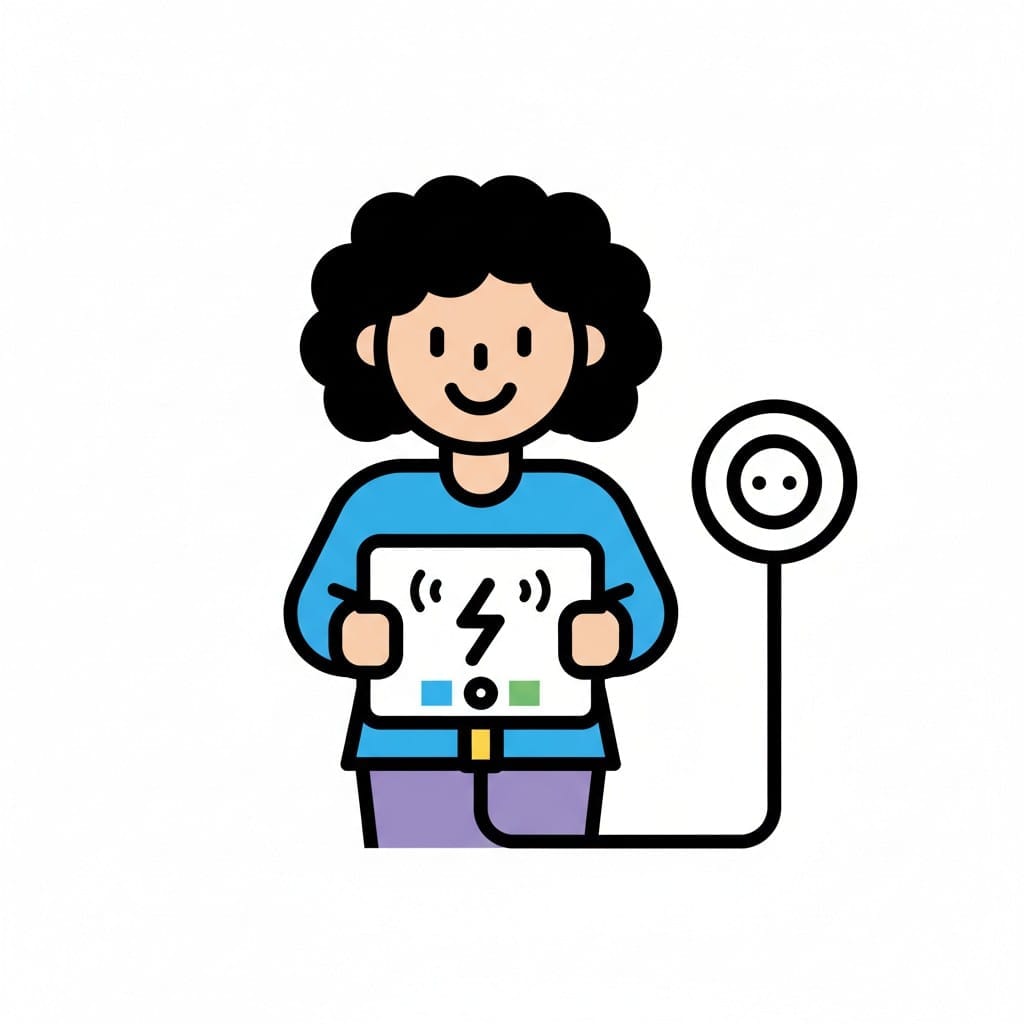 ♀
♀Charge tablet
A person holding a tablet that is plugged into a wall outlet for charging. The tablet screen shows a lightning bolt symbol and charging indicators.
About this visual support
When a tablet needs charging, the adult practical thought meets the child emotional reality. The tablet is not an object that needs power, it is a window into something the child is in the middle of. Handing it over, even briefly, can feel like cutting off a game mid sentence.
Visual support helps by making the whole arc visible. When the child sees an image of the tablet in the charger followed by an image of the tablet back in hand, charging becomes an in between step rather than an ending. Time gets a shape that words alone often fail to give.
One concrete tip: use the exact same charging spot every time, ideally in sight but out of reach. When the picture shows that specific place, handing over becomes more predictable and the child can see where the tablet will live during the pause. In the Routined app, the image can be paired with a timer so the end point has its own visible mark.
Use this image in a schedule
Build your own visual schedule with this image and download it as a print-ready PDF. Completely free.

More similar visual supports

Charge the headphones
A girl holds a pair of headphones with a cable, a lightning symbol shows they ar...
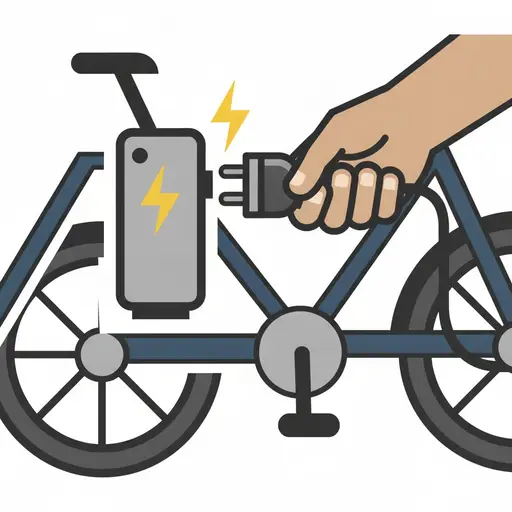
Charge device
A hand plugs a charger into an e-bike battery.
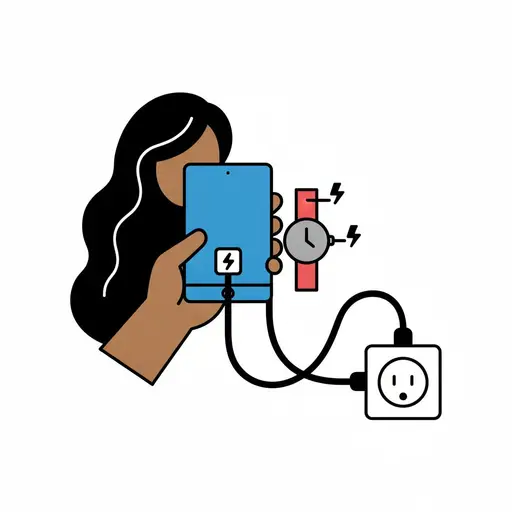
Charge tablet and watch
A hand holds a tablet that is charging, and next to it a watch charges from the ...

iPad time
A person smiles while holding and pointing at a grey iPad with media icons.

Play on the tablet
A girl with a braid sits at a table and holds a tablet showing a yellow star.

Put away the iPad
A boy slides a tablet onto a red shelf.

Screen time
A girl holds a tablet showing video and search above her head.
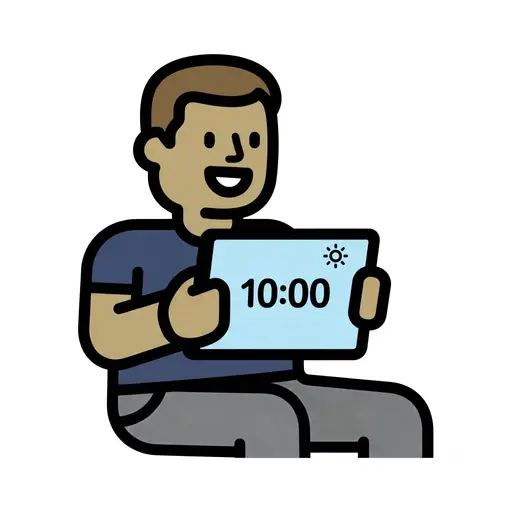
Screen Time 10am
A boy holds up a tablet showing 10:00 with a sun symbol.
Take the visual supports with you
In Routined you build schedules from these pictures, add timers and voice instructions, and your child follows the day on their own.


* 14-day free trial, then $2.39 a month or $20.99 a year (US pricing). Cancel anytime.