iPad time
On a screen there are no last pages and no final bite that says break time. The pictures below give iPad time a frame, so the move back into the rest of the evening does not arrive as a shock.
 ♂
♂Man points at the tablet
A smiling man in a blue t-shirt holds a tablet in one hand and points at it.
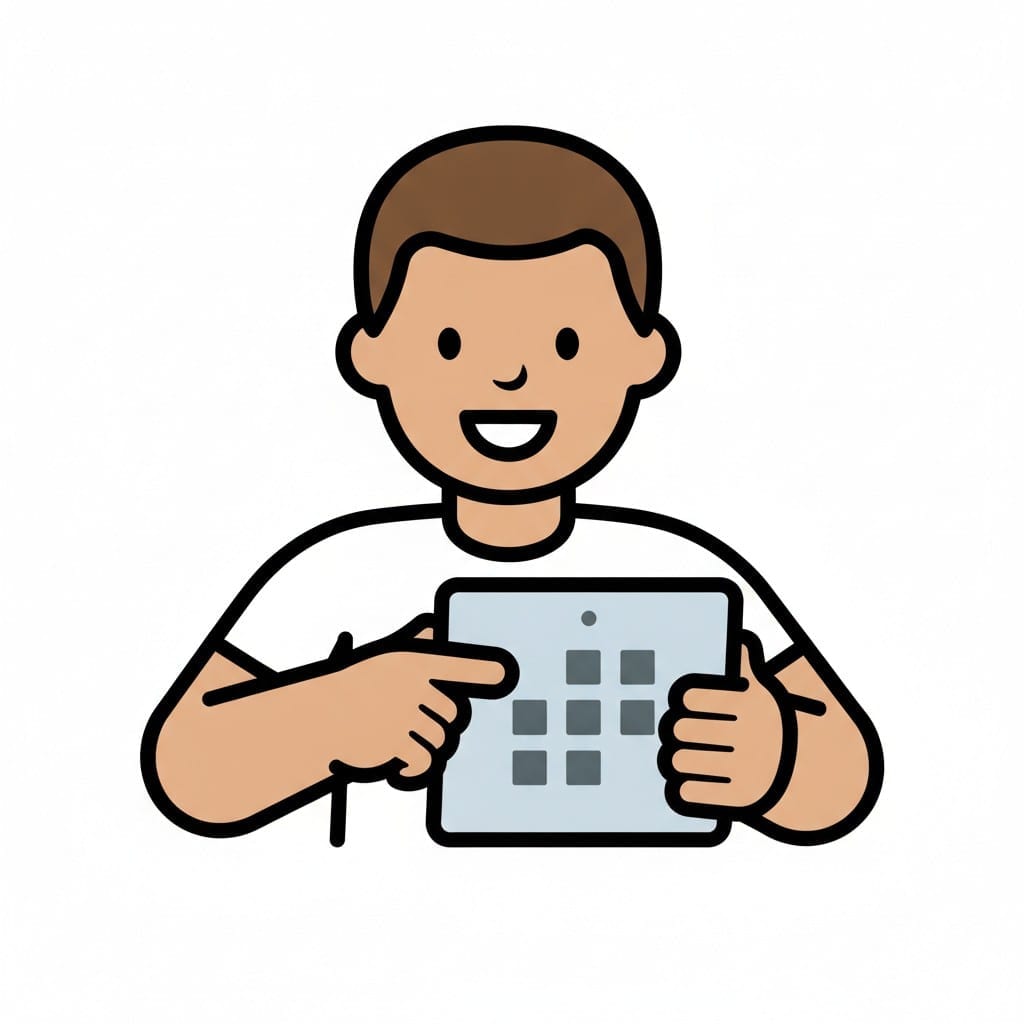 ♂
♂Boy taps apps on the tablet
Holding a tablet full of app icons, a boy taps the screen with his finger.
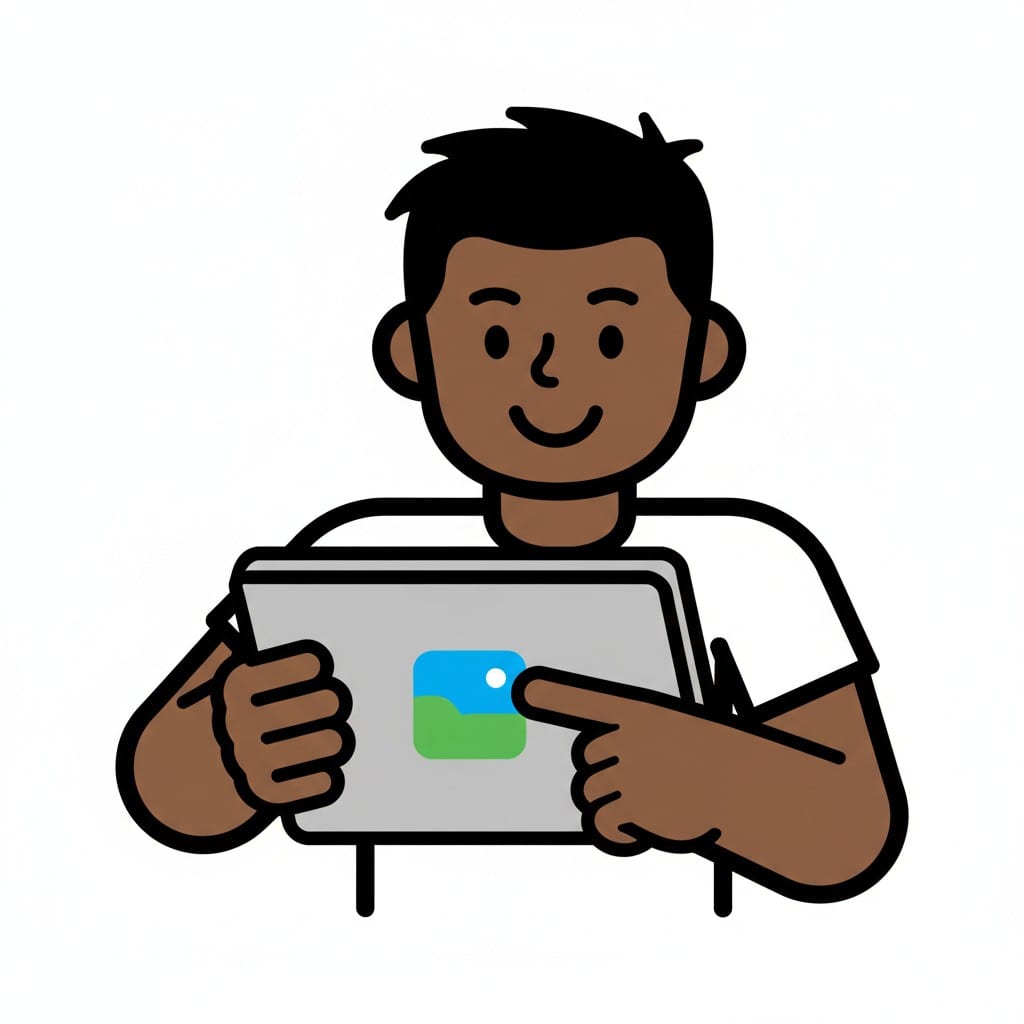 ♂
♂Boy opens an app
A boy holds up a tablet and points to a photo app on the screen.
 ♂
♂Boy holds the tablet
Gripping a tablet with both hands, a boy looks at a smiley face on the screen.
 ♂
♂Using the tablet
A boy holds a tablet showing chat and search.
 ♀
♀Use iPad
A person smiles while pointing at a blue iPad with chat and music icons.
 ♀
♀Use iPad
A person smiles while holding a white iPad with star and pencil icons.
 ♀
♀Use iPad
A person smiles while holding and pointing at a grey iPad with media icons.
About this visual support
iPad time differs from almost every other activity in the house on one important point: it has no natural shape. A book has pages. A meal has a plate that empties. Outdoor play has the dark as a signal. On the screen, the next video, the next level and the next app keep arriving, and time loses its edge. The child is not refusing to stop, the brain is simply getting no help knowing when enough has happened.
A short picture sequence supplies the shape the device does not. One card for the start (choose an app, or choose three things to do), one for a visible timer placed next to the tablet, and one for the end (put the iPad on its spot, go drink some water). The end card works best with a concrete next activity attached, because the hard part is rarely the iPad itself, it is the empty minute after.
Practical tip: keep the iPad in one fixed place in the home rather than everywhere. Seeing the tablet on its own small table becomes a signal to the brain that it lives there, not on the sofa and not in bed. With Routined you can add iPad time as a named block in the schedule, so the start and the end have their own slot instead of competing with the rest of the evening.
Use this image in a schedule
Build your own visual schedule with this image and download it as a print-ready PDF. Completely free.

More similar visual supports
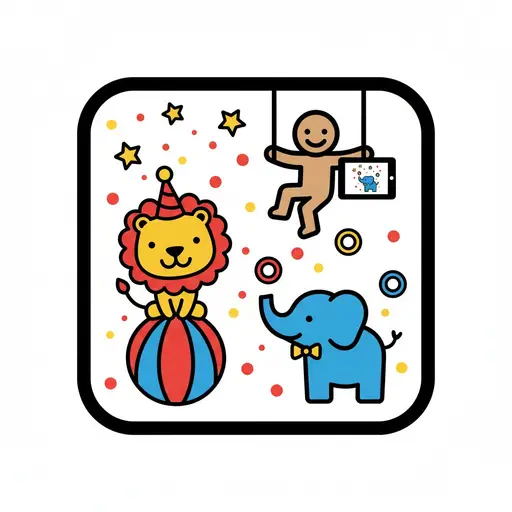
Circus animals app
A cartoon figure on a trapeze holds a tablet displaying an elephant, while a lio...
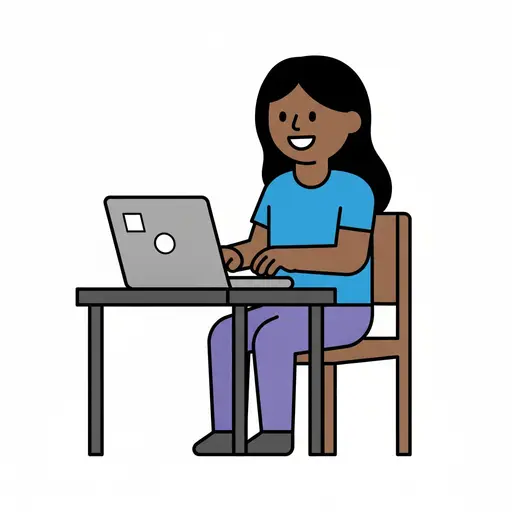
Computer
A smiling person sits on a wooden chair at a desk and types on a grey laptop.
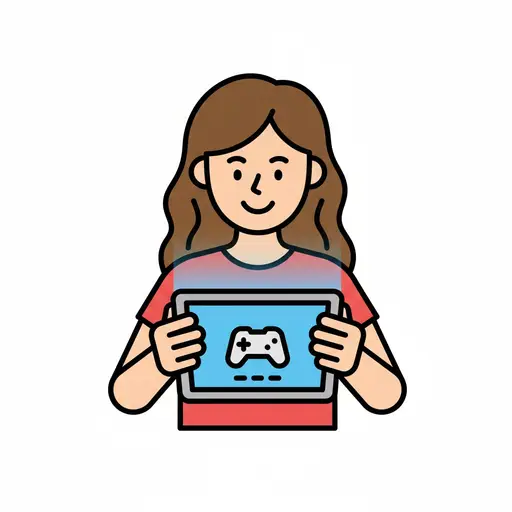
Games (screen time)
A smiling girl playing games on a tablet.
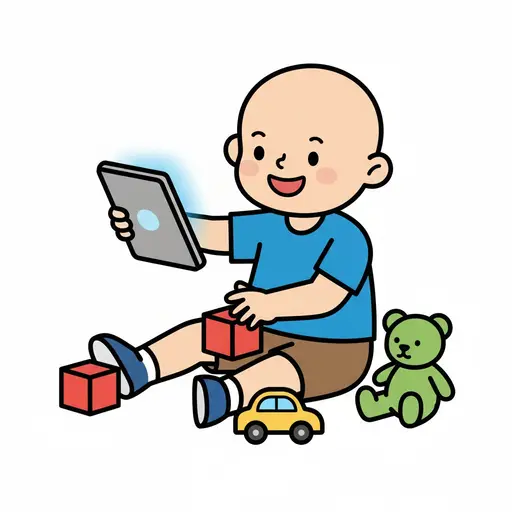
Play iPad and toys
A happy boy is sitting on the floor holding an iPad. Around him are red building...
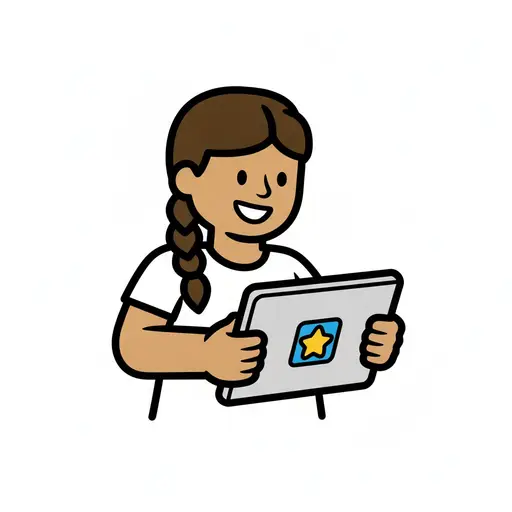
Play on the tablet
A girl with a braid sits at a table and holds a tablet showing a yellow star.
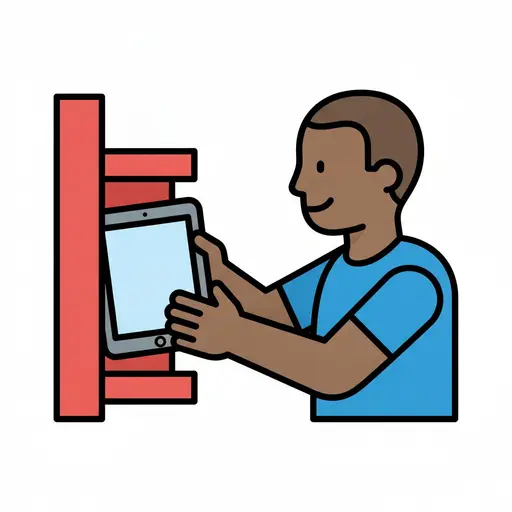
Put away the iPad
A boy slides a tablet onto a red shelf.
Screen time
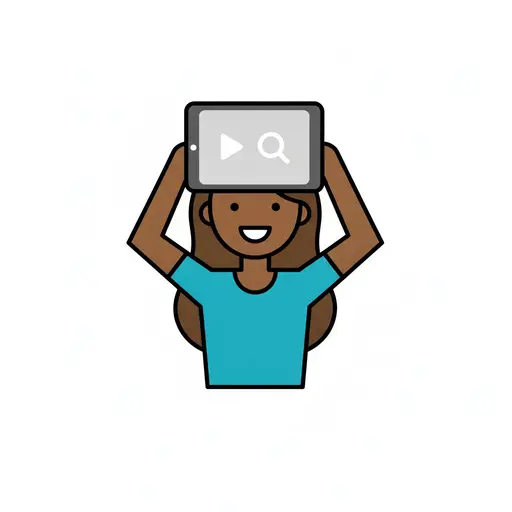
A girl holds a tablet showing video and search above her head.

Tablet
Two hands hold a tablet with a blue screen showing a speech bubble and a music n...
Take the visual supports with you
In Routined you build schedules from these pictures, add timers and voice instructions, and your child follows the day on their own.


* 14-day free trial, then $2.39 a month or $20.99 a year (US pricing). Cancel anytime.