Turn off game
A game is built to never feel finished — every level ends exactly where the next begins. Cutting it short costs more than adults often realise. The visual support below turns the stop into a place to land, not a door slammed shut.
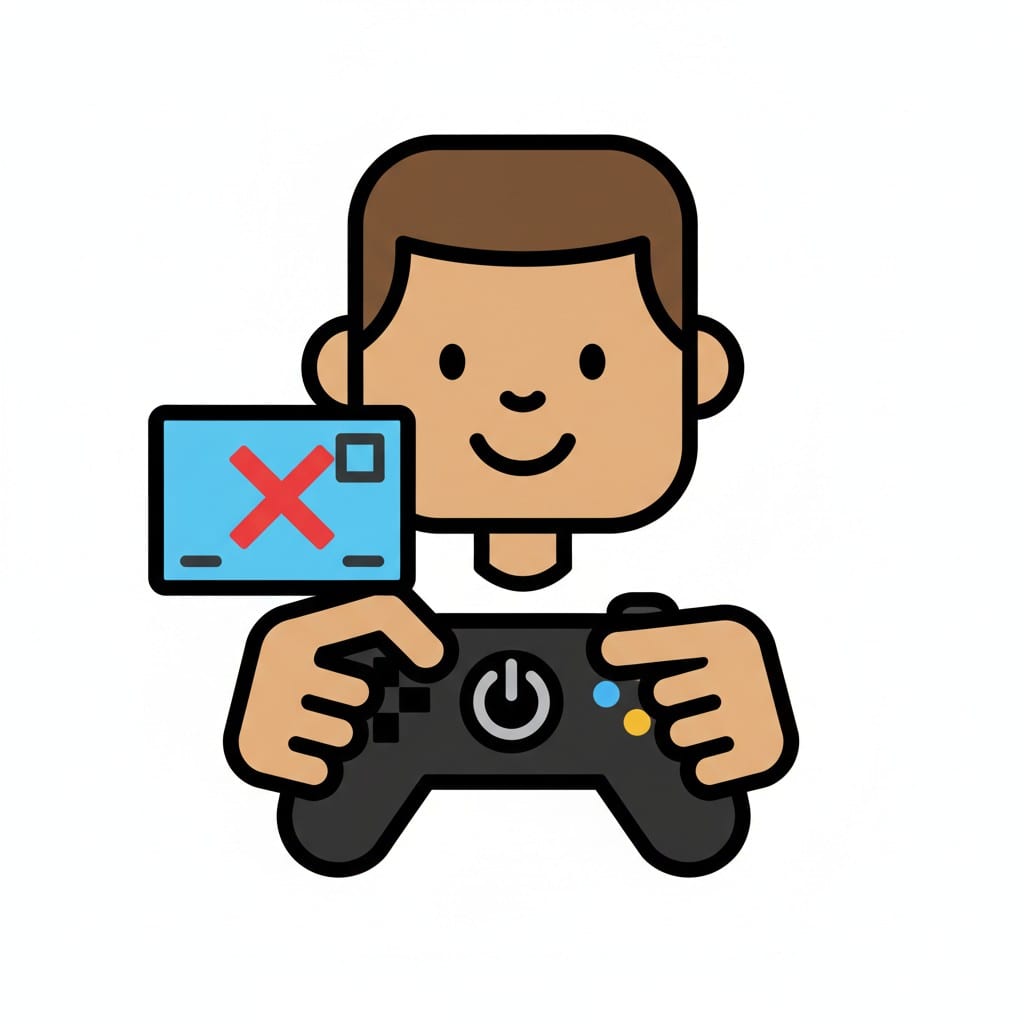 ♂
♂Turn off game
A boy holding a game controller with a red 'X' icon floating next to it, indicating turning off the game.
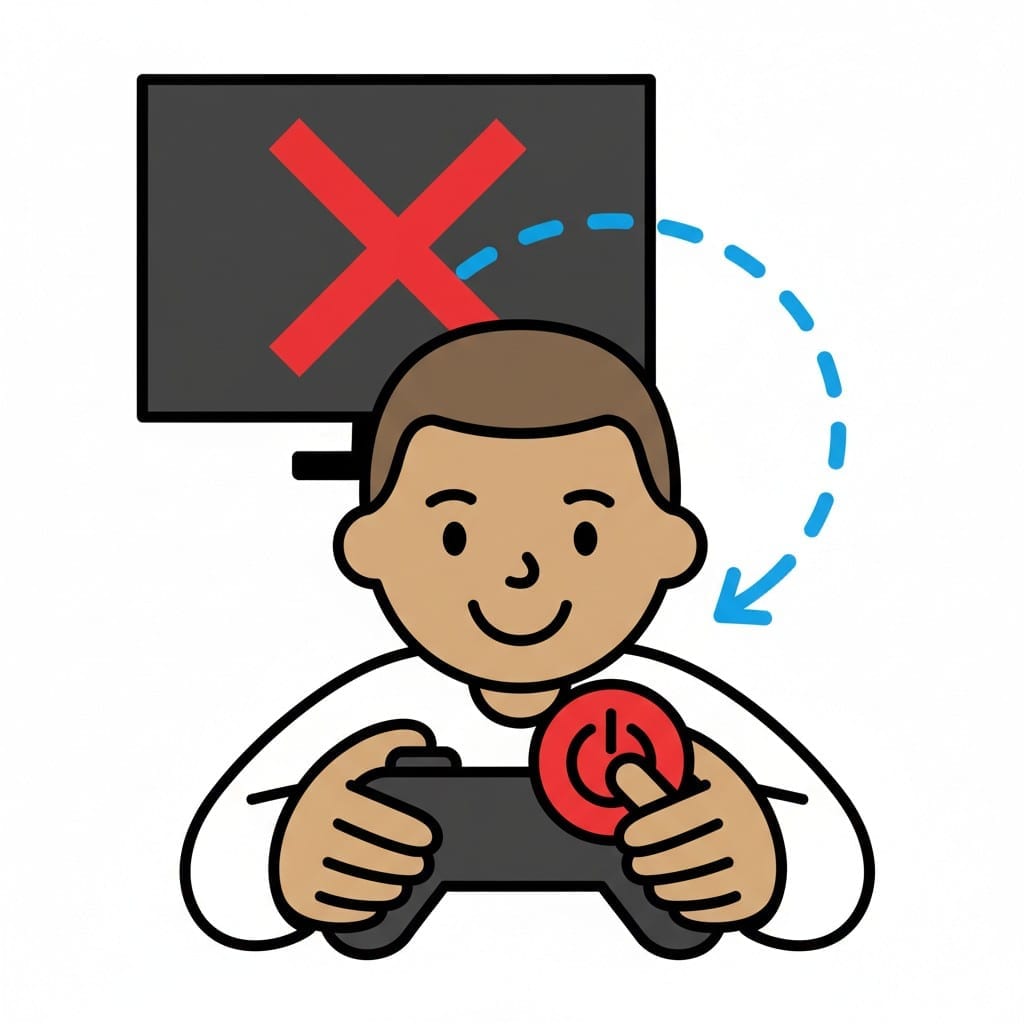 ♂
♂Turn off game
A boy pressing the power button on a game controller, with a screen in the background showing a red 'X' and a dashed arrow pointing from the screen to the controller, symbolizing turning off the game.
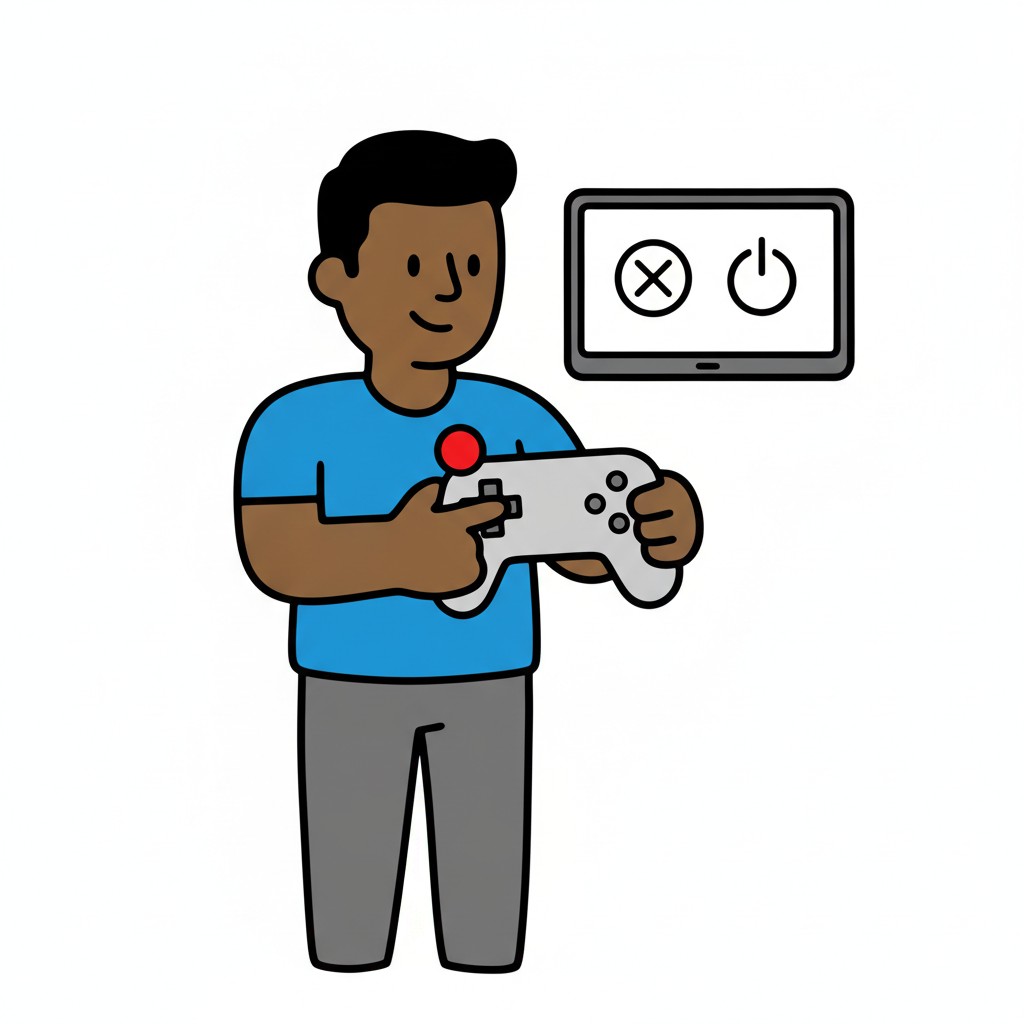 ♂
♂Turning off the game
A man holds a controller in front of a screen with a power button.
About this visual support
Games are designed by people who want you to stay. The reward loops are tuned so that the next chest, the next level, the next skin is always just an arm's length away. When an adult shouts that dinner is ready, they are not asking the child to stop an activity — they are asking the child to leap off a movement mid-jump.
Visual support offers the guidance the game itself refuses to give. One image for save, one for power off, one for what is waiting next — dinner, dog, sleep. Knowing what follows makes the cut reasonable even when it is not wanted. It is not control aimed at the child, it is a map of the exit.
A concrete tip: agree on the end point together before play begins, ideally a specific event in the game (after this level, the next save point) rather than just a clock time. The negotiation then happens in advance instead of in the heat of the moment. In the Routined app, the end of screen time can sit as its own square with a picture of what comes next, so the transition has a direction and is not just a ban.
Use this image in a schedule
Build your own visual schedule with this image and download it as a print-ready PDF. Completely free.

More similar visual supports
Circus animals app
A cartoon figure on a trapeze holds a tablet displaying an elephant, while a lio...
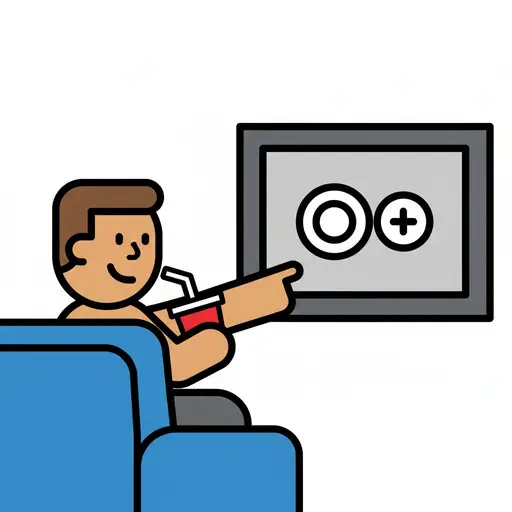
Drink and TV
A person sits on a blue couch, drinking from a red cup with a straw and pointing...
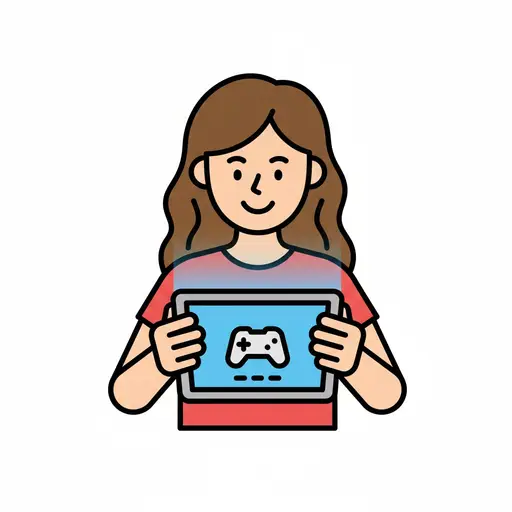
Games (screen time)
A smiling girl playing games on a tablet.
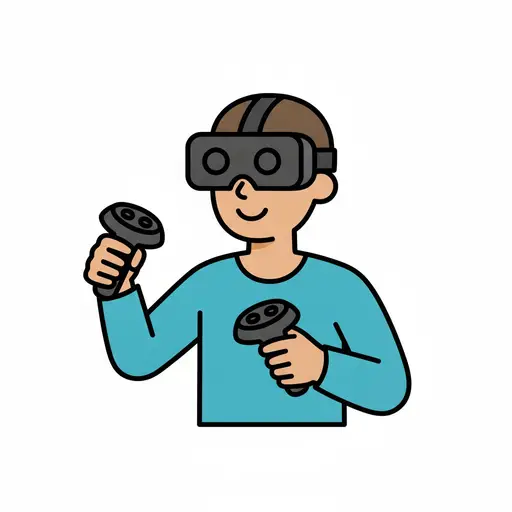
Gaming
A person wearing a VR headset holds two controllers.
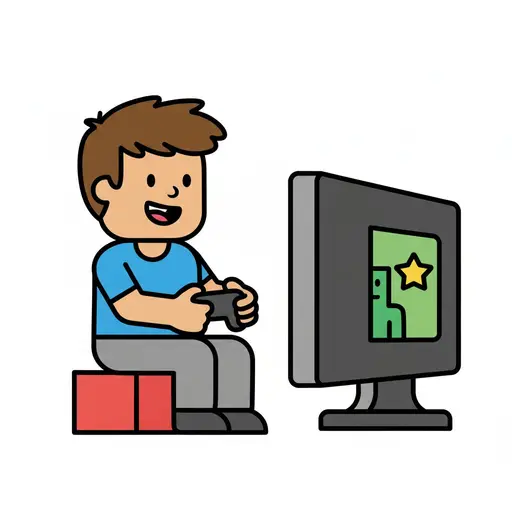
Play video games
A boy sits playing a video game with a controller in front of a screen.
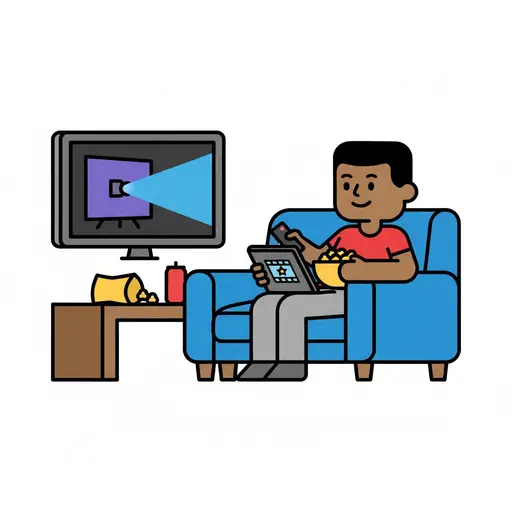
Relax with movie
A boy sits comfortably in a blue armchair, watching a movie on a television scre...
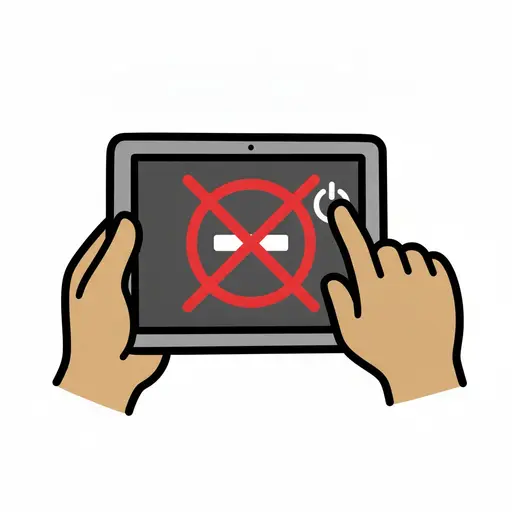
Turn off iPad
Two hands holding a tablet and pressing the power button to turn it off, with a ...
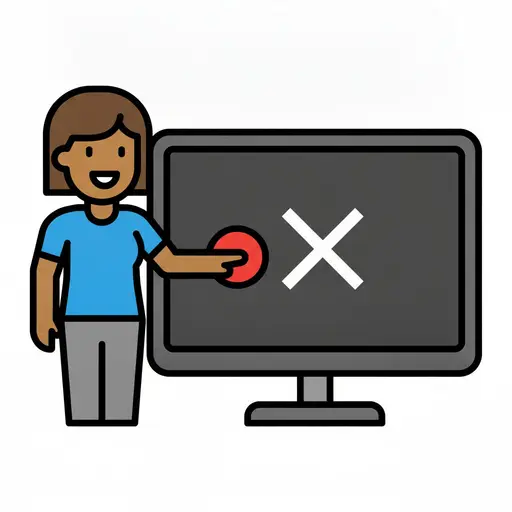
Turn off the TV
A laughing person presses a red button on a television with a white cross on the...
Take the visual supports with you
In Routined you build schedules from these pictures, add timers and voice instructions, and your child follows the day on their own.


* 14-day free trial, then $2.39 a month or $20.99 a year (US pricing). Cancel anytime.