Turn off screen
Screens keep delivering small rewards in a steady stream, so cutting that off mid-flow can feel almost physically unfair. The visual support below breaks the ending into calm, predictable steps your child can see coming.
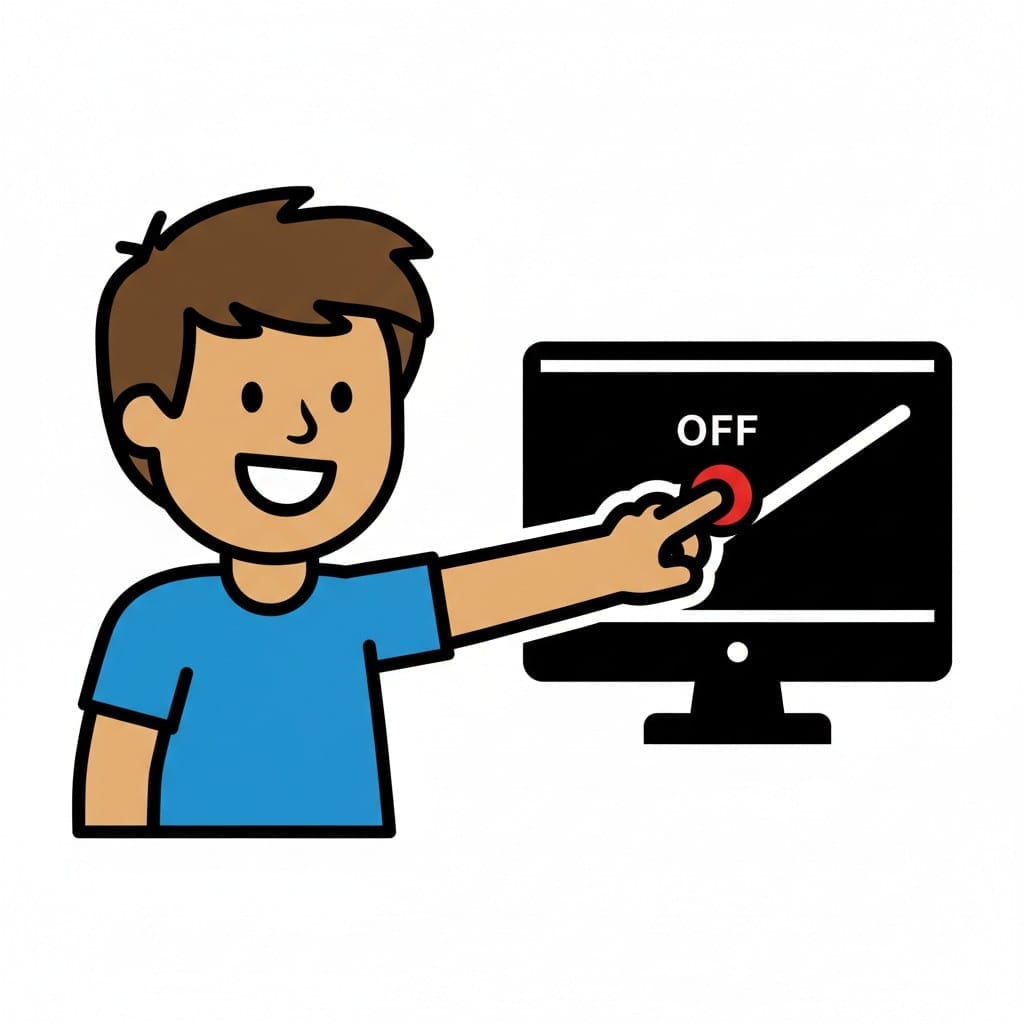 ♂
♂Turn off screen
A happy boy presses the off button on a screen.
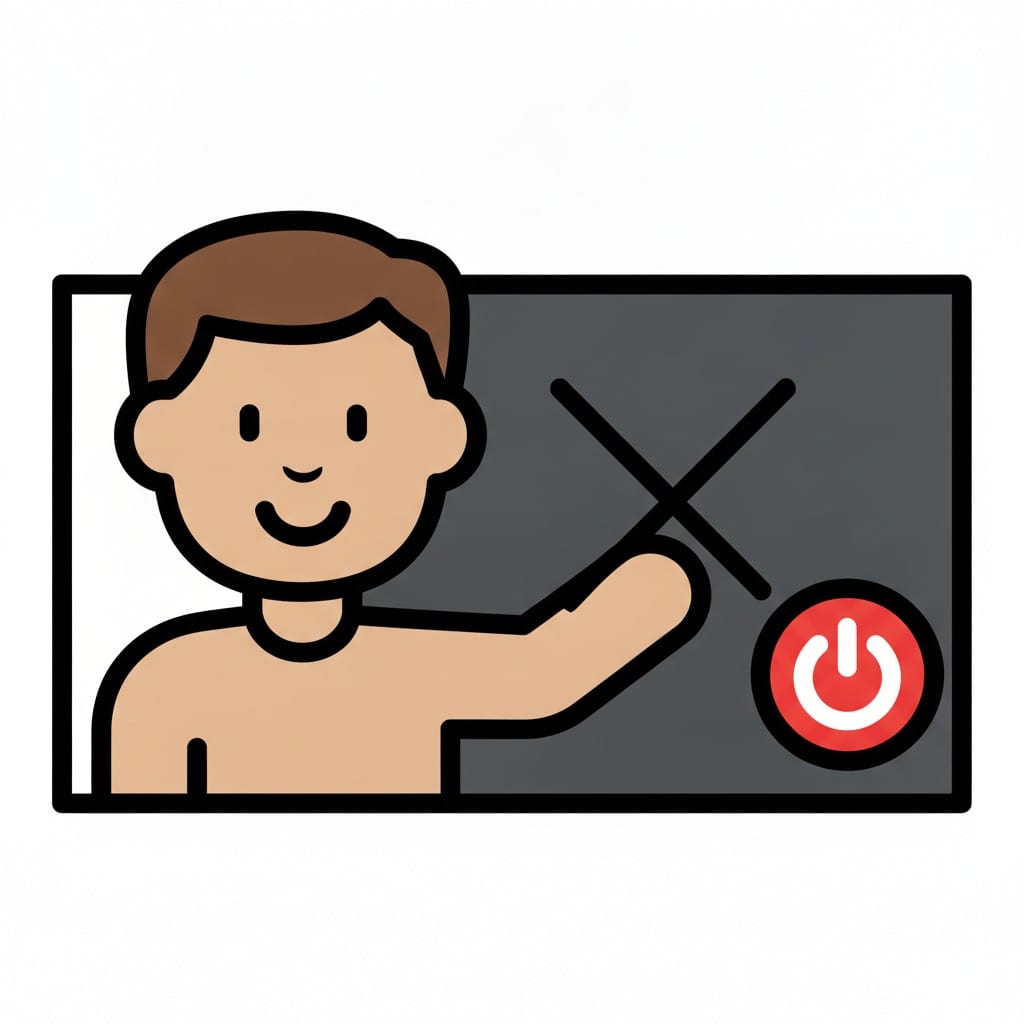 ♂
♂Boy reaching for the power button
A boy reaches toward a red power button on a dark screen marked with a cross.
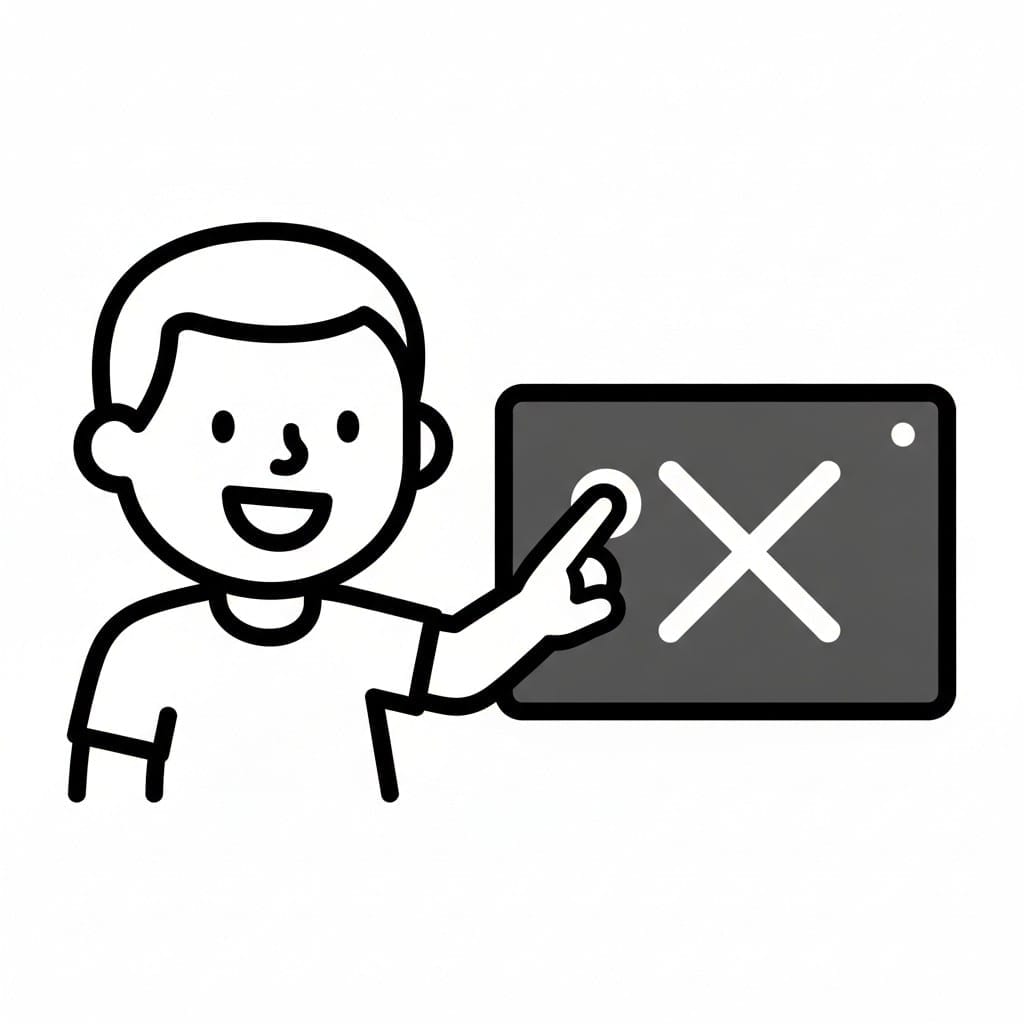 ♂
♂Boy pressing off on a tablet
In a line drawing, a boy presses the off button on a dark tablet showing a white cross.
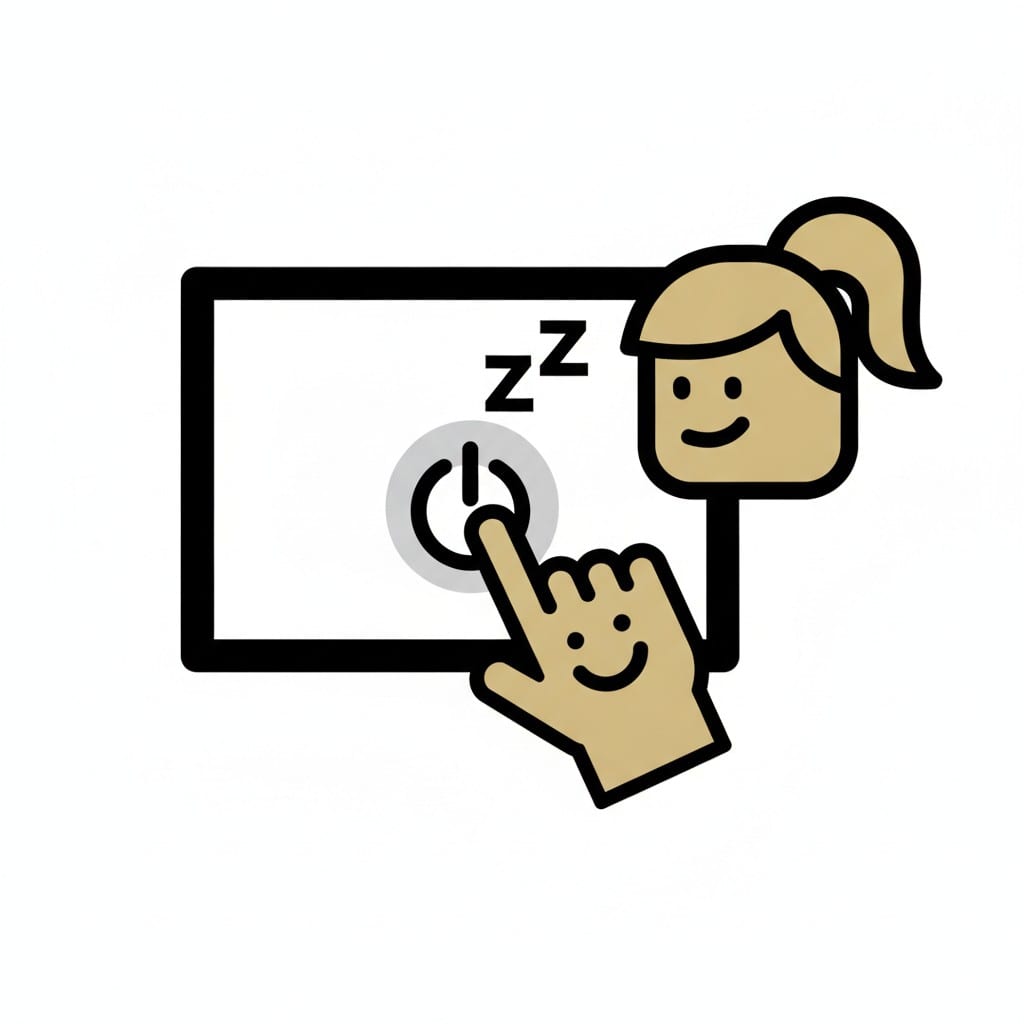 ♀
♀Girl turning off the screen
A girl with a ponytail presses the power button on a screen while small z letters float above it.
About this visual support
Refusing to turn off the screen after a ten-minute warning is rarely defiance. The brain has been sitting in a steady reward loop where each click or scene confirms it pays to stay. Cutting that off does not feel like a pause to the child, it feels like loss in the middle of something unfinished.
Visual support helps by moving the decision out of the heated moment. When the child has already seen the card showing a finished level, the card showing the remote being set down, and the card showing what comes next, there is a concrete track to follow. The ending becomes a step in the sequence rather than an adult suddenly saying no.
One specific thing that works: let the child be the one who presses the off button and moves their own card into the done column. That small ownership shifts the feeling from forced to finished. If you want to build the whole wind-down with a countdown before the off step, you can put the sequence together in Routined and add a timer on the last minute.
Use this image in a schedule
Build your own visual schedule with this image and download it as a print-ready PDF. Completely free.
More similar visual supports

Watch Youtube
A young boy holds a tablet with the YouTube logo on the screen.

Formula and TV
A TV screen with a smiling face next to a baby bottle where formula powder is be...
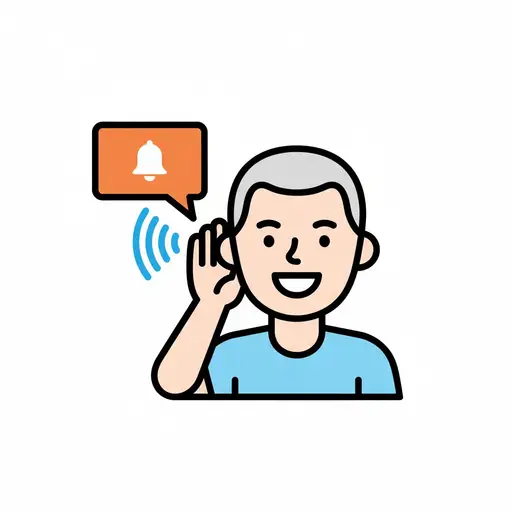
Hear notification
A person with hand behind ear, listening. A sound wave symbol and a red notifica...
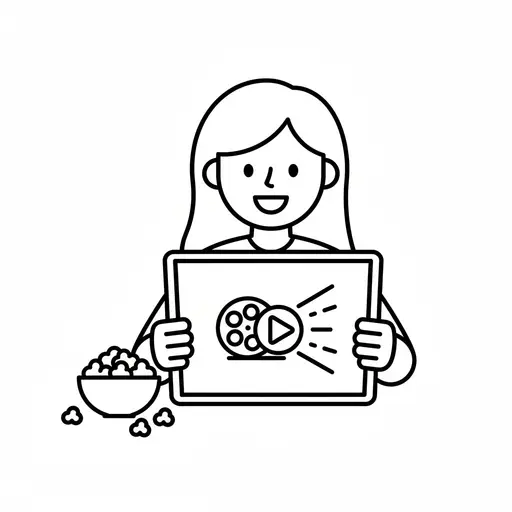
Watch movie
A simple outline drawing of a girl holding a tablet with a film reel and play bu...
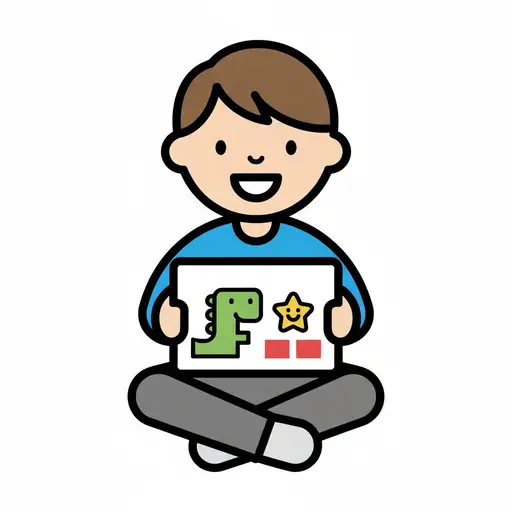
Watch a kids show
A boy sits cross-legged with a tablet playing a cartoon dinosaur show.
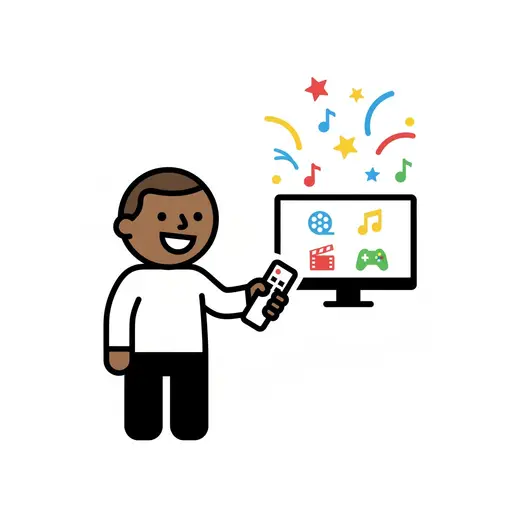
Entertainment
A boy points a remote at a screen showing film, music and game symbols.
Watch commercials
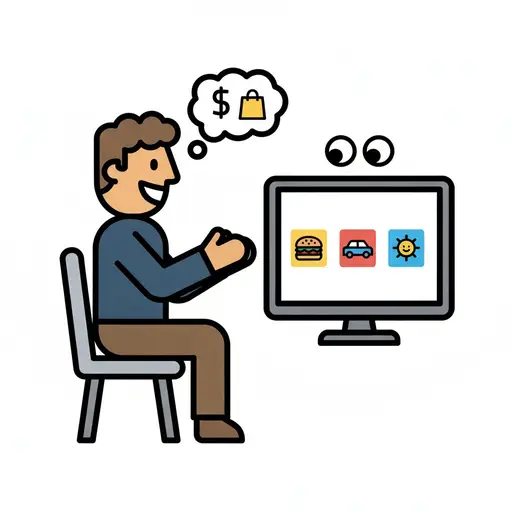
A man sits in front of a screen full of adverts while thinking about money and s...
Watch TV or YouTube
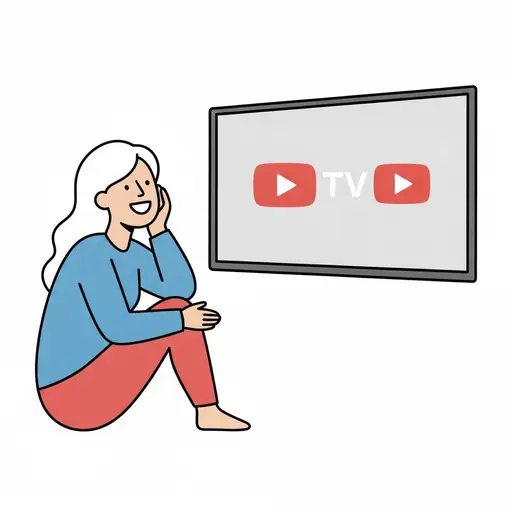
A smiling person sits on the floor with their chin in their hand watching a wall...
This visual support in other languages
Take the visual supports with you
In Routined you build schedules from these pictures, add timers and voice instructions, and your child follows the day on their own.


* 14-day free trial, then $2.39 a month or $20.99 a year (US pricing). Cancel anytime.