Use iPad
Starting the iPad happens by itself. The hard part comes when it is time to stop. The visual support below targets that very slide from screen to next thing, so the transition becomes possible.

iPad with time limit
An iPad with a blue screen showing a white clock icon and a pointing hand.
iPad with app selector
An iPad with a dark blue screen showing four white squares arranged in a grid.
 ♂
♂Hand using a stylus on the tablet
A hand holds a black stylus against a tablet screen that shows an apple symbol and a row of red, blue, yellow and green app icons.

iPad
An iPad with two colored squares representing apps on its screen.
iPad
An iPad displaying a light blue screen with four colorful app icons.
iPad
An iPad with the Apple logo on its white screen.
iPad
An iPad with a black screen.
About this visual support
The screen reward is so immediate and so even that the brain does not want to let go. This is not a character flaw in your child. Games and apps are built to hold attention, and a sudden shutdown from an adult feels like someone pulling the plug mid-sentence. Conflict becomes almost inevitable.
That is why the key lies in the warning, not in the shutdown. When your child sees a picture showing that the iPad goes away in five minutes, then sees a picture of what comes next, the transition is built inside them rather than imposed from outside. Words alone rarely do it, because they cannot compete with what is happening on screen.
One tip that often works: place a picture of the next activity next to the iPad already when your child starts. It sits in the periphery the whole time. If you want to attach a real countdown timer to the visual schedule, you can build the sequence in the Routined app and try it for fourteen days without paying.
Use this image in a schedule
Build your own visual schedule with this image and download it as a print-ready PDF. Completely free.
More similar visual supports
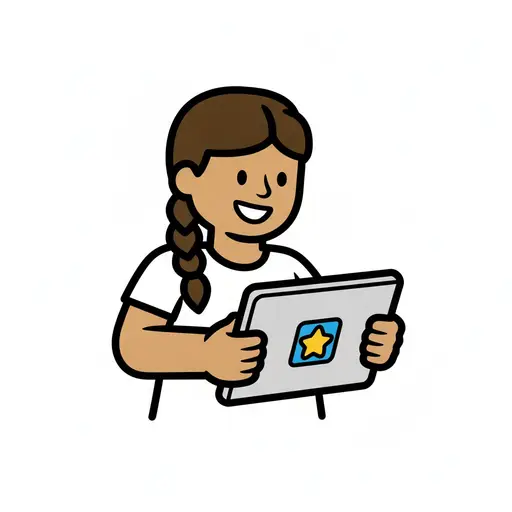
Play on the tablet
A girl with a braid sits at a table and holds a tablet showing a yellow star.

Watch iPad
A girl sits cross-legged watching a video on the tablet.
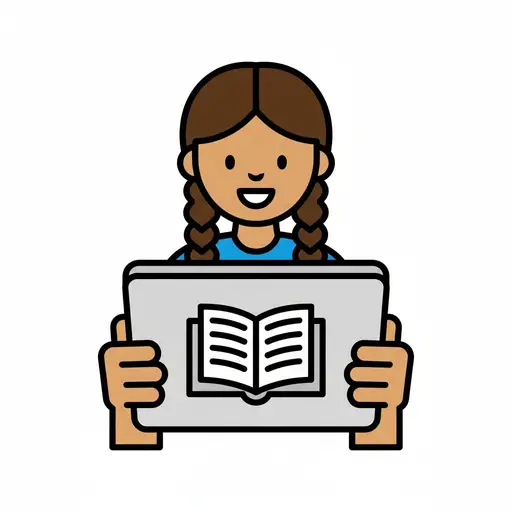
Tablet or Read
A girl with braids holds a tablet showing an open book on the screen.
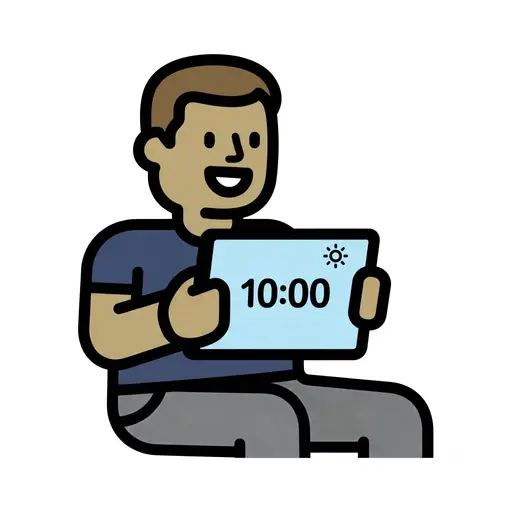
Screen Time 10am
A boy holds up a tablet showing 10:00 with a sun symbol.
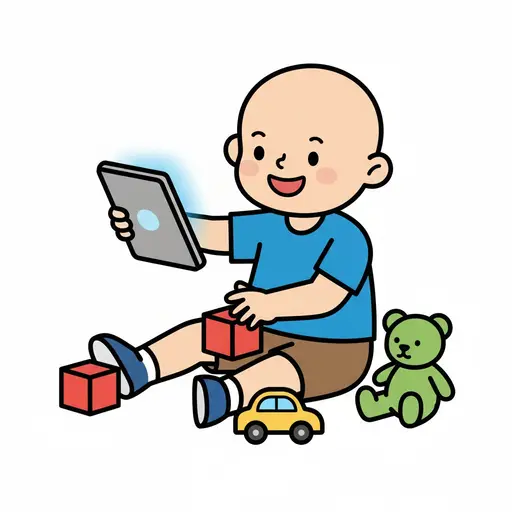
Play iPad and toys
A happy boy is sitting on the floor holding an iPad. Around him are red building...
Games (screen time)
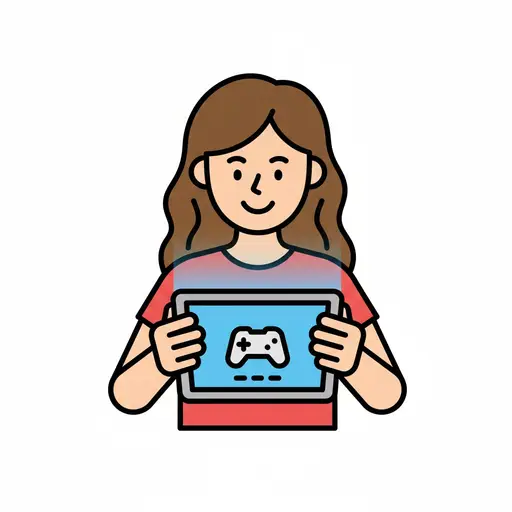
A smiling girl playing games on a tablet.

Tablet
Two hands hold a tablet with a blue screen showing a speech bubble and a music n...

Screen time
A girl holds a tablet showing video and search above her head.
This visual support in other languages
Take the visual supports with you
In Routined you build schedules from these pictures, add timers and voice instructions, and your child follows the day on their own.


* 14-day free trial, then $2.39 a month or $20.99 a year (US pricing). Cancel anytime.