Use iPhone
An iPhone has no last page. New apps, new notifications, new scrolls — the brain never gets the signal that the session is over. The visual support below helps you frame a clear beginning, middle and end to screen time.
 ♂
♂Use iPhone
A hand taps the screen of a smartphone.
About this visual support
The difference between a book and an iPhone is that the book ends. When the child opens the phone, there is always one more level, one more video, one more ping. It is not lack of interest in the world around them that makes it hard to put down — the device is built to never signal done.
A visual schedule supplies that signal from the outside. Before the phone gets unlocked, you look at the sequence together: what the plan is, how long, and what follows. As time runs out you point at the next picture instead of interrupting mid-round. The decision lives in the schedule rather than in your voice, which usually takes the heat out of handing the phone back.
One concrete trick: let the child pick one thing to finish on before the phone comes out — a clip, a level, a reply. That becomes the natural stopping point. In Routined you can add the chosen activity as the final step and attach a visible countdown timer, so the child gets a real warning instead of being yanked out of something live.
Use this image in a schedule
Build your own visual schedule with this image and download it as a print-ready PDF. Completely free.

More similar visual supports

iPhone
An illustration of an iPhone with icons for camera, Apple logo, music, and messa...

Phone time
A woman sits on a beanbag looking at her phone.
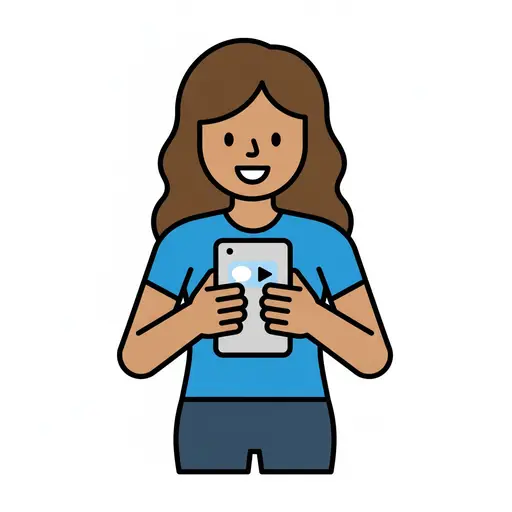
Use phone
A woman holds a phone with a video on the screen.
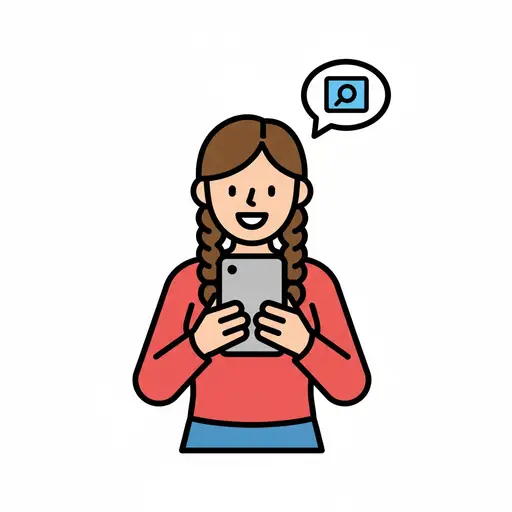
Check the phone
A child holds a mobile phone and a speech bubble with a search icon appears abov...

Watch mobile
A person with straight hair watching a mobile phone with a play button on the sc...
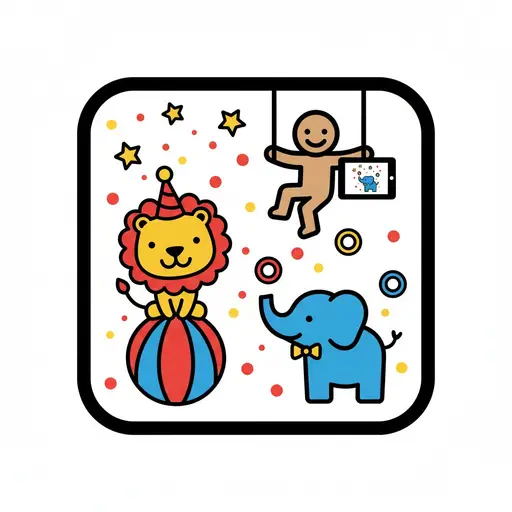
Circus animals app
A cartoon figure on a trapeze holds a tablet displaying an elephant, while a lio...
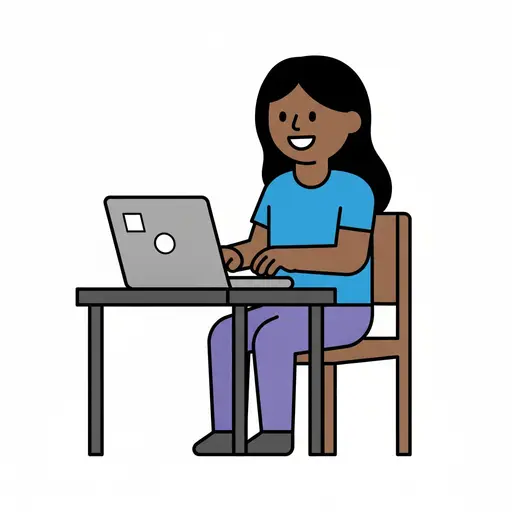
Computer
A smiling person sits on a wooden chair at a desk and types on a grey laptop.

Games (screen time)
A smiling girl playing games on a tablet.
Take the visual supports with you
In Routined you build schedules from these pictures, add timers and voice instructions, and your child follows the day on their own.


* 14-day free trial, then $2.39 a month or $20.99 a year (US pricing). Cancel anytime.