Watch Youtube
The tricky thing about Youtube is that the next clip has already started before the last one settled. The visual support below moves the decision about the ending out of the algorithm and back into the room.
 ♂
♂Watch Youtube
A young boy holds a tablet with the YouTube logo on the screen.
About this visual support
What sets Youtube apart from almost every other kind of screen time is that there’s never a natural ending. As one video closes, the next is already fading in from the side, and the brain never gets to register that something just finished before something new is already pulling the eyes back. It’s no wonder a child says five more minutes and means it – the platform is built to never deliver an actual end moment.
That’s why the point of visual support here isn’t to count minutes, it’s to create a clear unit. The pictures can show three clips in a row, or one long clip, but the quantity is visible and agreed before the screen turns on. Some families lay out three physical tokens beside the device; one moves over after each clip, and when they’re all moved the session ends.
A concrete tip: switch off autoplay in the app and show that in the picture sequence with an image of the pause button. The decision then shifts both in the app settings and in the child’s understanding of what’s happening.
If you want to add a calm signal when the last clip has finished, that exists inside Routined.
Use this image in a schedule
Build your own visual schedule with this image and download it as a print-ready PDF. Completely free.
More similar visual supports

YouTube
The classic YouTube logo, a red rounded rectangle with a white play button trian...
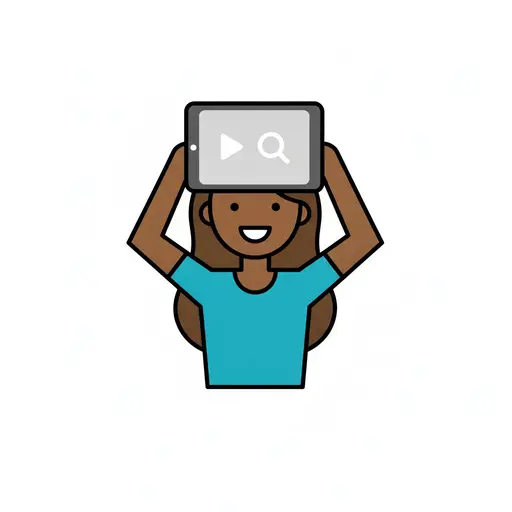
Screen time
A girl holds a tablet showing video and search above her head.
Hear notification
A person with hand behind ear, listening. A sound wave symbol and a red notifica...
Formula and TV
A TV screen with a smiling face next to a baby bottle where formula powder is be...
Turn off screen
A girl with a ponytail presses the power button on a screen while small z letter...
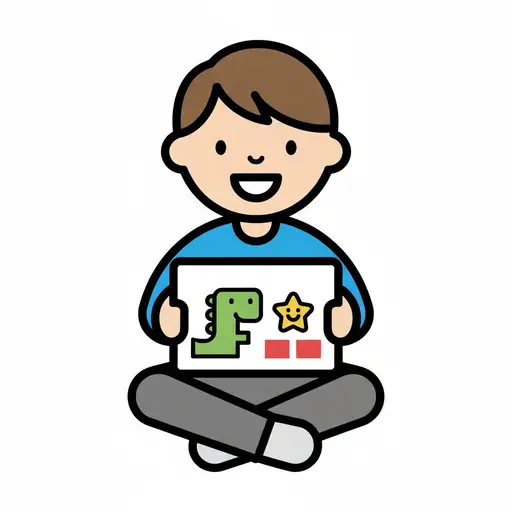
Watch a kids show
A boy sits cross-legged with a tablet playing a cartoon dinosaur show.
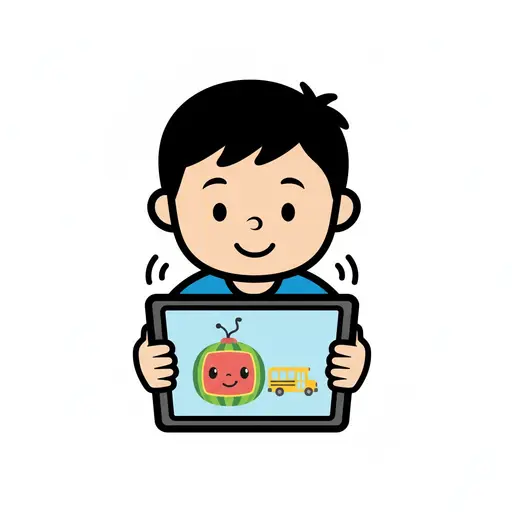
Watch Cocomelon
A boy holds a tablet and watches a cartoon with a character and a school bus.
Use iPad
An iPad with a black screen.
This visual support in other languages
Take the visual supports with you
In Routined you build schedules from these pictures, add timers and voice instructions, and your child follows the day on their own.


* 14-day free trial, then $2.39 a month or $20.99 a year (US pricing). Cancel anytime.