YouTube
The algorithm never ends, which is why turning YouTube off is often the hardest transition of the day. The cards below place watching between a clear start and a clear stop, so the ending is already in view before the first clip plays.

Watching YouTube on multiple screens
An illustration showing hands holding a tablet with the YouTube logo, and a larger screen above also displaying the YouTube logo.

YouTube logo
The classic YouTube logo, a red rounded rectangle with a white play button triangle in the center.
About this visual support
What makes YouTube so hard to leave is not the video itself but the knowledge that the next one is already queued. The algorithm offers no natural pause – no credits, no silence – which means the brain never gets the signal that it is over. For many children the resistance does not show until it is time to turn off, and then it arrives all at once.
Visual support moves the ending forward in time. When the child sees a card with the YouTube screen next to a card showing what comes after – lunch, going outside, starting homework – the exit is in the picture from second one. The practical move that tends to land: count clips, not minutes. Three videos, then food is clearer than ten minutes, because minutes disappear when something is interesting. Lay out the three cards side by side and move each one away as the clip ends.
Inside Routined you can link YouTube time to the next part of the day, so leaving the app is part of the routine instead of a decision made in the moment.
Use this image in a schedule
Build your own visual schedule with this image and download it as a print-ready PDF. Completely free.
More similar visual supports
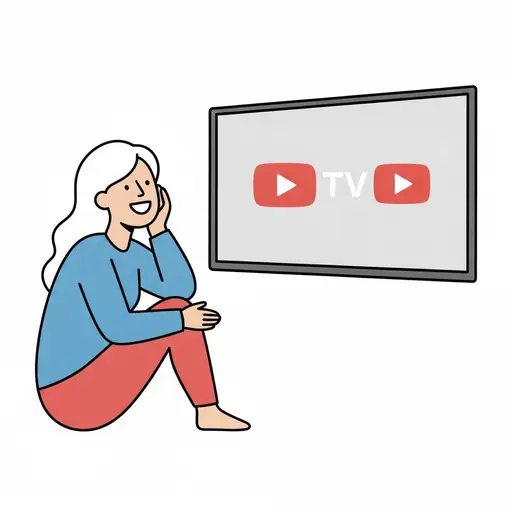
Watch TV or YouTube
A smiling person sits on the floor with their chin in their hand watching a wall...

TV
A flat-screen TV with a remote control beside it.

Movie time
An illustration showing a movie projector, a film clapboard with a clock, a scre...
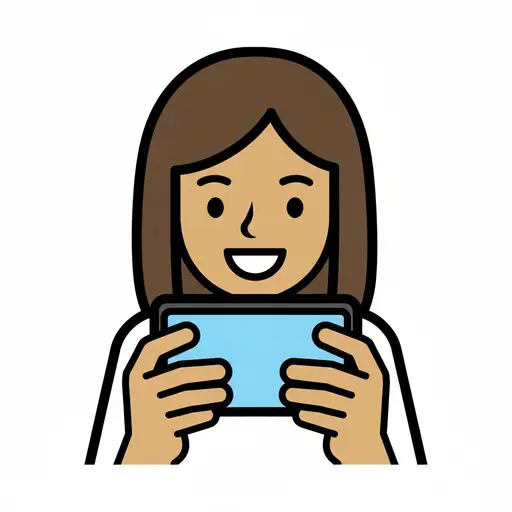
Watch phone
A woman holds a phone horizontally and watches the screen.
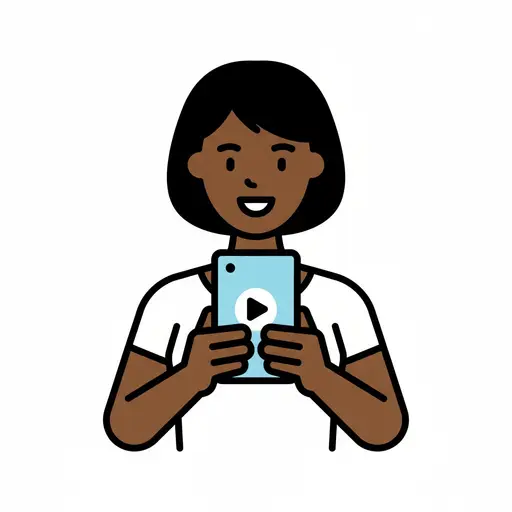
Watch mobile
A person with straight hair watching a mobile phone with a play button on the sc...
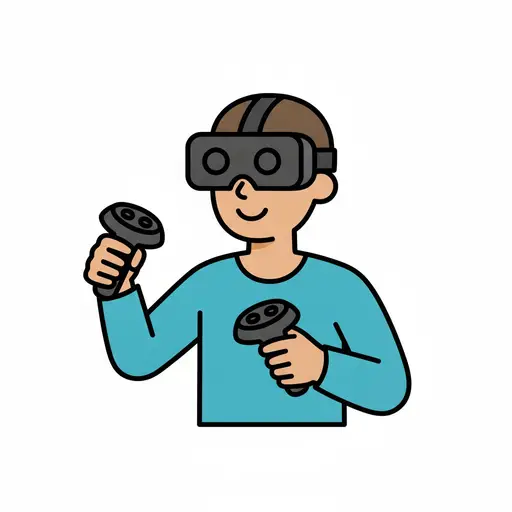
Gaming
A person wearing a VR headset holds two controllers.
Phone time
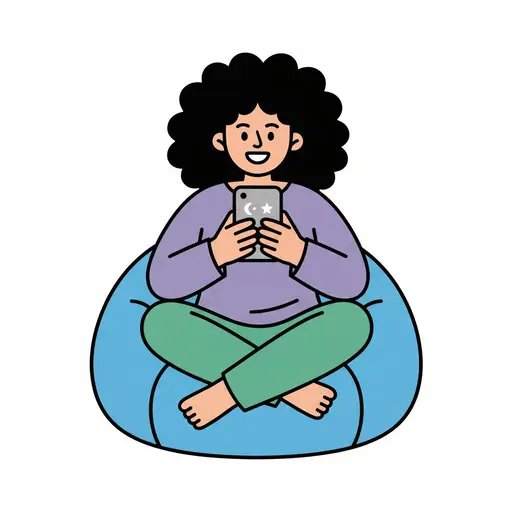
A woman sits on a beanbag looking at her phone.
Screen time
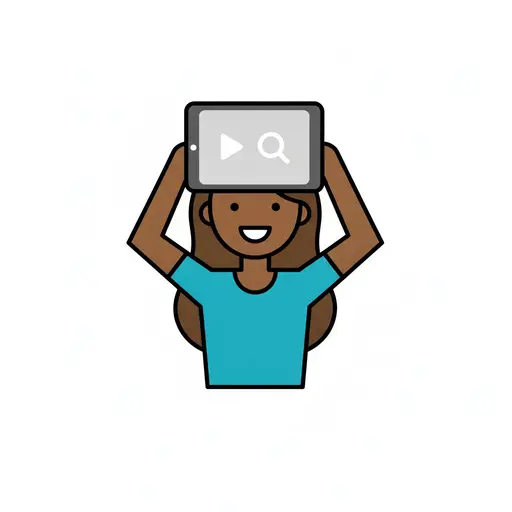
A girl holds a tablet showing video and search above her head.
This visual support in other languages
Take the visual supports with you
In Routined you build schedules from these pictures, add timers and voice instructions, and your child follows the day on their own.


* 14-day free trial, then $2.39 a month or $20.99 a year (US pricing). Cancel anytime.