How to Manage Screen Time Without the Power Struggle
Screen time battles are one of the most common sources of conflict in families today. The moment you say "time to turn off the iPad," a meltdown begins. But what if the app itself told your child when it was time — not you? By building screen time into a visual routine, you replace the power struggle with predictability.
Why Screen Time Becomes a Battle
Most screen time conflicts aren't really about screens. They're about transitions. Your child's brain is deep in a dopamine-rich activity, and you're asking them to switch to something far less stimulating — homework, dinner, or getting dressed. For children with ADHD or autism, this is even harder. The shift from a high-stimulation activity to a low-stimulation one can feel physically painful.
The typical approach — setting a verbal time limit and then enforcing it — puts the parent in the role of the "bad guy" every single time. But there's a better way.
Make Screen Time Part of the Routine, Not an Exception
The key insight is simple: screen time shouldn't exist outside the routine. When it's a scheduled, visible block in your child's day — just like brushing teeth or eating breakfast — it stops being something they need to fight to keep. It becomes something they can see coming and going.
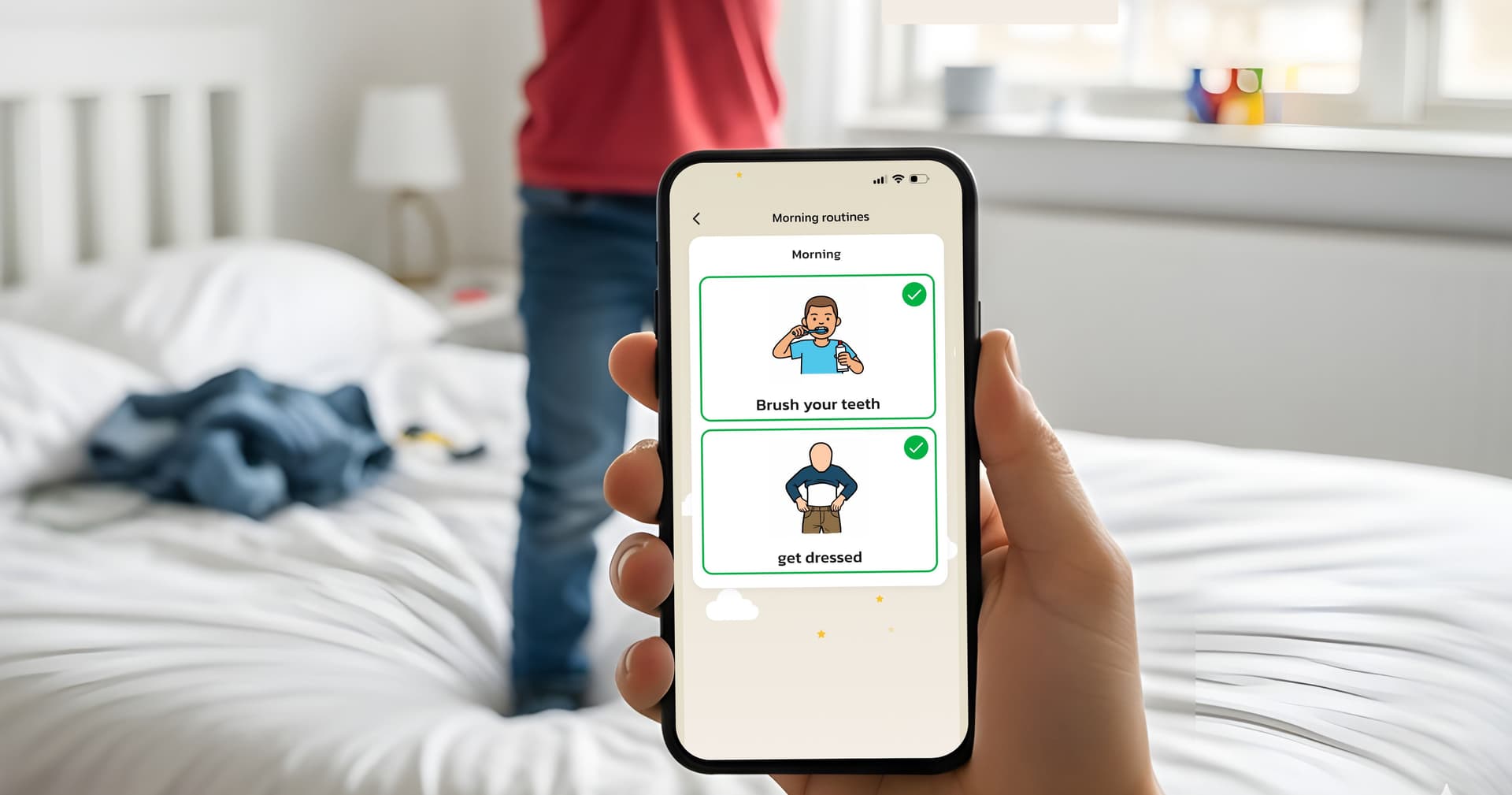
In Routined, you can create a routine block called "Free Time" or "Screen Time" with a built-in timer. Your child sees it on their visual schedule: what comes before it, how long it lasts, and what comes after. The app handles the countdown — not you.
5 Practical Steps to Screen Time Without Conflict
1. Schedule It Visually Place screen time as a specific block in the daily routine. When your child can see that screen time is at 4:00 PM, right after homework, it becomes something to look forward to rather than something to negotiate for. Use Routined's visual schedule so your child sees the whole flow of their afternoon.
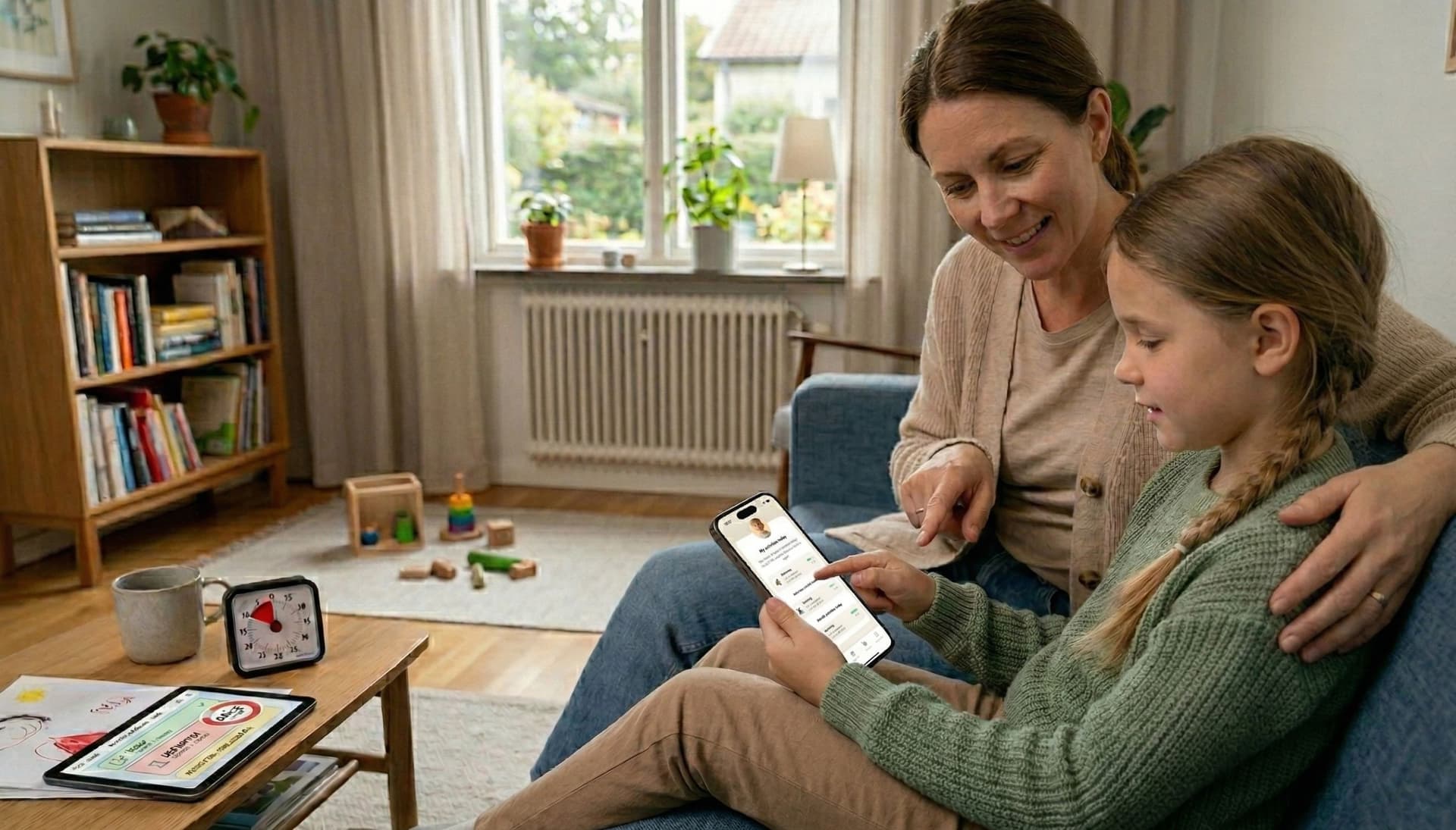
2. Use a Timer Your Child Can See Verbal warnings like "five more minutes" rarely work — especially for children who struggle with time perception. A visible countdown timer makes time concrete. In Routined, you can add a timer function to the screen time task so your child watches the time themselves instead of relying on you to announce it.
3. Define What Comes Next The real trick isn't getting screen time to end — it's making the next activity appealing enough to move toward. If the step after screens is "Snack Time" or "Play Outside," the transition becomes far easier. Build this into the visual routine so your child always knows the answer to "what's next?"
4. Let the Routine Be the Authority When it's time to stop, you don't need to say "I said turn it off." Instead, point to the schedule: "Look, your routine says it's time for the next step." The routine becomes the rule — not you. This small shift removes you from the conflict and helps your child develop self-regulation.
5. Reward Smooth Transitions Use Routined's built-in reward system to reinforce the moments when your child handles screen time transitions well. A small reward — a star, an allowance point, or a simple celebration — builds the habit over time. You're not bribing them to stop; you're recognizing their effort to manage a genuinely difficult transition.
A Word About ADHD and Screen Time
For children with ADHD, screen time is particularly tricky because screens provide exactly the kind of fast, unpredictable stimulation their brain craves. Pulling away from that is not a matter of willpower — it's a neurological challenge.
This is precisely why external structure works so well. A visual routine with a timer acts as an external executive function support. It does the planning and time-awareness that the ADHD brain struggles with, turning an impossible task into a manageable one.
The Goal Isn't Less Screen Time — It's Better Boundaries
Screens aren't the enemy. Unstructured, unlimited screen time without clear transitions is. When screen time has a clear start, a visible duration, and a known next step, it becomes just another healthy part of the day. And the arguments? They fade away — because the routine handles it.
Tip: Download our ready-made visual schedule Screen time – start and stop (free printable PDF), or browse all ready-made visual schedules.