Turn off the phone
The button is physical, but the decision happens inside. When the screen still glows and the brain knows it should go dark, your child needs something to lean on. Use the visual support below to make the ending concrete.
 ♂
♂Turning off the phone
A man presses the button to switch off his phone.
 ♂
♂Tapping the power button
A man taps the power icon on his phone screen.
 ♂
♂Putting the phone away
A man puts his phone into his pocket.
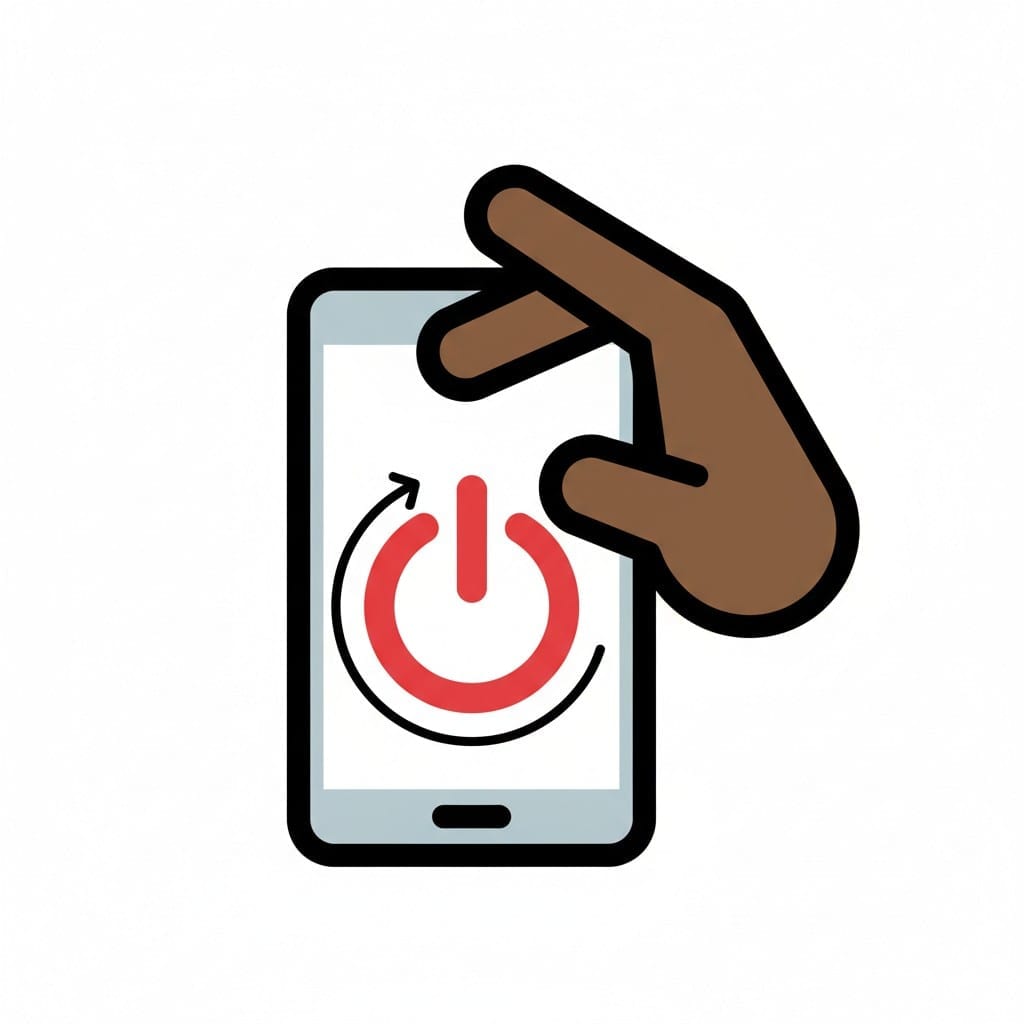 ♀
♀Pressing the power button
A hand holding a smartphone and pressing a red power symbol on the screen.
 ♀
♀Phone in do-not-disturb mode
A hand holding a smartphone showing a moon and star on the screen, with a large X crossing over the whole phone to indicate it is switched off.
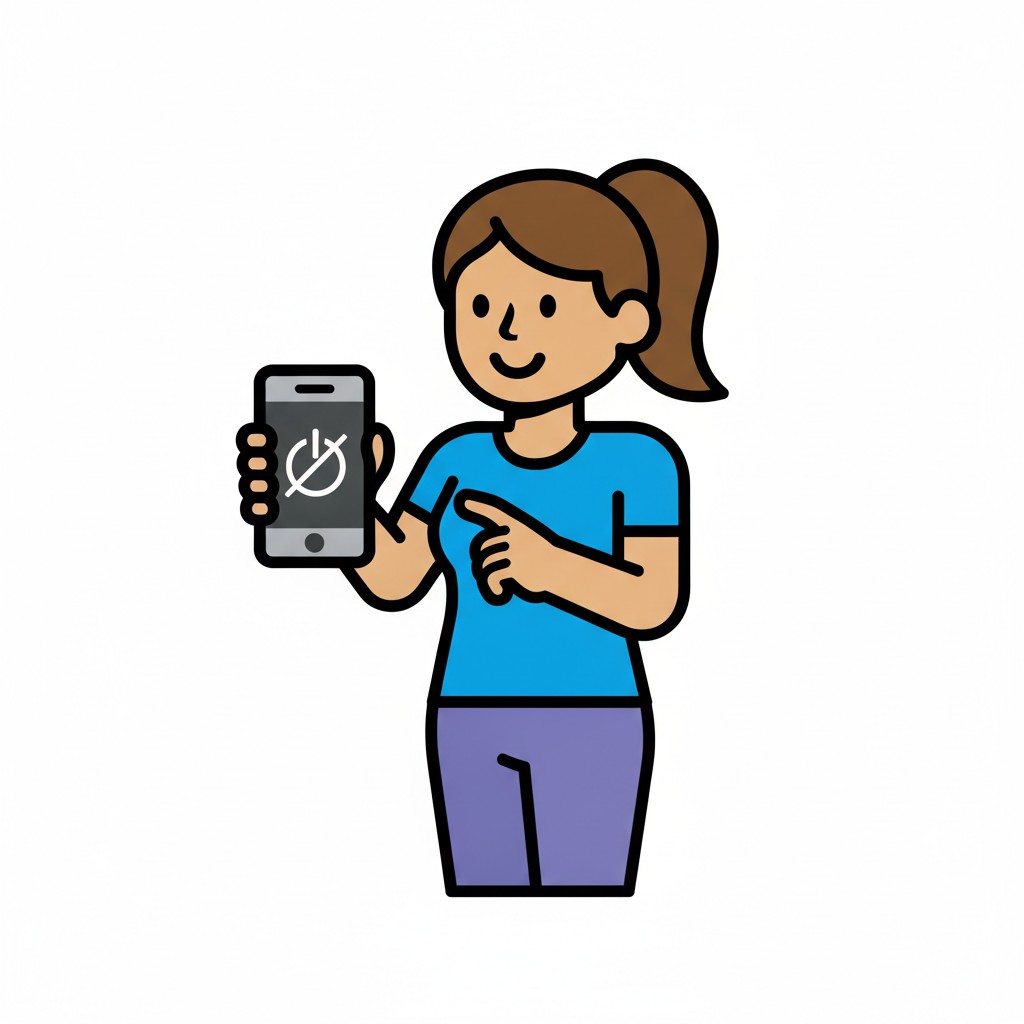 ♀
♀Phone switched off
A girl holds up a phone with a power-off symbol and points at it.
About this visual support
Turning off the phone looks like a single tap, but the real act is letting go of what is happening on the screen. The clip never ends on a clean beat, the chat keeps moving, the game saves at an awkward moment. That is why the evening stretches even when your child actually wants to sleep.
Visual support shifts the decision off the glowing surface. When your child can see the sequence – finish the clip, say goodbye, press and hold, put the phone on the table – the choice moves into something the eyes can follow. The button becomes the end of a row of images, not a sudden cut.
One concrete tip: decide together where the phone lives once it is off, and let that spot be the last picture in the row. Your child then knows what to do with their hands after the screen goes dark, instead of drifting back to pick it up again. If you want to build the sequence digitally with a timer and tick-offs, Routined lets you put it together in the app.
Use this image in a schedule
Build your own visual schedule with this image and download it as a print-ready PDF. Completely free.

More similar visual supports
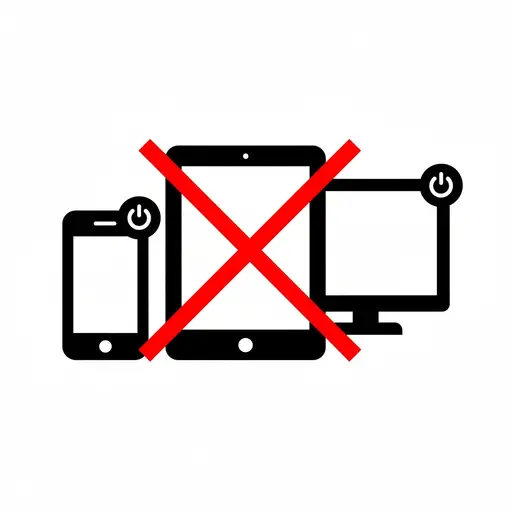
Turn off screens
A phone, a tablet and a monitor with a red cross over them, showing that the scr...
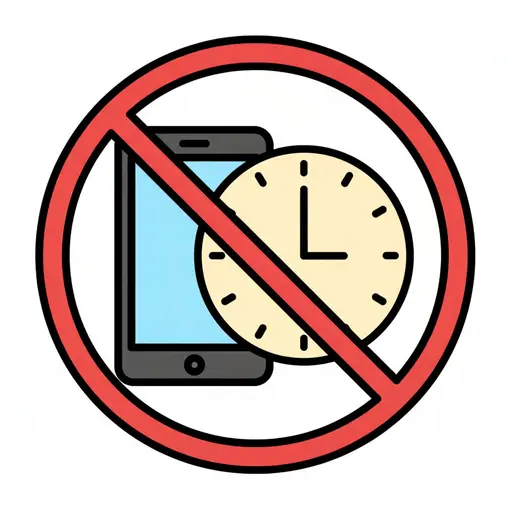
No Screens Until 10
A mobile phone and a clock with a red prohibition sign over them.

Phone in bed
A man is lying in bed looking at his phone.
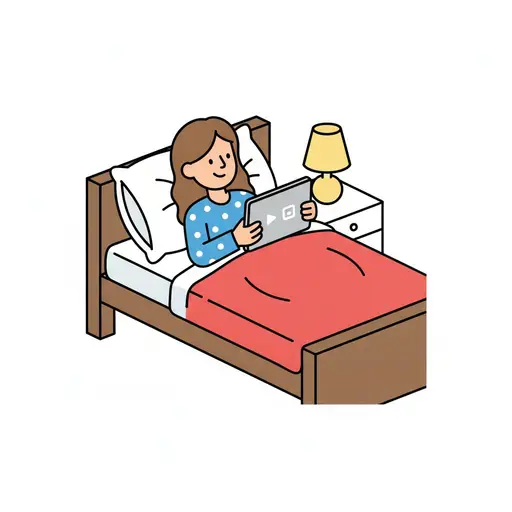
Screen time in bed
A smiling girl in polka dot pyjamas lies in a bed with a red duvet watching a ta...
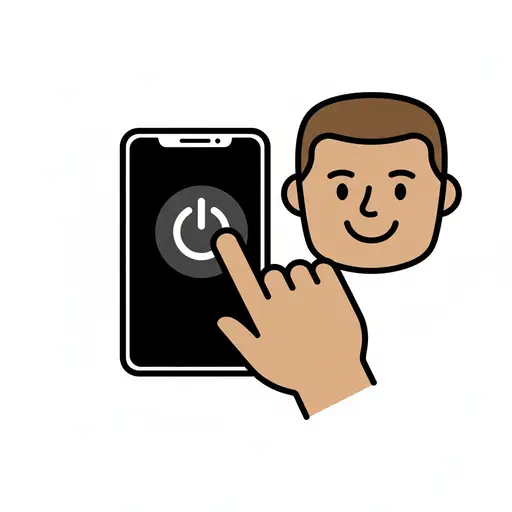
Shut down phone
A boy presses the power button to shut down a phone.
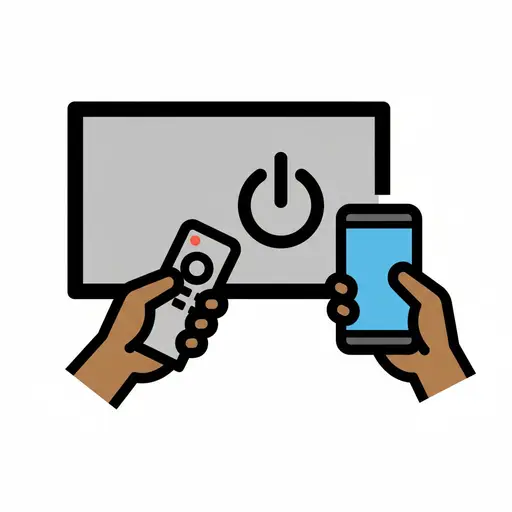
Turn off TV and phone
A hand holds a remote control pointed at a TV screen with a power off symbol. An...
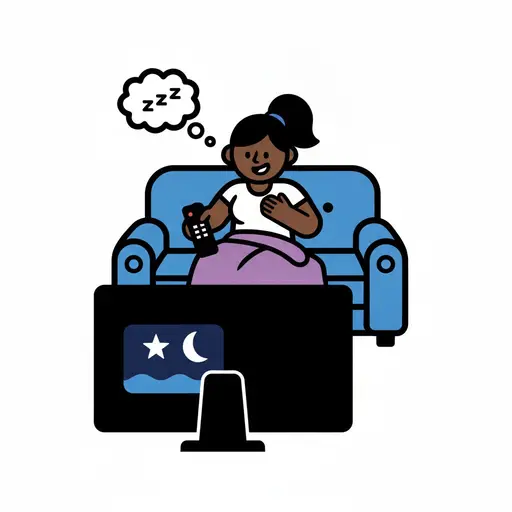
Watch a Movie and Relax
A girl sits relaxed on the couch holding a remote and watching a movie on the TV...
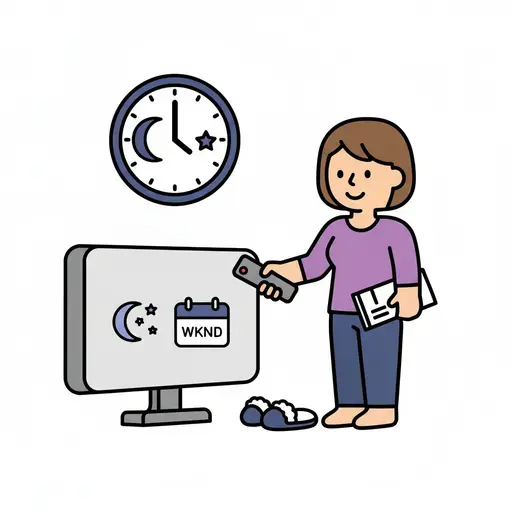
Weekend evening routine
A woman with a remote and a paper stands by a TV showing the weekend.
Take the visual supports with you
In Routined you build schedules from these pictures, add timers and voice instructions, and your child follows the day on their own.


* 14-day free trial, then $2.39 a month or $20.99 a year (US pricing). Cancel anytime.