Lunchbox
The click of the lid does not always reveal whether today looks like yesterday or something new. The visual support below shows what is in the box, a workable order to eat in, and a time frame that fits the whole break.
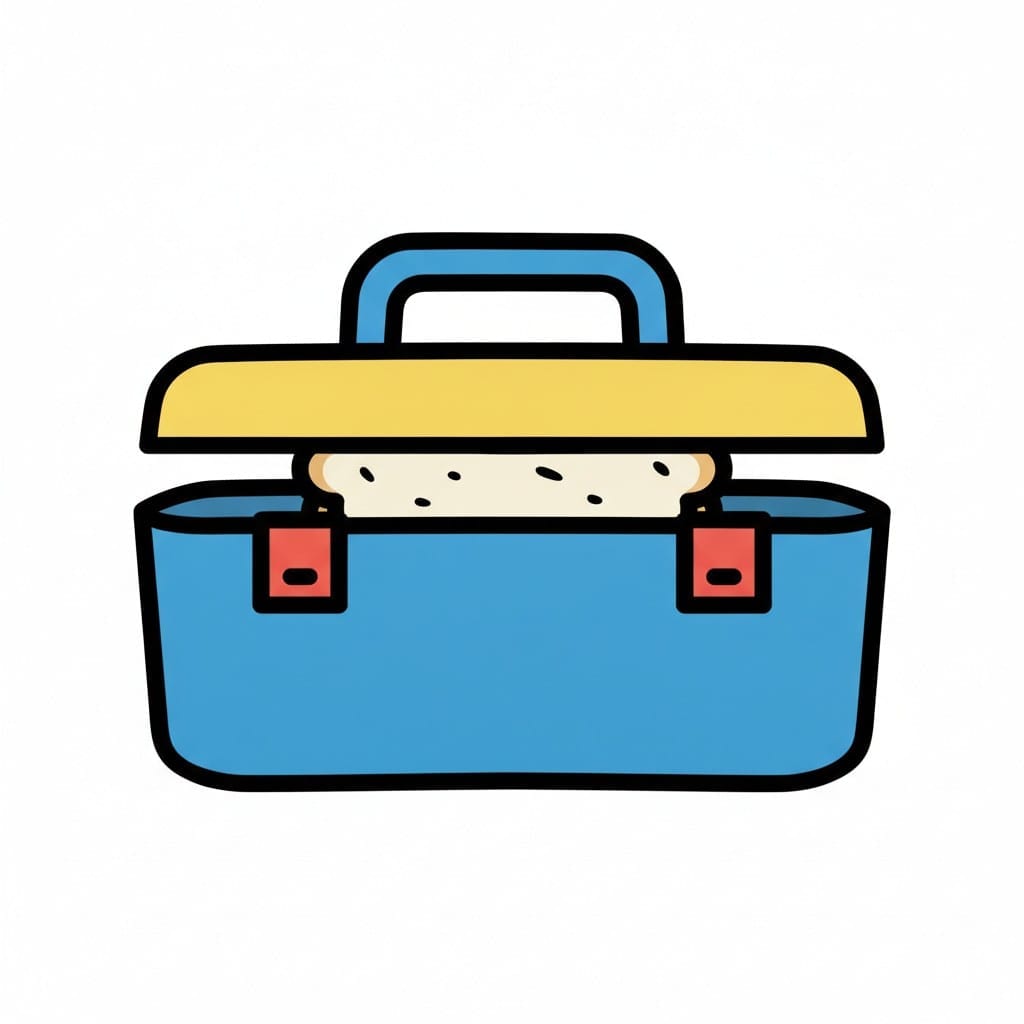
Lunchbox with a sandwich
A blue lunchbox with a yellow lid and red clasps, with a sandwich peeking out from under the lid.
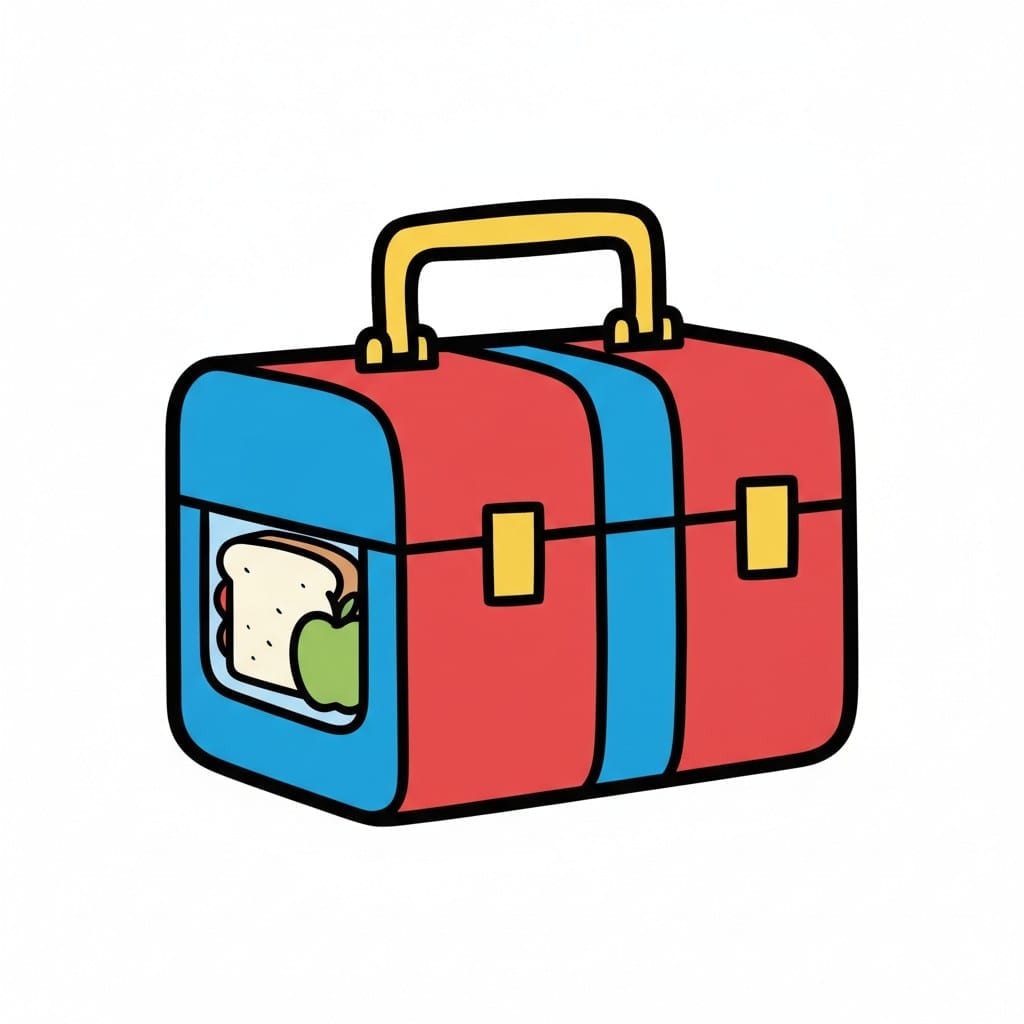
Red lunchbox with handle
A red and blue lunchbox with a yellow handle has a window showing a sandwich and a green apple.
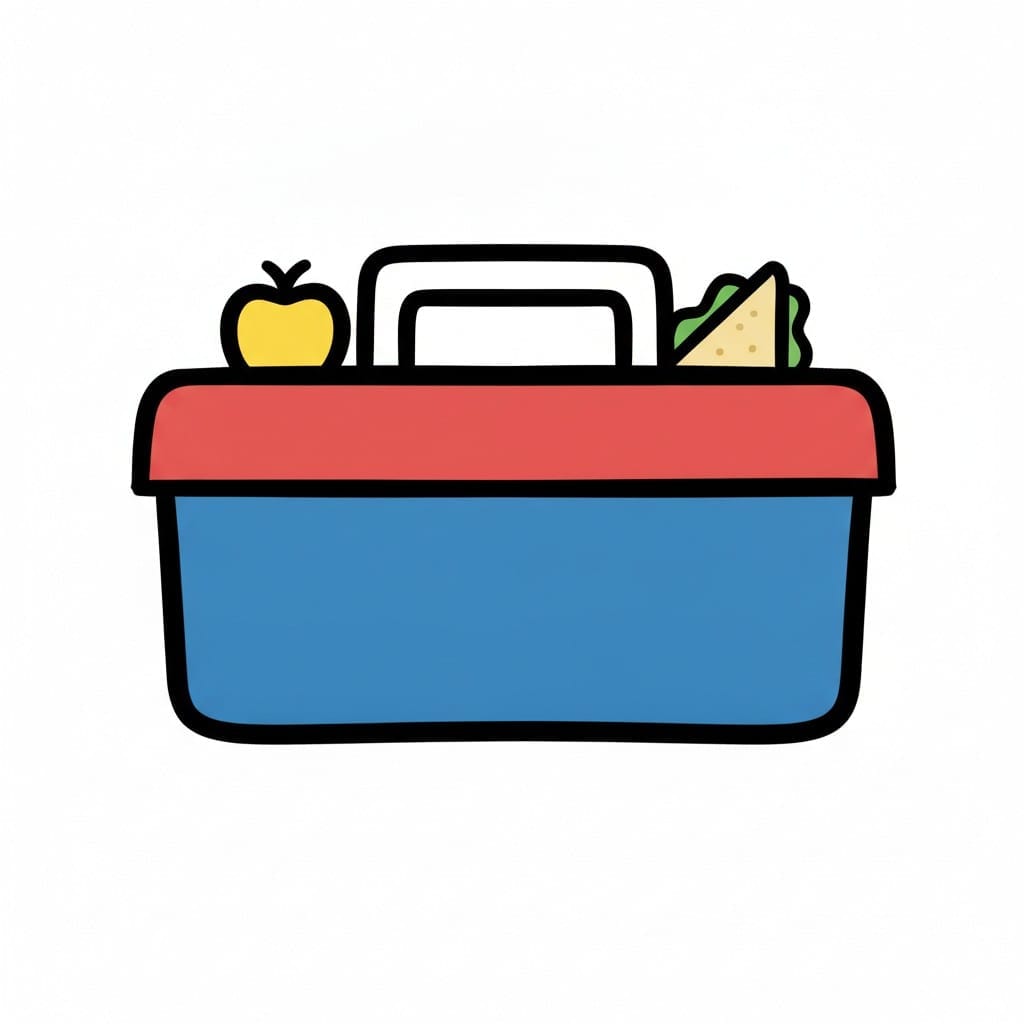
Packed lunchbox
A yellow apple and a sandwich stick up out of a blue lunchbox with a red lid and a carrying handle.
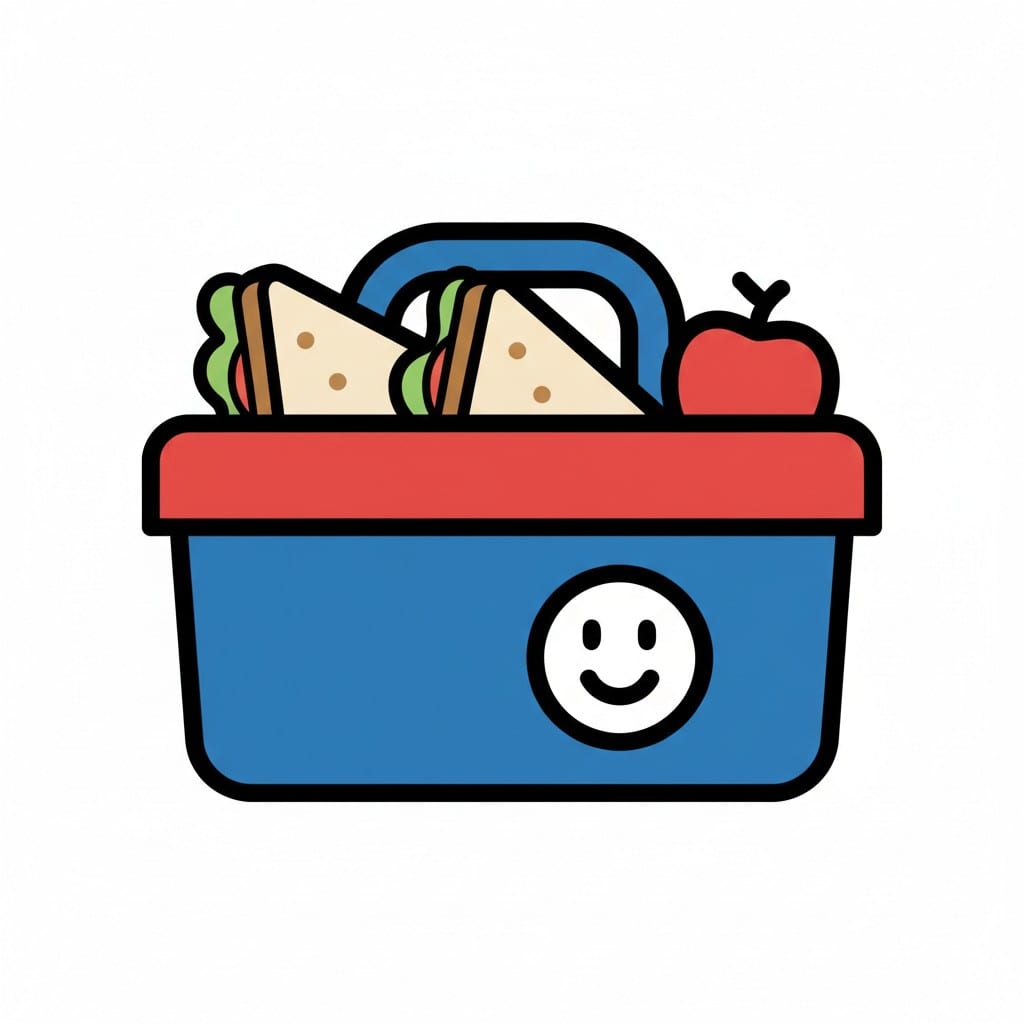
Lunchbox
A blue lunchbox with a red lid contains two sandwiches and a red apple. A smiley face is depicted on the side of the box.

Blue lunchbox
A closed light blue lunchbox with a dark blue lid, a yellow handle and an orange clasp.
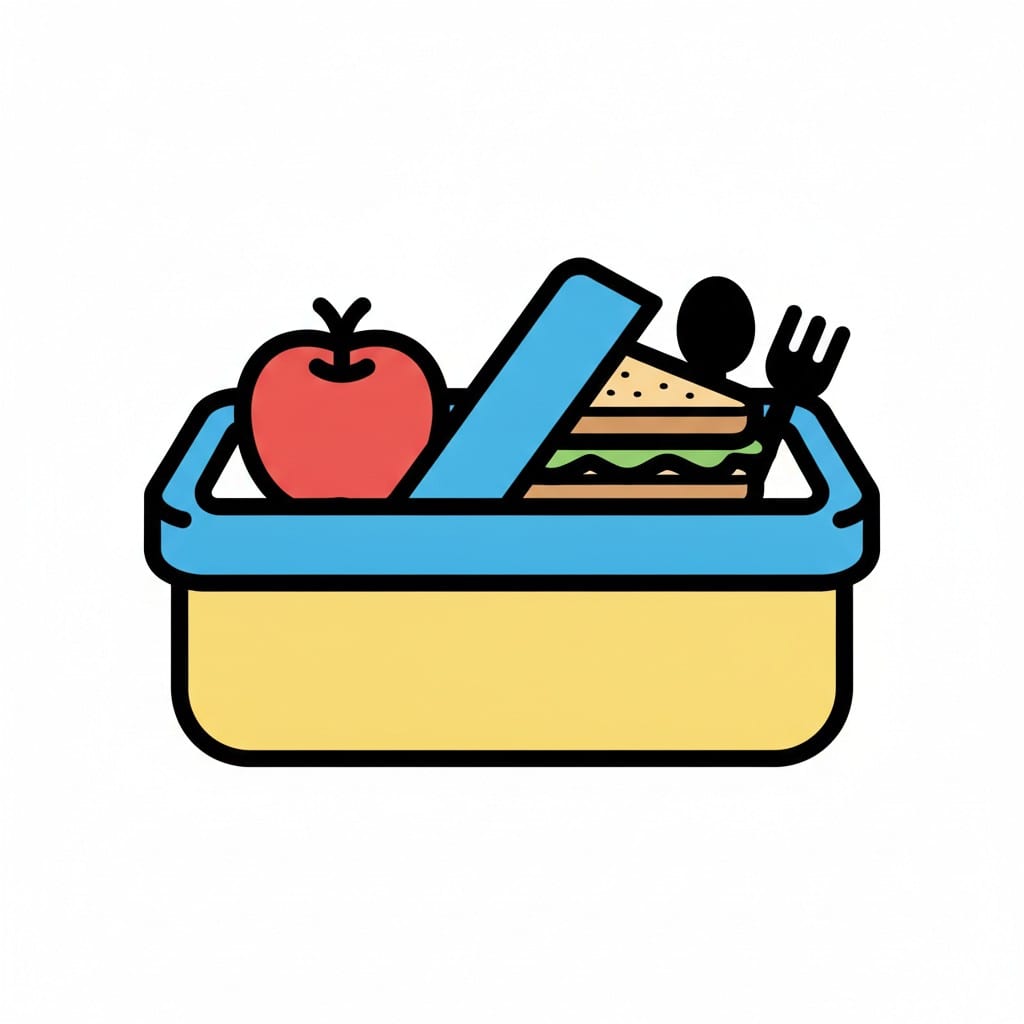
Packed lunchbox
An open lunchbox with a red apple, a sandwich, a spoon and a fork.
About this visual support
Predictability is half the lunchbox. The questions sit on the lid already: does it taste like yesterday, is there something unknown in the small tub, and is the break long enough to finish before friends head out. When the answers are blurry, the first bite gets pushed back until time runs out.
A lunchbox visual schedule makes the contents visible before the lid even opens. Once the child knows it is sandwich first, fruit next, a biscuit last, the meal becomes a track to follow rather than a puzzle to solve against the clock. The same pictures can be used at home during packing the evening before, so expectation and reality line up.
One concrete tip: keep a small favourite in the same compartment every day. That gives a fixed point to start or end at, even when the rest of the contents change. In Routined you can build the lunchbox as its own sequence and let the child tick off each part during the break. The app has a 14-day free trial.
Use this image in a schedule
Build your own visual schedule with this image and download it as a print-ready PDF. Completely free.
More similar visual supports
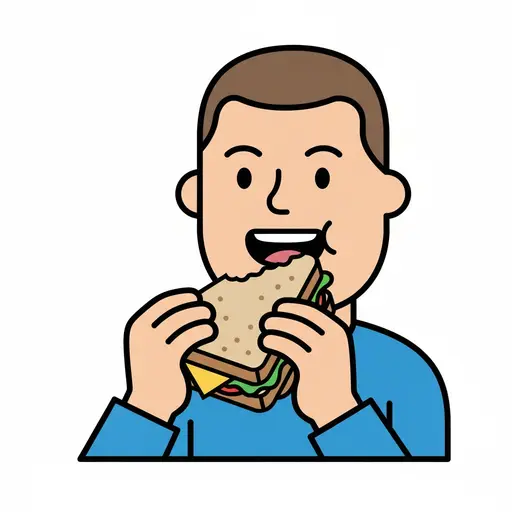
Eat sandwich
A person eating a sandwich with a bite taken out.
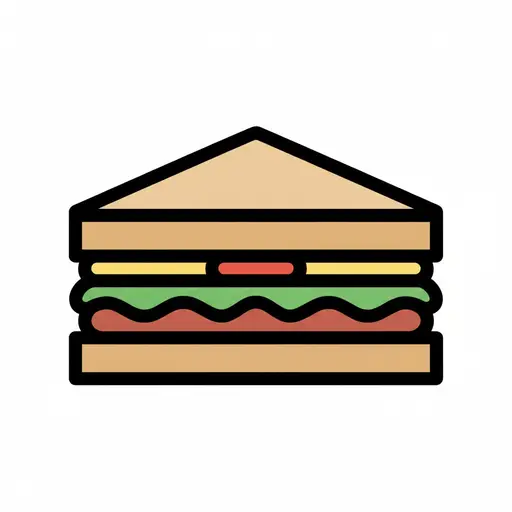
Sandwich
A sandwich cut diagonally into a triangle shape, showing layers of filling.
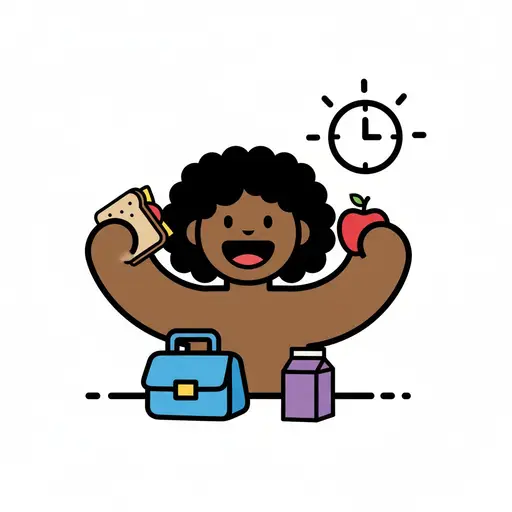
Lunch Time
A happy girl holds a sandwich and an apple with a lunchbox, a milk carton and a ...
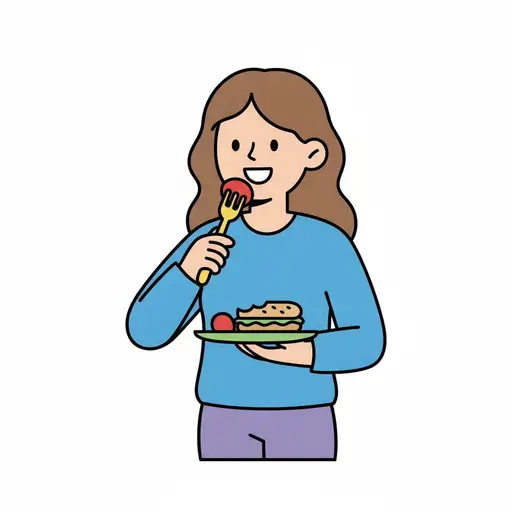
Eat something
A girl with long brown hair holds a plate with a sandwich and eats a tomato with...
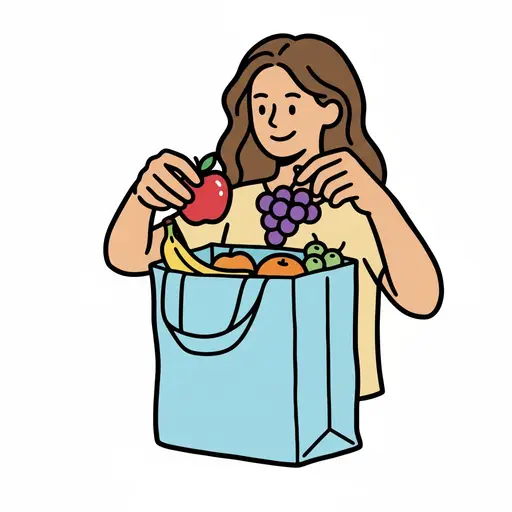
Put fruit in bag
A person putting an apple and grapes into a blue cloth bag.
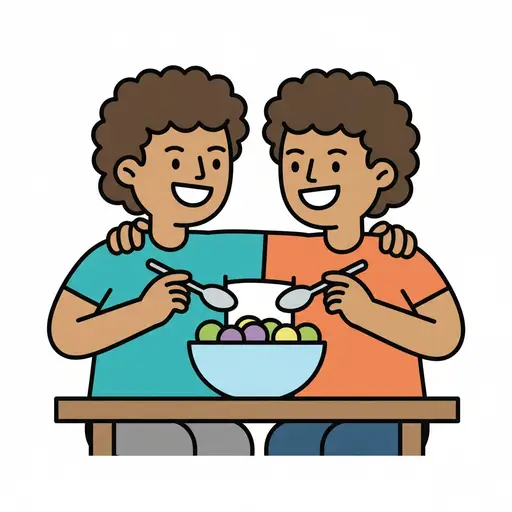
Eat
Two children share a bowl of fruit at the table.
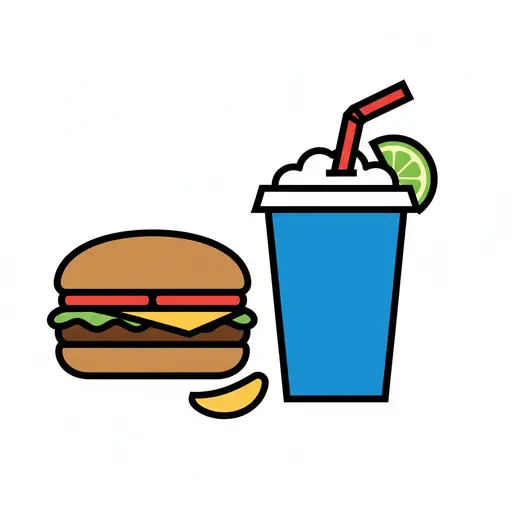
Food and drink
A burger next to a large drink with a straw and a slice of lime.
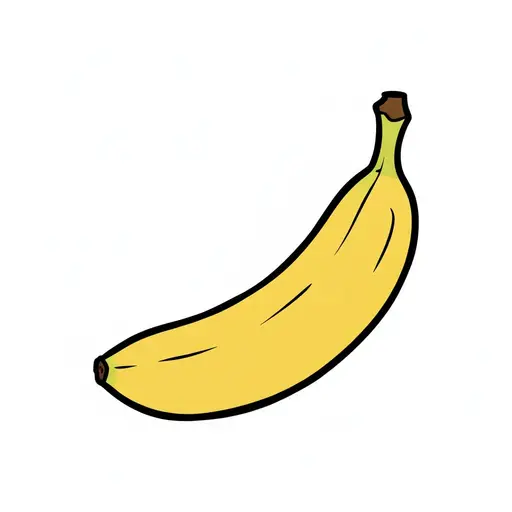
Banana
A single yellow banana tilted diagonally upwards, its stem in the upper corner.
This visual support in other languages
Take the visual supports with you
In Routined you build schedules from these pictures, add timers and voice instructions, and your child follows the day on their own.


* 14-day free trial, then $2.39 a month or $20.99 a year (US pricing). Cancel anytime.