Kids TV
Autoplay does not count minutes, and in the middle of a story there is no natural place to stop. An ending decided before the show starts makes switching off far less dramatic, and the visual support below shows how many episodes apply and what happens afterwards.

TV showing a kids show
A television screen shows a teddy bear, a ball and a star.
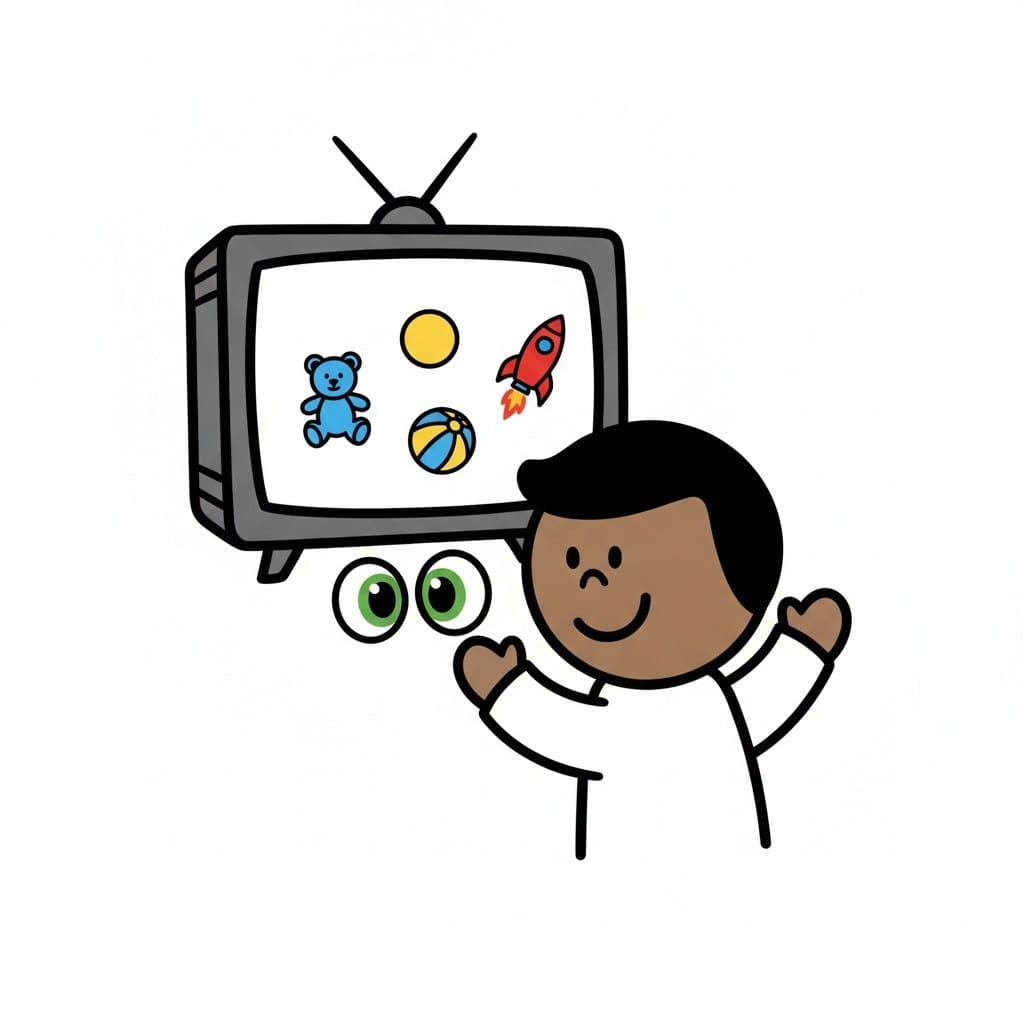 ♂
♂Boy watching kids TV
A boy raises his arms in front of a television showing toys.
About this visual support
Screens are built never to end. The next episode starts by itself, and for a child in the middle of a story there is no natural pause to step out of, so stopping feels like something snatched away rather than something completed. The conflict is rarely about the television itself.
Visual support moves the decision to where it hurts least, to before the screen goes on. Two cards with episodes, one card with the off button and one card with what comes next settle the amount in advance. What happens after the show matters at least as much as the number of episodes, because a child lets go of the screen more easily when the next thing is known and looks appealing, a snack or outdoor play before dark.
Try keeping the cards visible beside the television and pointing at the last one when the second episode starts. The warning becomes visual instead of a voice cutting in mid-line. In Routined you can set a timer your child watches count down, so the ending comes from the clock rather than from you.
Use this image in a schedule
Build your own visual schedule with this image and download it as a print-ready PDF. Completely free.

More similar visual supports
Watch TV or YouTube
A smiling person sits on the floor with their chin in their hand watching a wall...

Movie time
An illustration showing a movie projector, a film clapboard with a clock, a scre...
Movie Together
Two people sit on a couch watching a tv showing a film reel and popcorn.
Relax with movie
A boy sits comfortably in a blue armchair, watching a movie on a television scre...
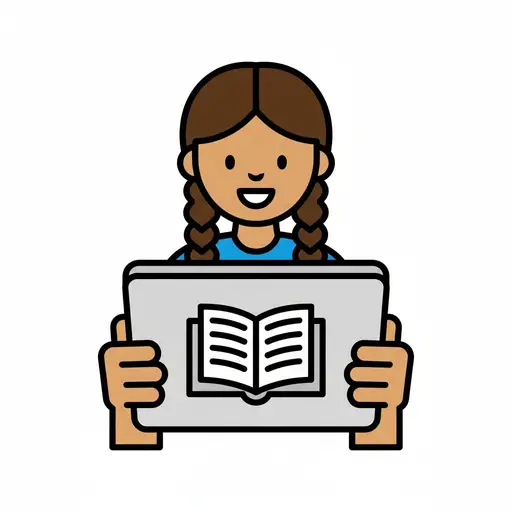
Tablet or Read
A girl with braids holds a tablet showing an open book on the screen.
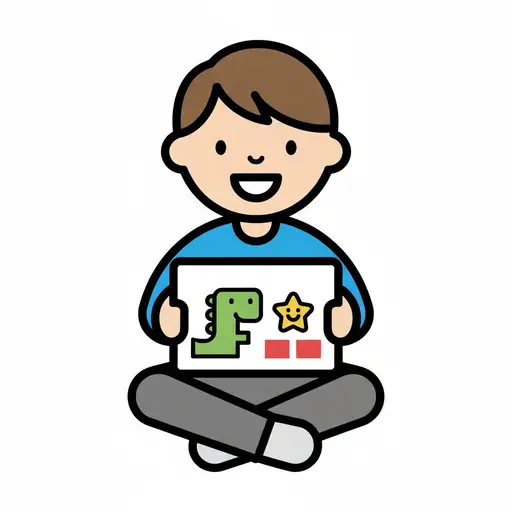
Watch a kids show
A boy sits cross-legged with a tablet playing a cartoon dinosaur show.
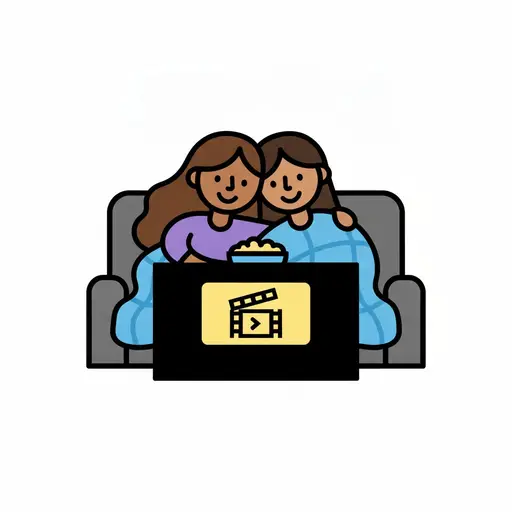
Watch Film and Snuggle
Two people sit close together on the couch under a blanket watching a film with ...
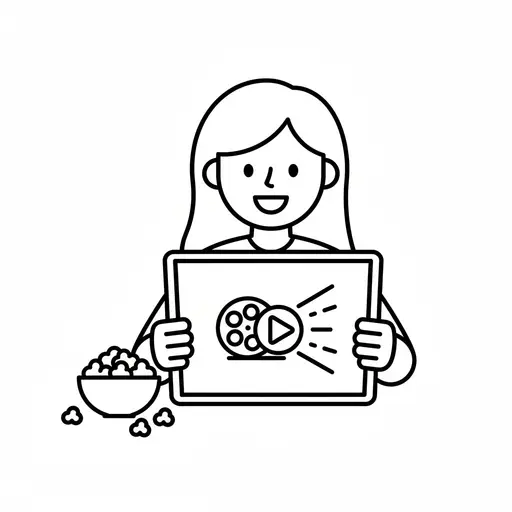
Watch movie
A simple outline drawing of a girl holding a tablet with a film reel and play bu...
Take the visual supports with you
In Routined you build schedules from these pictures, add timers and voice instructions, and your child follows the day on their own.


* 14-day free trial included for new users.