Watch a kids show
The next episode starts by itself and the boundary is never visible, so the ending always lands in the middle of something. The pictures below make the number of episodes clear before the screen even goes on.
 ♂
♂Boy watching a kids show
A boy sits cross-legged with a tablet playing a cartoon dinosaur show.
About this visual support
Conflict over children's programmes is usually not about the watching but about the invisible ending. Autoplay starts the next episode before the last one has settled, and when the adult says stop, the cut falls in the middle of a scene. A child who never got to see the boundary coming protests for perfectly reasonable reasons.
Visual support moves the agreement to before the start. Two pictures mean two episodes, and the row stays visible beside the screen while watching goes on. The child can see for themselves that one episode remains, which turns the final stop into something expected rather than something an adult invents on the spot.
A tip that tends to work: decide what happens straight after the last episode and place that picture at the end of the row, so the screen closes towards something and not just away from something. In Routined you can put screen time into the evening routine with pictures and a timer, and try the app for 14 days at no cost.
Use this image in a schedule
Build your own visual schedule with this image and download it as a print-ready PDF. Completely free.

More similar visual supports
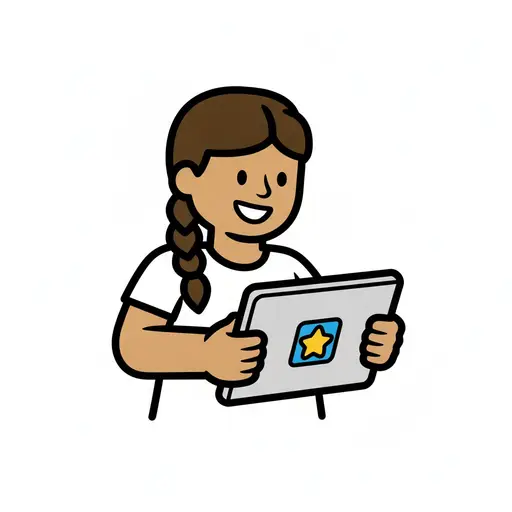
Play on the tablet
A girl with a braid sits at a table and holds a tablet showing a yellow star.
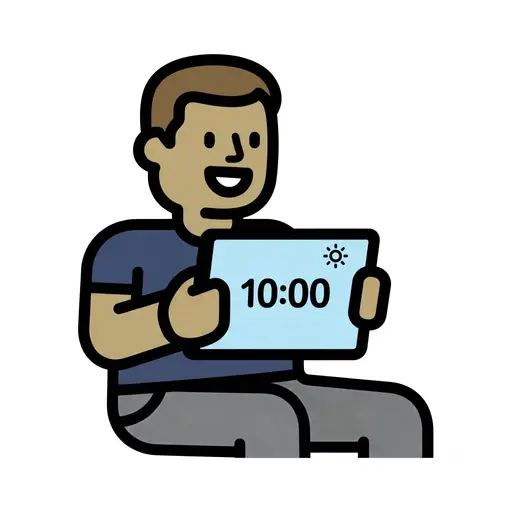
Screen Time 10am
A boy holds up a tablet showing 10:00 with a sun symbol.

Screen time reward
A girl points at a tablet above a trophy filled with tokens as a reward.
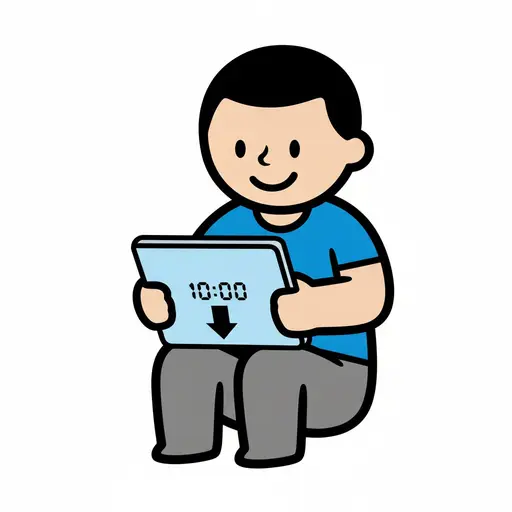
Screen Time Until 10
A boy sits holding a tablet showing 10:00 with a downward arrow, marking the end...

Entertainment
A boy points a remote at a screen showing film, music and game symbols.
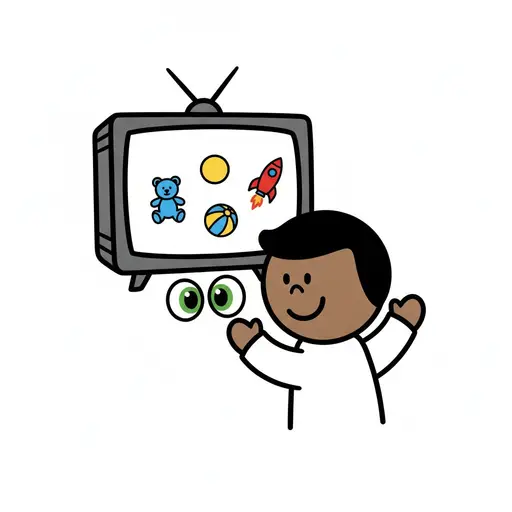
Kids TV
A boy raises his arms in front of a television showing toys.
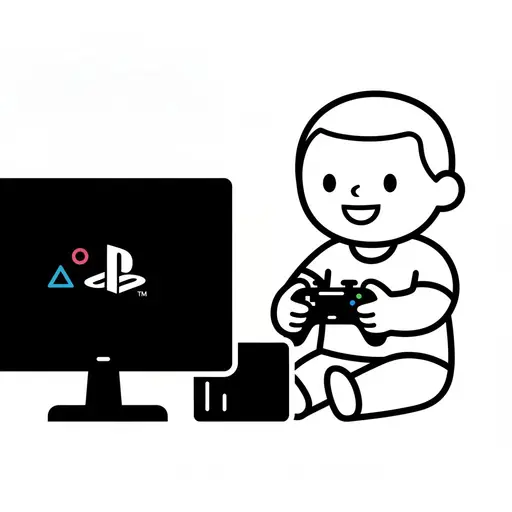
Play Game Console
A happy boy sits on the floor playing a video game with a controller in front of...
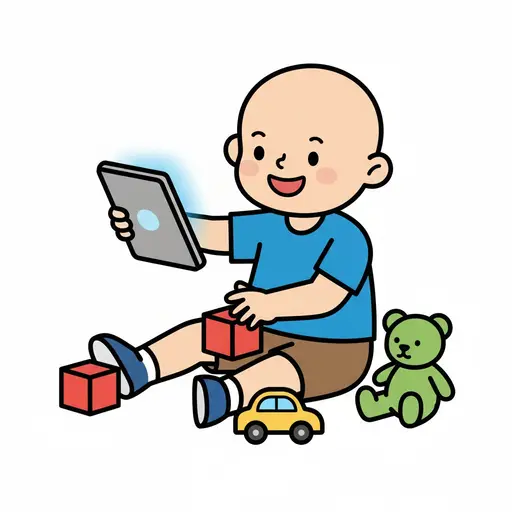
Play iPad and toys
A happy boy is sitting on the floor holding an iPad. Around him are red building...
Take the visual supports with you
In Routined you build schedules from these pictures, add timers and voice instructions, and your child follows the day on their own.


* 14-day free trial included for new users.