Use the smartwatch
The digits on the wrist say nothing about how long a stretch of time really is, and a buzz means different things depending on what is going on. The steps below connect the watch's signals to what the child is meant to do.
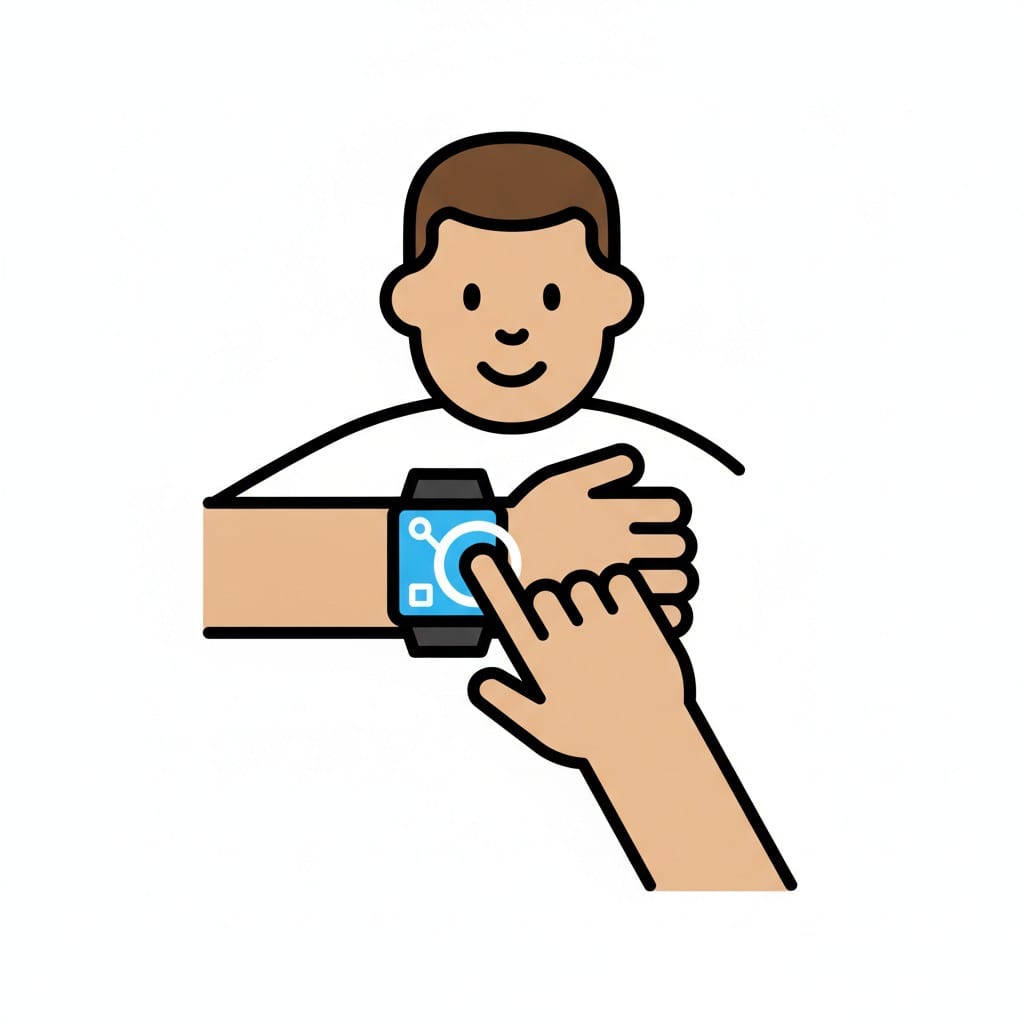 ♂
♂Boy tapping his smartwatch
A finger presses the bright screen of a smartwatch worn on the wrist.
About this visual support
Time stays abstract far into childhood, and a smartwatch measures something a child can neither see nor touch. Reading that twelve minutes remain only helps if twelve minutes stand for something concrete, like two episodes or the walk to school. That is why the watch easily becomes jewellery that buzzes rather than a tool.
Visual support translates the signals. One picture for putting the watch on, one for starting the timer, one for what the vibration means and one for what happens when it runs out. After the child has seen the link a few times, the wrist starts carrying information instead of just alarms. Picture and number together make time far more concrete than the number alone.
A tip: let the timer stand for the same thing every day at first, screen time for instance, so the signal has room to gain a clear meaning. In Routined you can put a timer and picture steps in the same routine and try the app for 14 days at no cost.
Use this image in a schedule
Build your own visual schedule with this image and download it as a print-ready PDF. Completely free.

More similar visual supports
Smartwatch
A smartwatch sits on a wrist and shows a clock face on its screen.
Airpods
A pair of Airpods in their charging case with an ear icon next to it.
Movie
A smiling person sits in a grey armchair with a tub of popcorn watching a screen...
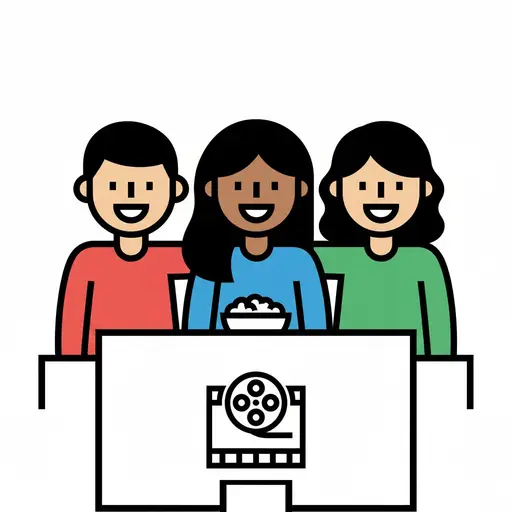
Watch a movie with siblings
Three smiling children sit together with a bowl of popcorn in front of a movie s...

Watch Cocomelon
A boy holds a tablet and watches a cartoon with a character and a school bus.

Watch iPad
A boy holding a tablet with a smiley face on the screen and watching it.
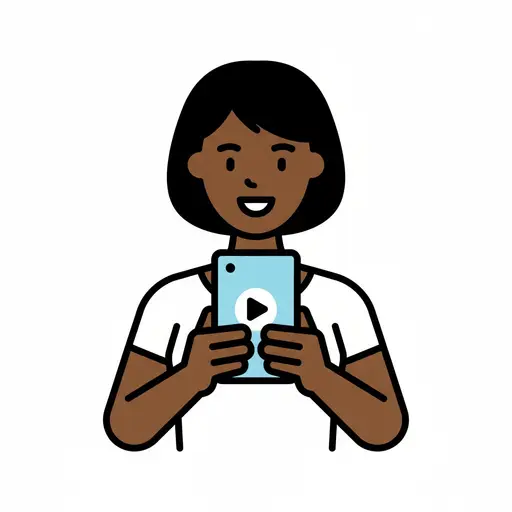
Watch mobile
A person with straight hair watching a mobile phone with a play button on the sc...
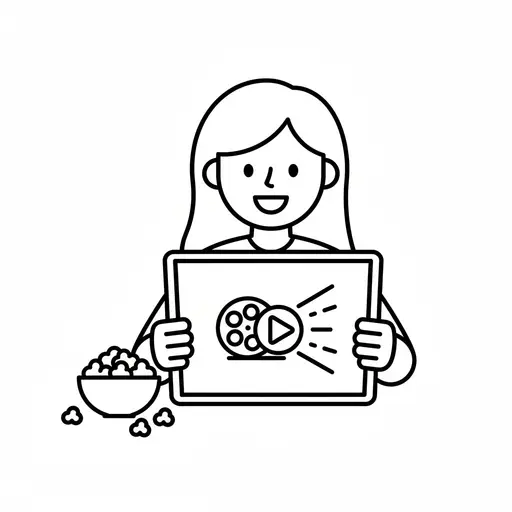
Watch movie
A simple outline drawing of a girl holding a tablet with a film reel and play bu...
Take the visual supports with you
In Routined you build schedules from these pictures, add timers and voice instructions, and your child follows the day on their own.


* 14-day free trial included for new users.