Watch Cocomelon
One episode easily becomes three, and the friction only arrives when the screen has to switch off. The visual support below shows how many episodes count and what comes afterwards, so the child knows where the end is before you have to say stop.
 ♂
♂Watching a tablet
A boy holds a tablet and watches a cartoon with a character and a school bus.
About this visual support
The trouble with Cocomelon is rarely the watching itself, but that the show keeps rolling on its own with no natural pauses. One song runs straight into the next, and for a child who is fully inside the colours and the singing, nothing signals that this is where it ends. Turning it off then becomes an abrupt cut from the outside, and pushing back is a fair response.
A picture that sets the number of episodes in advance moves the stopping point away from your voice mid-show to something the child has already seen and agreed to. Before the screen goes on, you settle on, say, two episodes, and the picture of what comes next sits visible beside it. A practical tip is to place the next activity right after, ideally something the child enjoys, so the screen switches off towards something rather than into empty space.
You can print the pictures below and keep them by the TV or tablet. With Routined you can also add a timer and check-off to the same sequence and try the setup free for two weeks.
Use this image in a schedule
Build your own visual schedule with this image and download it as a print-ready PDF. Completely free.

More similar visual supports

Watch iPad
A boy holding a tablet with a smiley face on the screen and watching it.

iPad time
A person smiles while holding and pointing at a grey iPad with media icons.

Play on the tablet
A girl with a braid sits at a table and holds a tablet showing a yellow star.

Put away the iPad
A boy slides a tablet onto a red shelf.

Screen time
A girl holds a tablet showing video and search above her head.
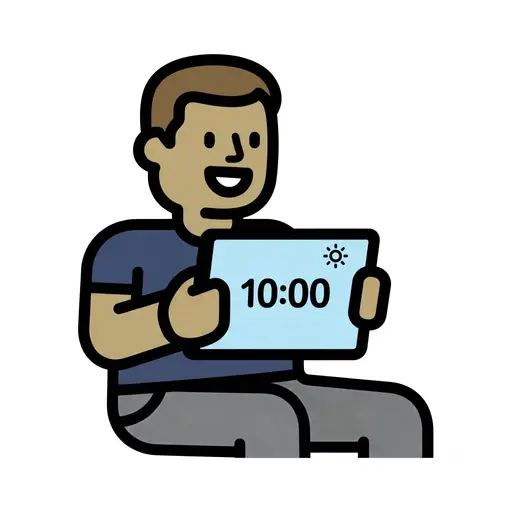
Screen Time 10am
A boy holds up a tablet showing 10:00 with a sun symbol.

Screen time reward
A girl points at a tablet above a trophy filled with tokens as a reward.
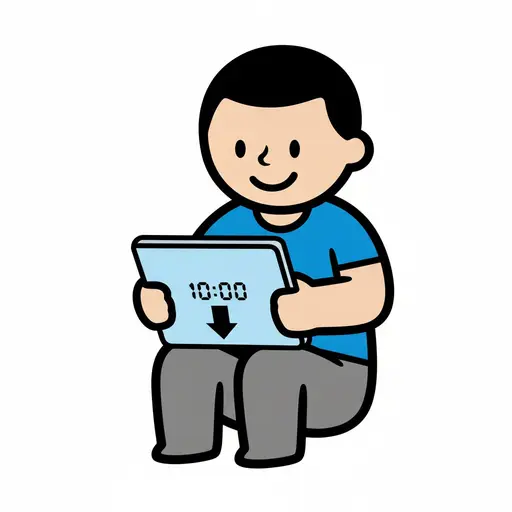
Screen Time Until 10
A boy sits holding a tablet showing 10:00 with a downward arrow, marking the end...
Take the visual supports with you
In Routined you build schedules from these pictures, add timers and voice instructions, and your child follows the day on their own.


* 14-day free trial, then $2.39 a month or $20.99 a year (US pricing). Cancel anytime.