Put away the iPad
A game answers every movement the finger makes, and stopping it is not the same as closing a book between chapters. The steps below show what the ending looks like before it arrives.
 ♂
♂Placing the tablet in the box
A boy lowers a tablet into a blue storage box, with an arrow showing where it belongs.
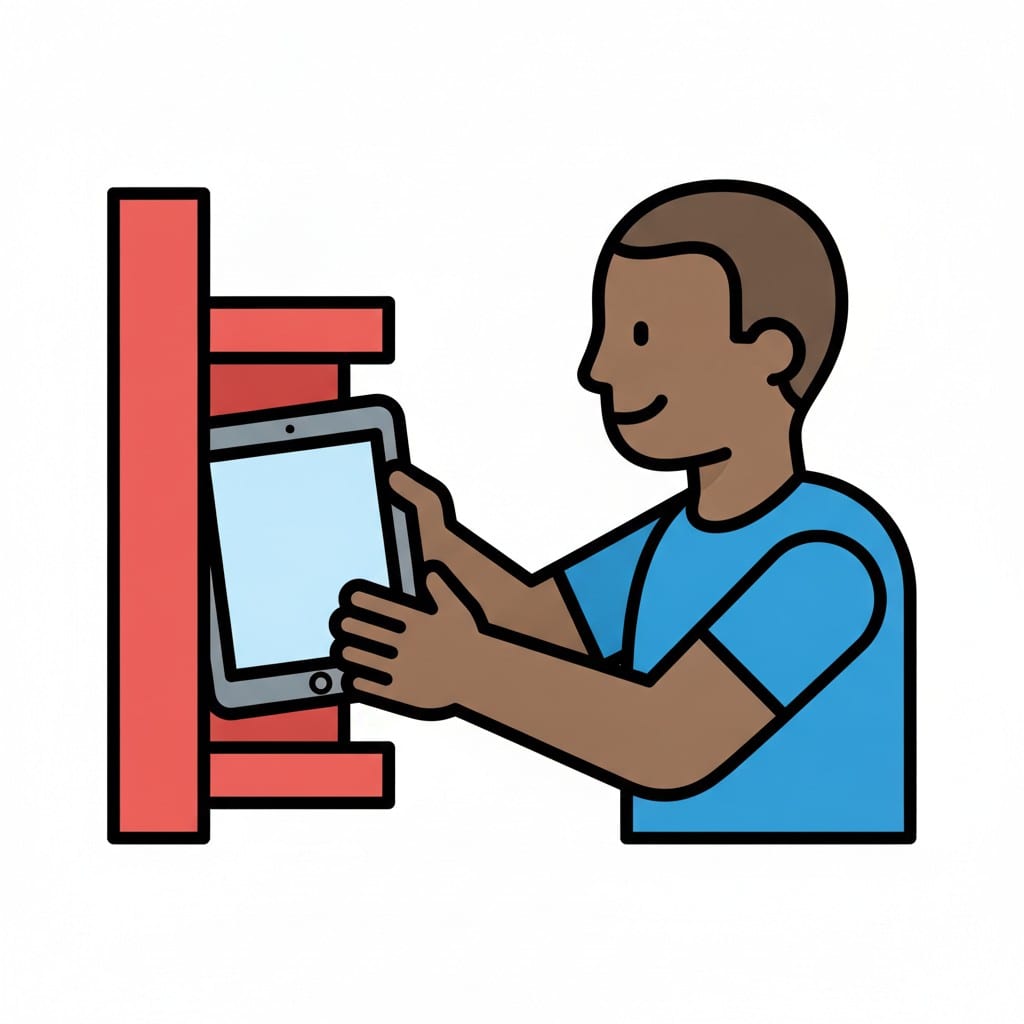 ♂
♂Putting the tablet on the shelf
A boy slides a tablet onto a red shelf.
About this visual support
Mid-level, mid-build, mid-round: the tablet responds to every movement the finger makes, and being interrupted there means being interrupted mid-sentence. What looks like defiance from the outside is usually just a game that has not finished yet.
A picture sequence moves the ending forward in time. When the child can see that a warning comes first, then a pause, then the iPad in its designated place, the finish becomes something expected rather than something that lands out of nowhere. The picture of where the tablet goes also makes the last step concrete: it is not just away, it goes on the shelf.
Where you can, end on content rather than on the clock, so at the end of a level or an episode rather than in the middle of one. Say which picture you are on when the warning comes. In the Routined app, screen time can sit as a step with its own picture and a visual timer that counts down alongside the child.
Use this image in a schedule
Build your own visual schedule with this image and download it as a print-ready PDF. Completely free.

More similar visual supports

iPad time
A person smiles while holding and pointing at a grey iPad with media icons.
Sunday routines
Illustration of a woman enjoying a relaxed Sunday morning with coffee, pancakes,...
Turn off iPad
Two hands holding a tablet and pressing the power button to turn it off, with a ...

Watch iPad
A boy holding a tablet with a smiley face on the screen and watching it.
Play iPad and toys
A happy boy is sitting on the floor holding an iPad. Around him are red building...
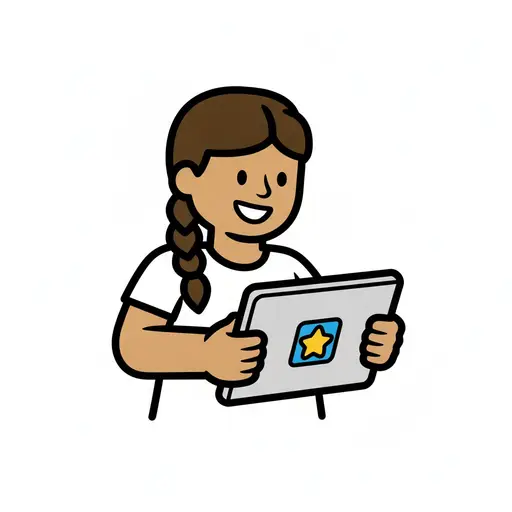
Play on the tablet
A girl with a braid sits at a table and holds a tablet showing a yellow star.
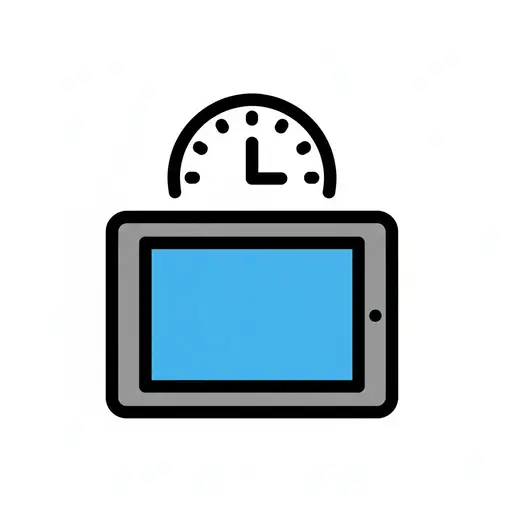
Screen time
A tablet with a timer above it, indicating limited screen time.
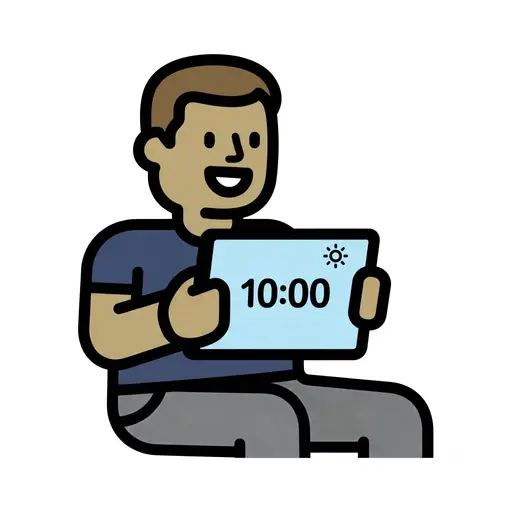
Screen Time 10am
A boy holds up a tablet showing 10:00 with a sun symbol.
Take the visual supports with you
In Routined you build schedules from these pictures, add timers and voice instructions, and your child follows the day on their own.


* 14-day free trial included for new users.