Turn off iPad
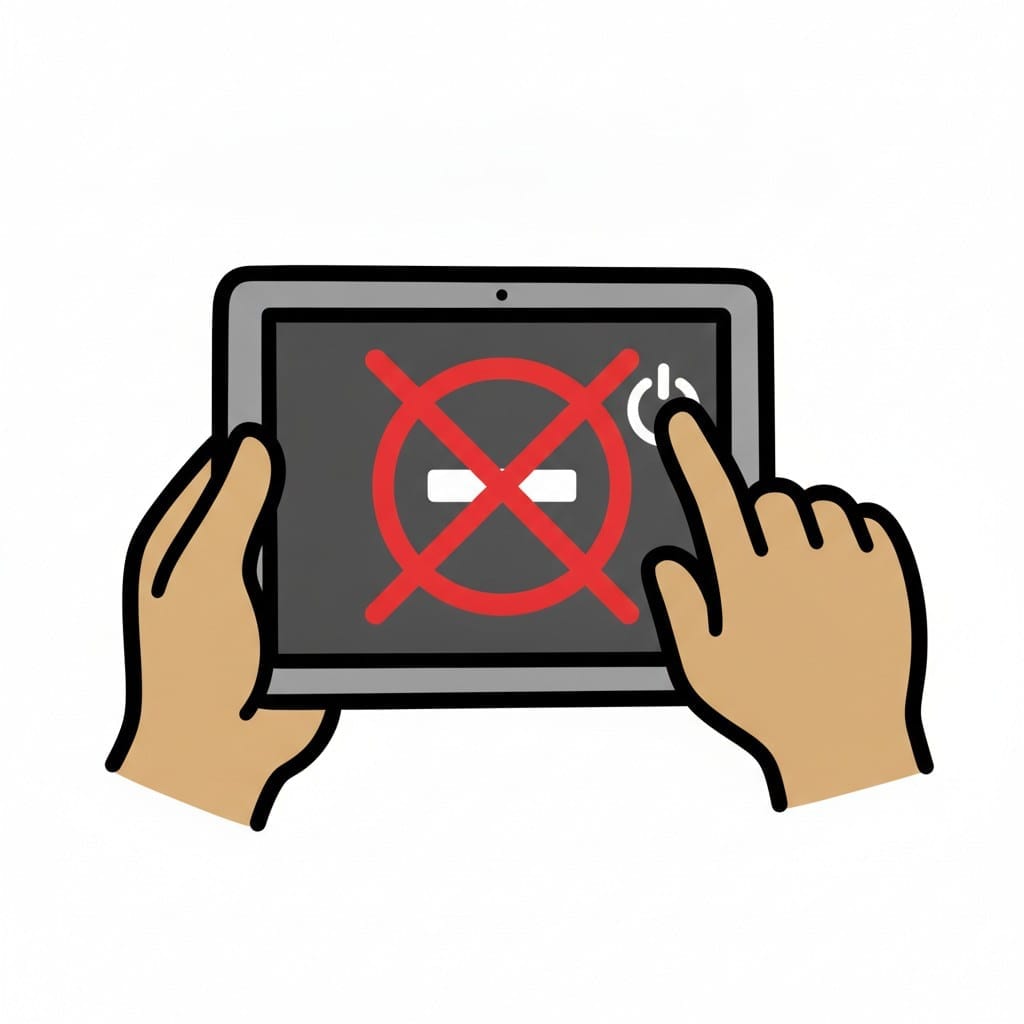
In the middle of a game or a video, a sudden stop can feel like something is yanked away. When your child can see the screen is about to go dark and what follows, the ending becomes a line they can prepare for. Look at the visual support below.
 ♂
♂Turn off iPad
Two hands holding a tablet and pressing the power button to turn it off, with a no symbol on the screen.
About this visual support
The screen holds attention in a tight grip, and so a stop from the outside often lands like a break in the middle of something that matters. Your child is deep in a game, a video is nearing its end, and right then comes the message to put the tablet down. Without warning it turns sharp, and the reaction can be big even in a child who usually goes along with things.
Visual support makes the transition visible before it happens. As you walk through the pictures together, your child sees that the watching has a fixed end and that something else takes over afterward. The abruptness softens, because the ending no longer arrives as a surprise but sits there to look at in advance. Many children find it easier to let go of one activity when the next is already framed and waiting.
One concrete tip: agree on a last thing before you begin, such as one more clip or one more level, and point to that picture when the moment arrives. The ending then becomes a shared decision rather than an interruption from above. To tie the pictures to a countdown and a clear marker for the end, you can try Routined free for fourteen days.
Use this image in a schedule
Build your own visual schedule with this image and download it as a print-ready PDF. Completely free.

More similar visual supports

iPad time
A person smiles while holding and pointing at a grey iPad with media icons.
Put away the iPad
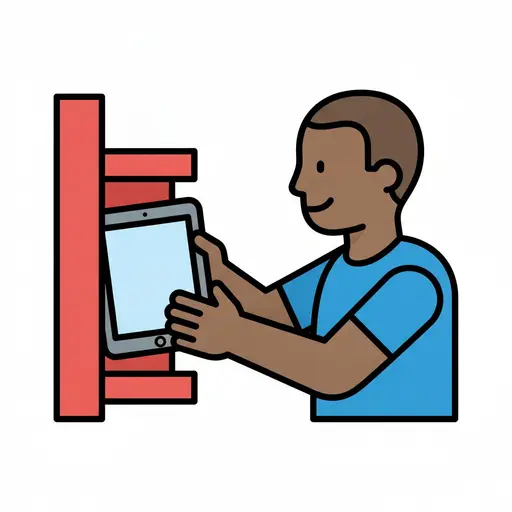
A boy slides a tablet onto a red shelf.

Watch iPad
A boy holding a tablet with a smiley face on the screen and watching it.
End Screen Time
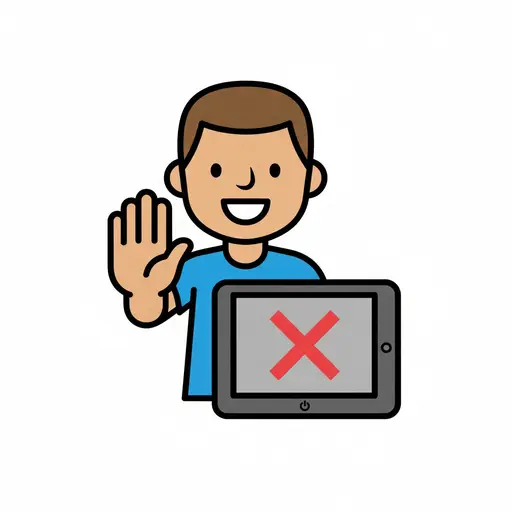
A boy holds up his hand to stop and holds a tablet showing a red cross on the sc...
Play iPad and toys
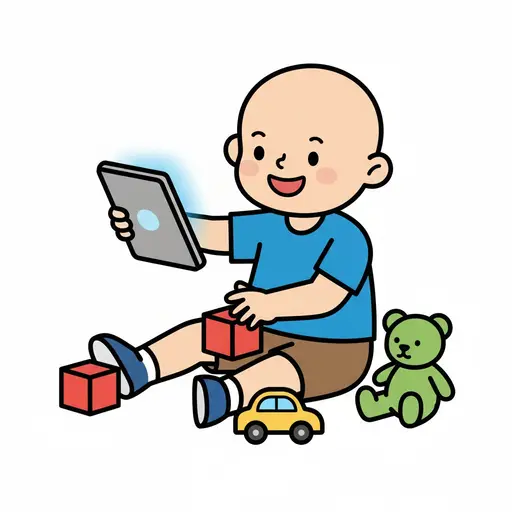
A happy boy is sitting on the floor holding an iPad. Around him are red building...
Play on the tablet
A girl with a braid sits at a table and holds a tablet showing a yellow star.
Screen time
A tablet with a timer above it, indicating limited screen time.
Screen Time 10am
A boy holds up a tablet showing 10:00 with a sun symbol.
Take the visual supports with you
In Routined you build schedules from these pictures, add timers and voice instructions, and your child follows the day on their own.


* 14-day free trial included for new users.