Tablet
It is rarely the tablet itself that becomes the problem – it is the minute when it has to go away. When the child can see the whole arc beforehand, from start to the next activity, the ending stops being a surprise. The visual support below helps with exactly that transition.
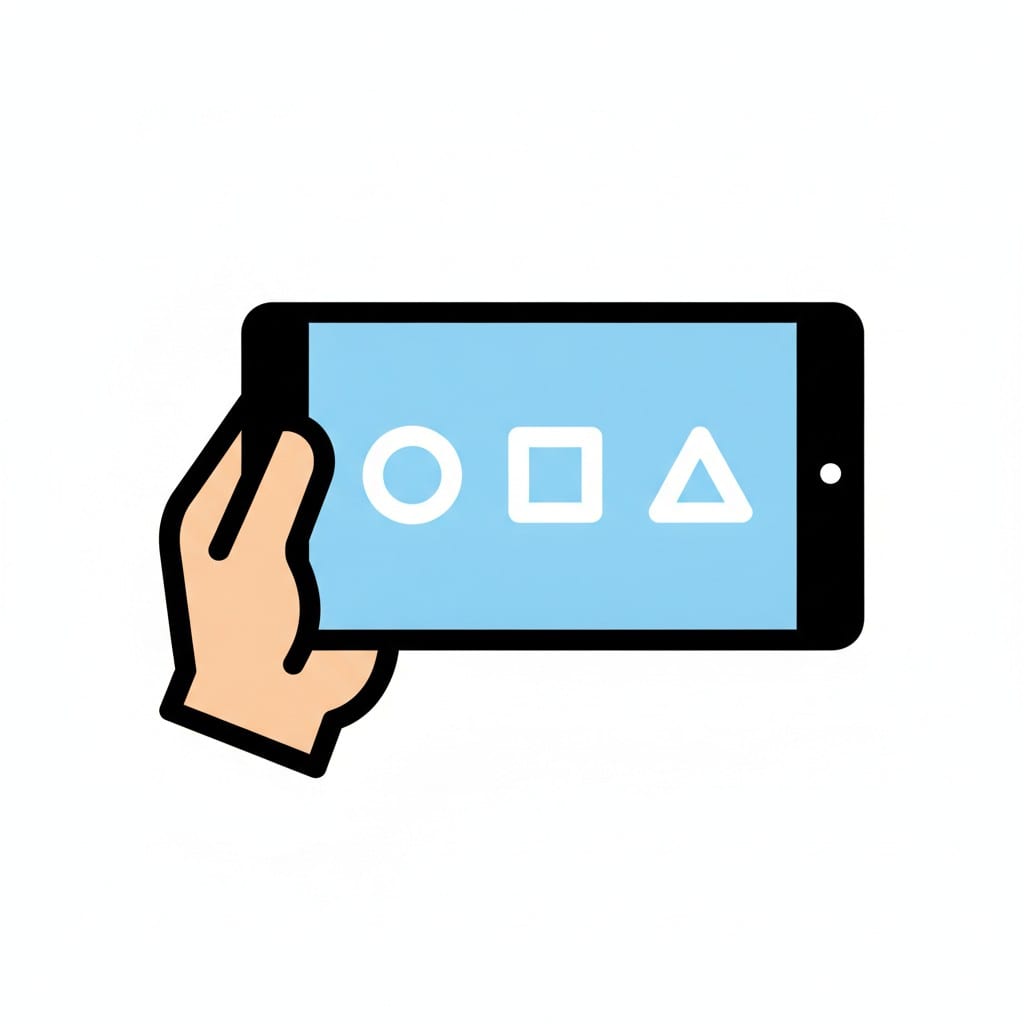 ♂
♂Holding a tablet
A hand holds a tablet showing a circle, a square and a triangle on a blue screen.

Tablet
Two hands holding a tablet with a blue screen and a white play button.

Hands holding a tablet
Two hands hold a tablet with a blue screen showing a speech bubble and a music note.
About this visual support
A screen's pull is not a moral failing – it is how the screen is built. Games, clips and apps are designed to hold the gaze, and a child who already struggles to switch activities has twice as much to wrestle with. By the time you say dinner is soon, the child has often slipped into a world where that sentence barely lands.
That is why the start of screen time matters as much as the end. If the visual support shows the tablet, the timer, and what comes immediately after, an ending is established before watching has even begun. The child knows the evening clip will be followed by toothbrushing and a bedtime story, and the brain gets an anchor to steer towards instead of a sudden collision.
One concrete tip: always make the handover its own step – not turn off but put the tablet in the box on the shelf. The physical action lets the child mark the ending with the body, not only the mind. If you want to pair the screen time picture with a timer and the next activity, you can build the sequence in Routined and split the screen so the countdown stays visible.
Use this image in a schedule
Build your own visual schedule with this image and download it as a print-ready PDF. Completely free.

More similar visual supports
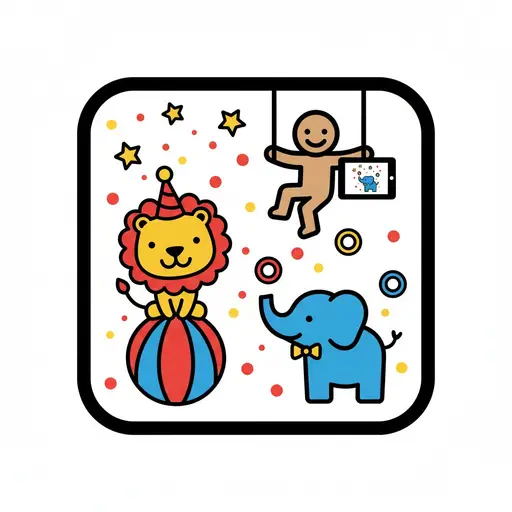
Circus animals app
A cartoon figure on a trapeze holds a tablet displaying an elephant, while a lio...

iPad time
A person smiles while holding and pointing at a grey iPad with media icons.
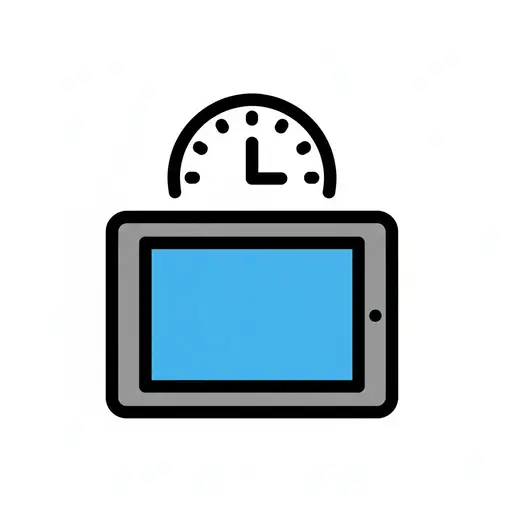
Screen time
A tablet with a timer above it, indicating limited screen time.

Watch iPad
A boy holding a tablet with a smiley face on the screen and watching it.
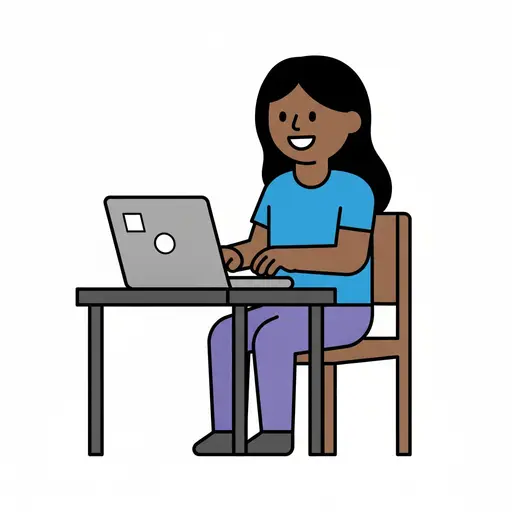
Computer
A smiling person sits on a wooden chair at a desk and types on a grey laptop.
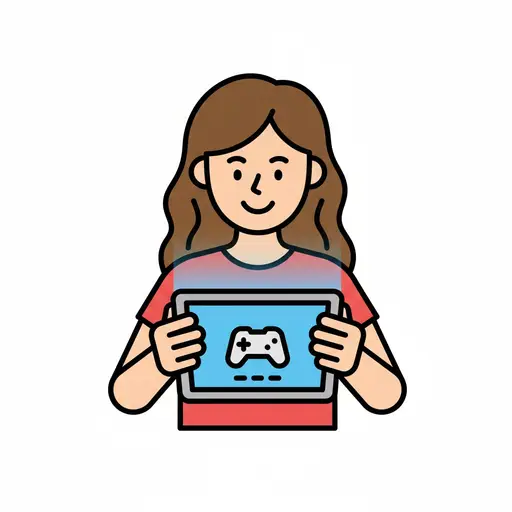
Games (screen time)
A smiling girl playing games on a tablet.
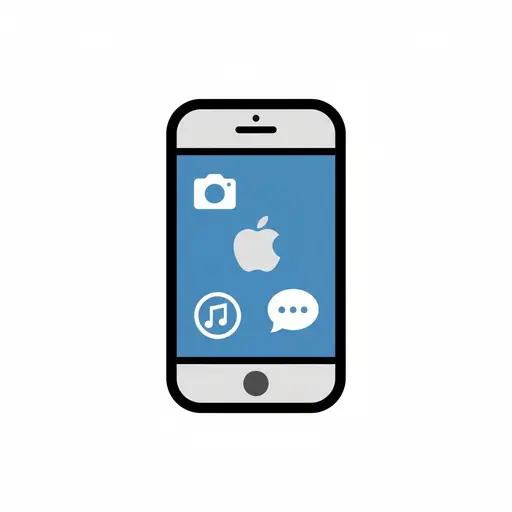
iPhone
An illustration of an iPhone with icons for camera, Apple logo, music, and messa...
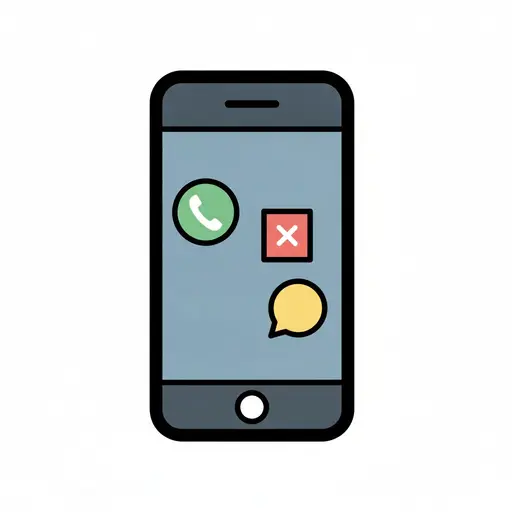
Phone
The phone screen shows a green answer button, a red button with a cross and a ye...
Take the visual supports with you
In Routined you build schedules from these pictures, add timers and voice instructions, and your child follows the day on their own.


* 14-day free trial included for new users.