Smartwatch
A watch on the wrist is felt all day: the strap pinches in the heat, and the buzz arrives without warning in the middle of something else. The pictures below break the watch into smaller parts, from fastening it to answering a reminder.
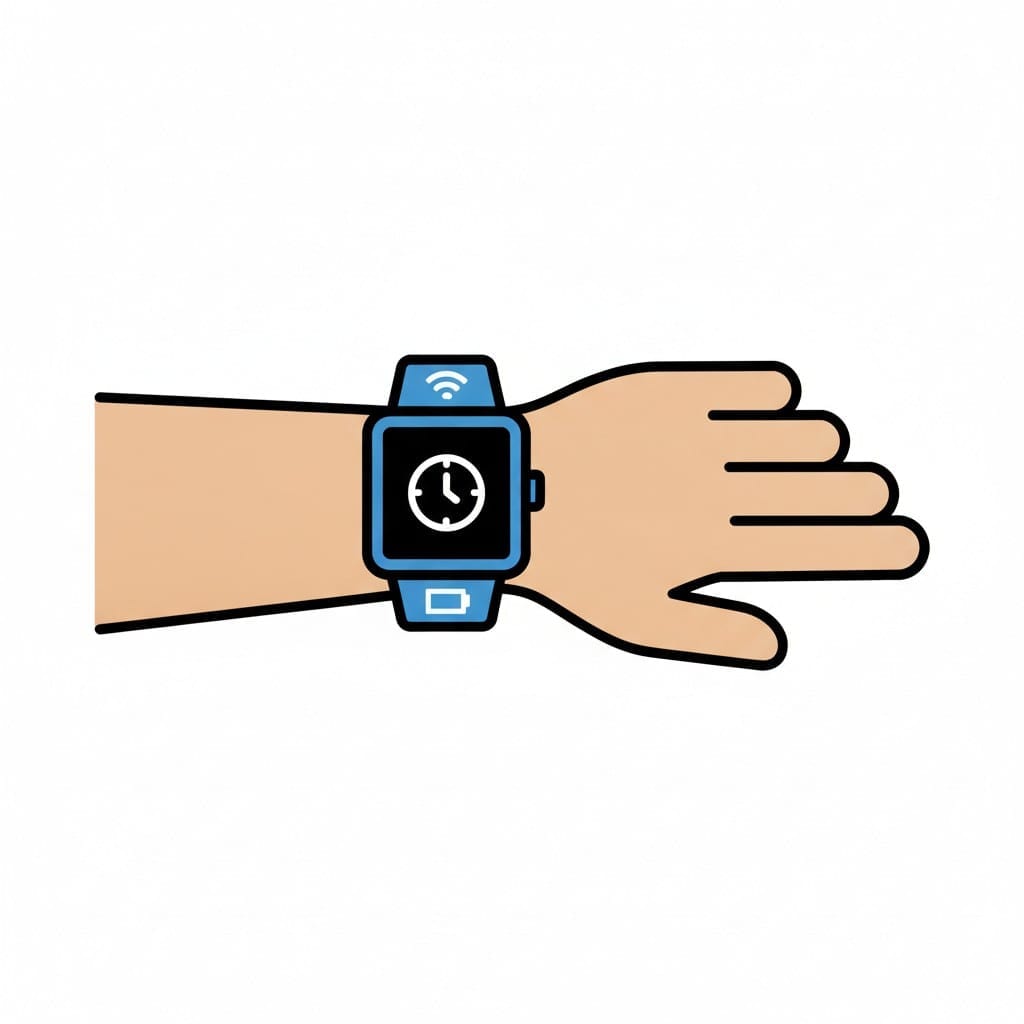
Smartwatch on a wrist
A smartwatch sits on a wrist and shows a clock face on its screen.
About this visual support
Most things you wear on the body are forgotten after a while. A smartwatch rarely is. The strap lies against the skin for hours, gets sweaty in the heat and tight after lunch, and at intervals it buzzes without the child having asked for it. On top of that comes an interface with far more functions than the three or four that actually get used.
Visual support removes what is not needed. Instead of a menu, you can show exactly the steps you have agreed on: fastening the watch, checking the time, seeing today's reminder and taking it off in the evening. When each function has its own picture the child does not have to search, and the buzz becomes predictable because a picture explains what it means.
Agree on how the strap should sit before agreeing on anything else. One hole too loose beats one too tight, and a watch that chafes never becomes something a child wants to wear. With strong sound sensitivity, start with vibration only and add sound later. In Routined the reminders can follow the day's routines, so what appears on the watch belongs with pictures the child already recognises.
Use this image in a schedule
Build your own visual schedule with this image and download it as a print-ready PDF. Completely free.

More similar visual supports
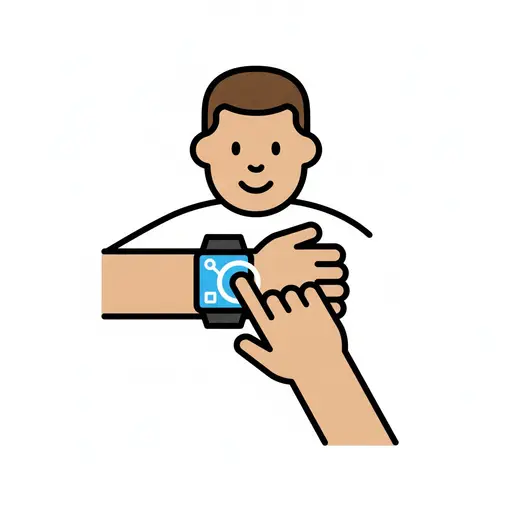
Use the smartwatch
A finger presses the bright screen of a smartwatch worn on the wrist.
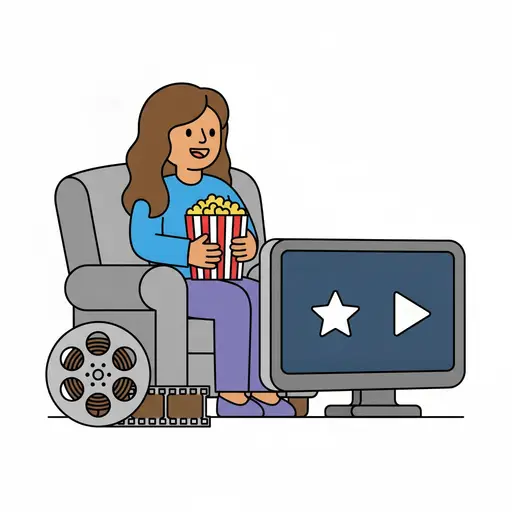
Movie
A smiling person sits in a grey armchair with a tub of popcorn watching a screen...

Watch a movie with siblings
Three smiling children sit together with a bowl of popcorn in front of a movie s...
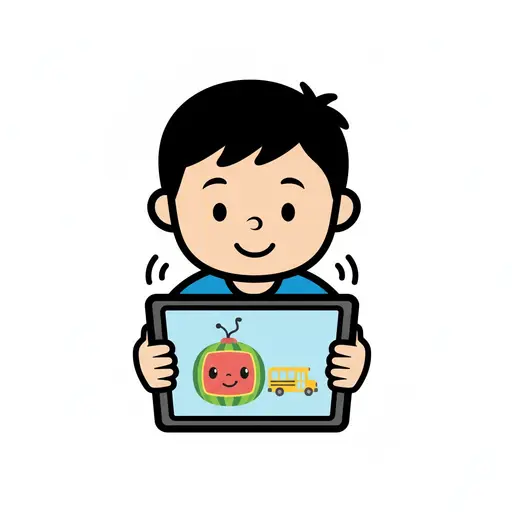
Watch Cocomelon
A boy holds a tablet and watches a cartoon with a character and a school bus.

Watch iPad
A boy holding a tablet with a smiley face on the screen and watching it.
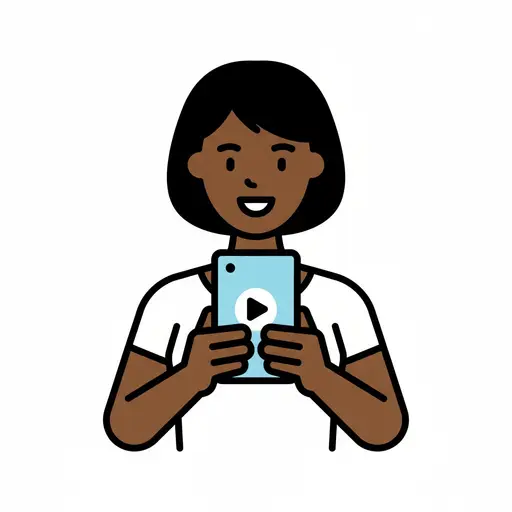
Watch mobile
A person with straight hair watching a mobile phone with a play button on the sc...
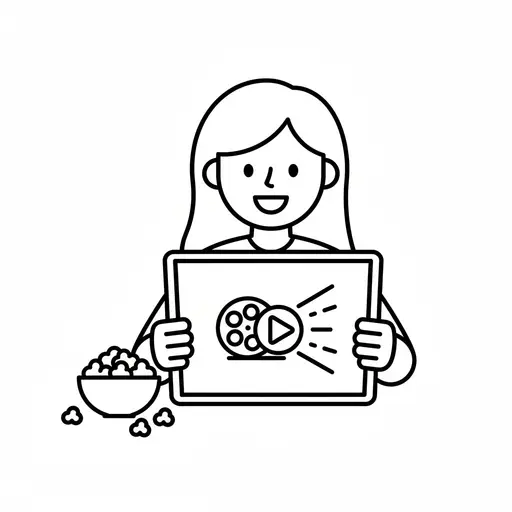
Watch movie
A simple outline drawing of a girl holding a tablet with a film reel and play bu...
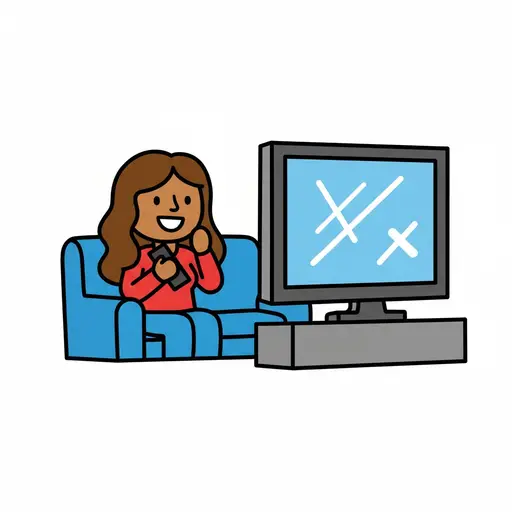
Watch television
A person sits on a blue couch, holding a remote control and watching a televisio...
Take the visual supports with you
In Routined you build schedules from these pictures, add timers and voice instructions, and your child follows the day on their own.


* 14-day free trial included for new users.