Time Timers and Visual Time Aids: How to Help Kids Understand Time (Without Buying Anything)
"Five more minutes" means nothing to a child who can't feel time. Time-blindness is a real cognitive feature — especially in ADHD — and it explains why traditional clocks fail. A guide to visual time aids, from physical Time Timers to free alternatives that work just as well.
"You have five more minutes."
For most adults, this sentence has meaning. You can sense roughly what five minutes feels like. You can pace yourself.
For many children — especially children with ADHD, autism or executive function differences — this sentence is functionally meaningless. They can't feel time. They can't track it as it passes. "Five more minutes" is a label, not an experience.
This is called time-blindness, and it's one of the most under-recognized challenges in everyday parenting.
What time-blindness actually is
The brain has two ways of processing time:
- Clock time — the abstract, numerical concept. 4:30 PM. Twenty minutes from now.
- Felt time — the experience of time passing in your body. The sense that the long activity is winding down or that the wait is almost over.
Most adults integrate both. Children integrate them gradually, usually around age 7–9 for clock time, with felt time continuing to develop through adolescence.
Children with ADHD often have specific differences in felt time. Researchers describe it as living in "now and not-now" — there's the current moment, and then there's everything else, equally remote. Twenty minutes from now and three weeks from now feel the same: not-now.
This is why "you have to do your homework before dinner" doesn't motivate a 9-year-old with ADHD to start at 4:00 PM. Dinner is in not-now. Right now is right now. The current activity wins.
Why traditional clocks fail
Digital clocks show "4:42 PM." This means nothing about how much time is left until anything. The child sees 4:42, then 4:43, then 4:48 — and there's no spatial or visual change to indicate that time is running out.
Analog clocks help slightly because hands move, but they're still small and abstract.
What works is time made spatial — a visible representation of a chunk of time that shrinks as time passes. This is what time-blind kids need.
Physical time aids — and what they cost
Two well-known products dominate the visual time-aid market in Sweden and Europe:
- Time Timer — a clock face with a red disc that shrinks as time passes. About 600–1200 SEK depending on size.
- Time Tracker / Timstock — similar concept with light or sound indicators. 700–1500 SEK.
Both work very well. They're not gimmicks; they're meaningfully better than digital countdowns for time-blind children.
But here's the thing: you don't have to buy one to get the benefit.
Free and low-cost alternatives that work
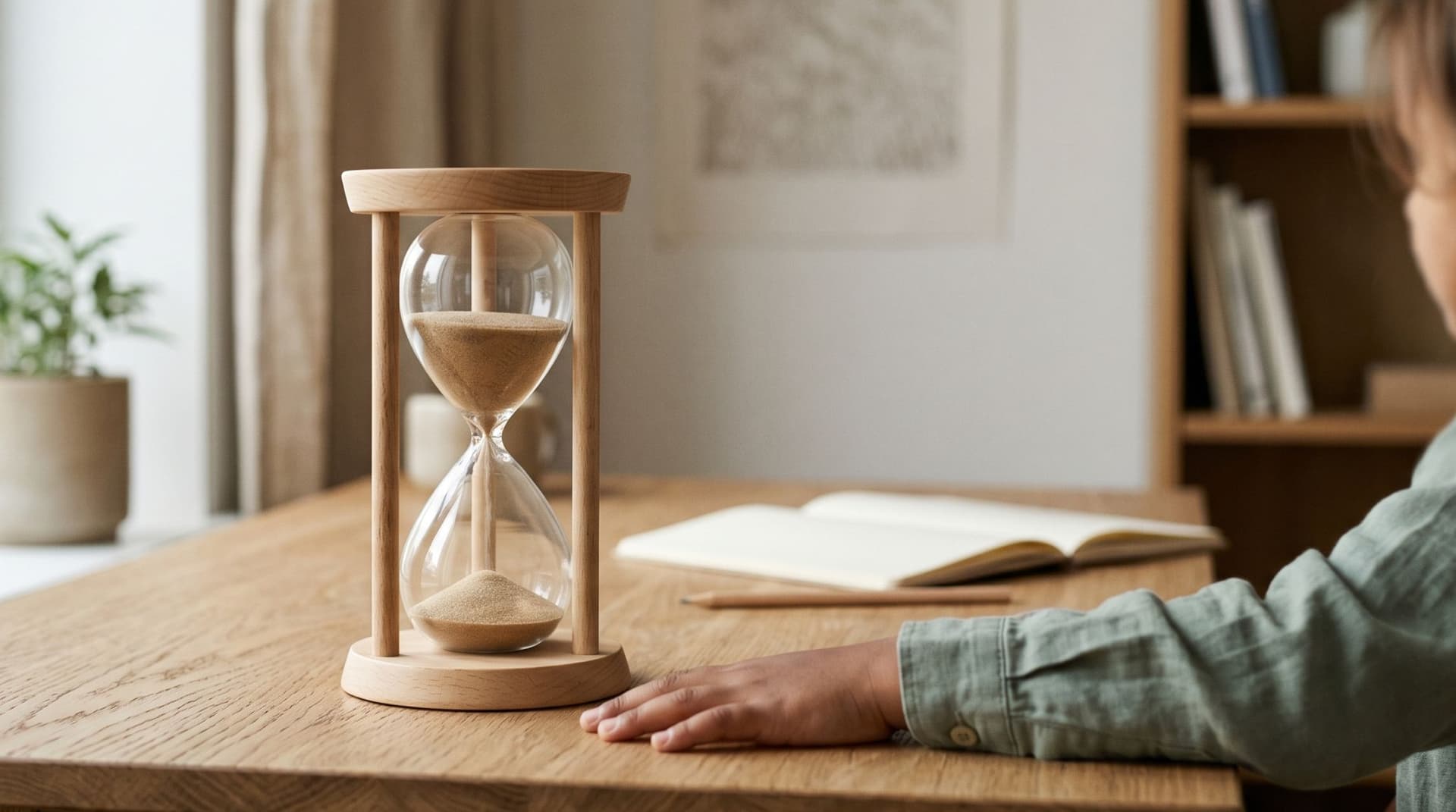
1. A 60-minute sand timer. Around 100 SEK. Visual, satisfying, no batteries. Limitation: fixed duration, hard to use across the room.
2. Phone timer with visible countdown. Free. Works fine if the phone stays in view. The phone is also a distraction, so this works best for short tasks where the phone isn't otherwise needed.
3. A printable visual timer. Free templates online. Print a pie chart with 5-minute slices, color in slices as time passes. Crude but effective for many young children.
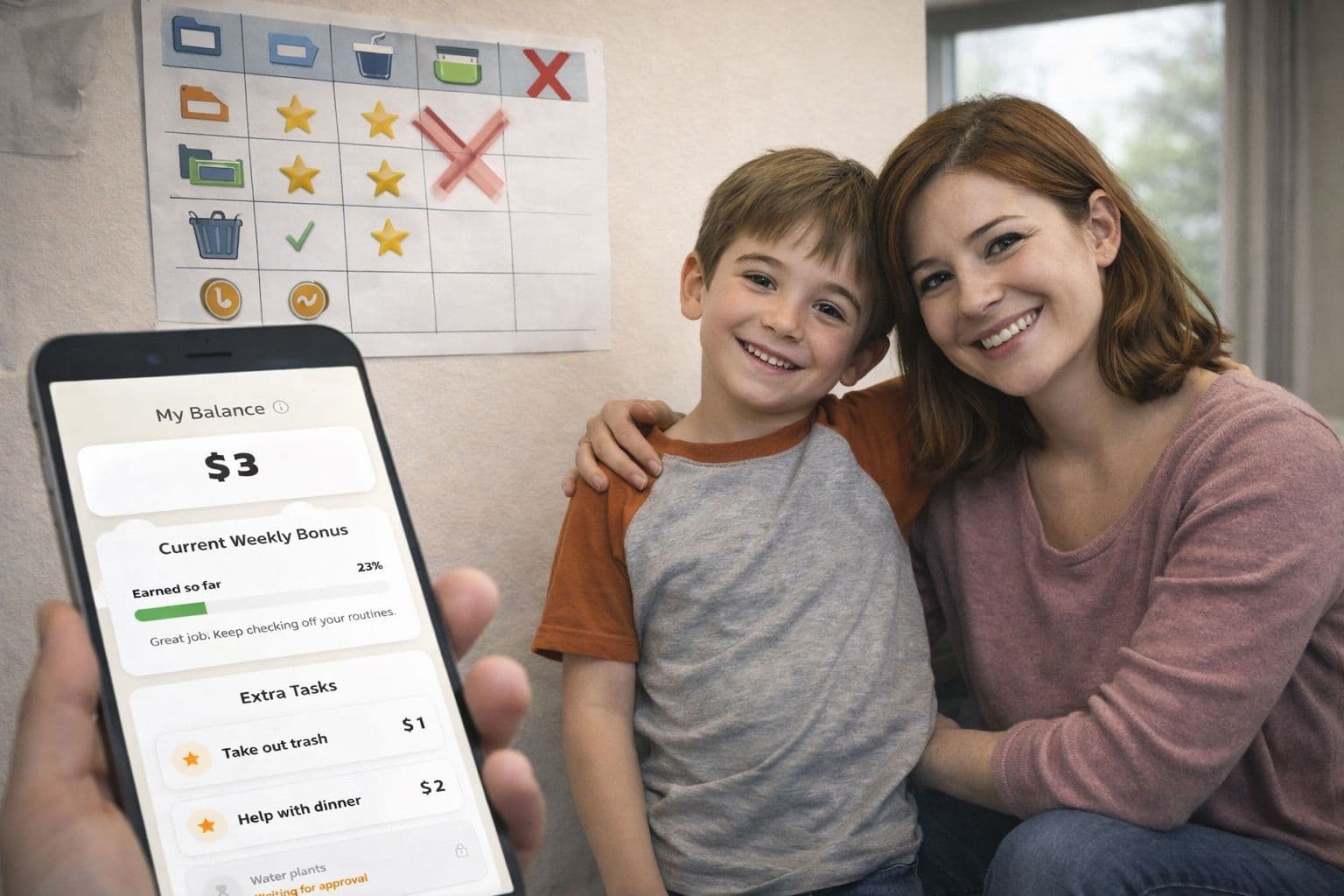
4. A routine app with built-in per-step timers. The timer in Routined is integrated into each step of a routine, with visual progress and an audio alert when it ends. This means time-blindness gets addressed inside the routine itself rather than as a separate device the child has to track.
5. Music. A 20-minute playlist is, functionally, a visual time aid for the ears. "Get dressed before this album finishes" works well for many children — and gives them autonomy over pace.
None of these requires spending 1000 SEK. Try them first.
How to use a visual timer well
Whatever timer you use, a few principles separate a useful timer from a useless one.
Make it visible. A timer the child can't see is just an arbitrary deadline.
Set it together. "Let's set the timer for fifteen minutes" is collaborative. "You have fifteen minutes" is a demand.
Use it for transitions, not punishment. A timer that starts when the child is enjoying something and ends in an unwanted activity teaches the child to hate timers. A timer that frames a chunk of any activity — including pleasant ones, including transitions to pleasant ones — is just a tool.
Don't extend it. If the timer goes off and you keep going, the timer means nothing next time. Set it for what you actually mean.
Give a heads-up before it ends. "Two minutes left" lets the brain start the transition. The transition is the hard part, not the end itself.
What to do when the timer goes off and they ignore it
This is the moment where most timer routines collapse. The timer goes off, the child doesn't move, the parent escalates, and the timer becomes one more thing to argue about.
A few things help:
- Don't repeat verbal reminders. The timer is the reminder. Repeating verbally trains the child to wait for the verbal version.
- Use a physical bridge. Move closer, make eye contact, gently touch a shoulder. Physical presence is harder to ignore than sound.
- Give the next step, not the criticism. Not "you didn't listen." Just "let's go" — the timer already did the criticism part.
- Build the timer end into a visual sequence. When the screen-time timer ends, the next step in the routine is automatically the next thing. The child sees a visual transition, not a vacuum into which a parent's voice must enter.
Time-blindness isn't laziness. It's a real cognitive feature with a real fix: make time visible. You don't need to spend 1000 SEK on a Time Timer (though they're good). A 100 SEK sand timer, a free phone app or a routine app with built-in timers does the same job. The point is to give the time-blind brain something to see, not just something to hear.
Frequently asked questions
At what age should I start using visual timers?
Around age 3 for very simple ones — "until the sand runs out" can work for a young toddler. By 5, most children can use a Time Timer or app-based timer effectively.
My child gets stressed when they see time running out.
For some children, especially anxious ones, watching the countdown is itself stressful. Try an end-only alert — the child doesn't see the timer, just gets the alert when it ends. You lose some of the pacing benefit but eliminate the anxiety.
Do schools use these?
Many Swedish schools, especially with NPF-friendly classrooms, use Time Timers prominently. If your child has an IEP or särskilt stöd, ask whether a visual timer is included.
My teenager refuses to use a "kid's" timer.
Phone apps with visual countdown bypass this. Many teens use Pomodoro-style timers as a study aid voluntarily. The format is teen-acceptable; the function is identical.