Get the wheelchair
Every transfer starts with fetching the wheelchair and putting it in the right place, and small slips like an unlocked brake can make the moment feel unsafe. Pictures show the same order every time, whoever is helping. See the visual support below.
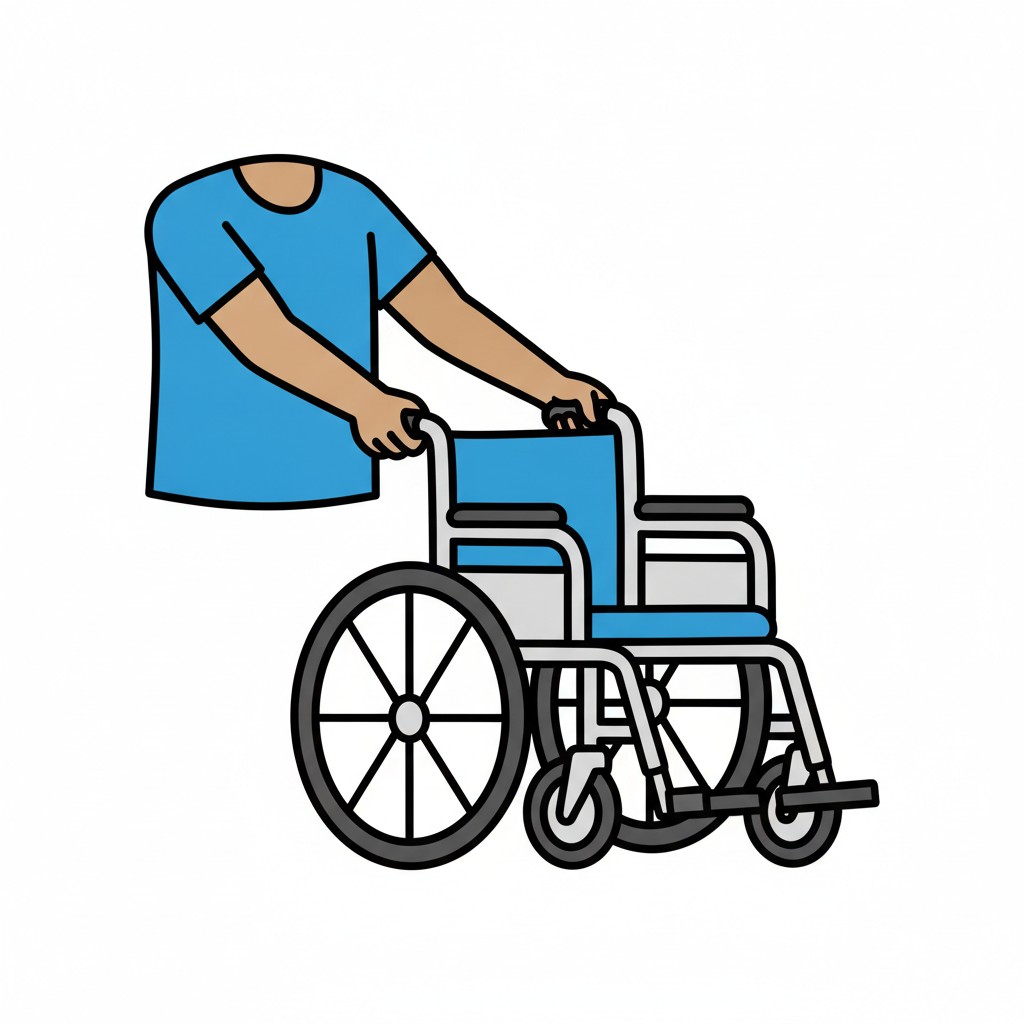 ⚲
⚲Getting the wheelchair
A person pushes an empty wheelchair forward.
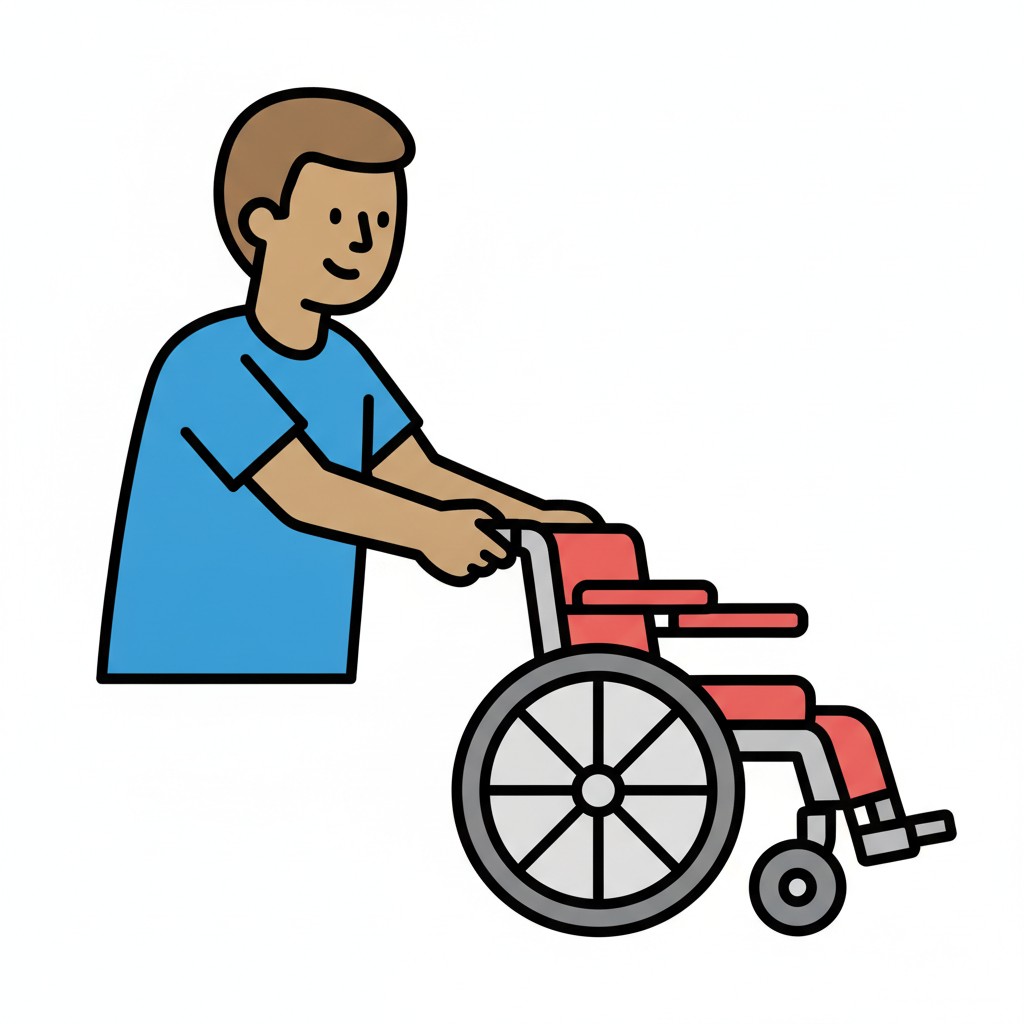 ⚲
⚲Bringing the wheelchair
A man pushes a red wheelchair.
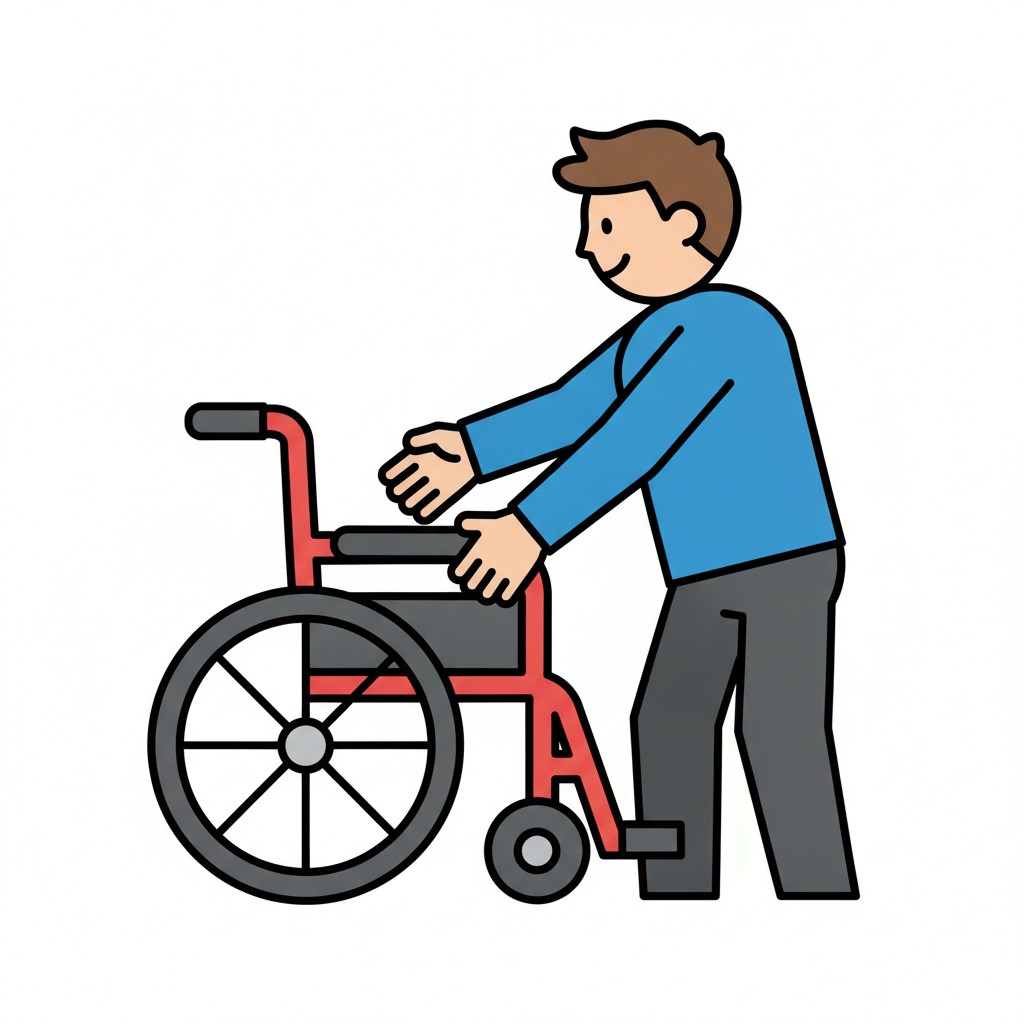 ⚲
⚲Preparing the wheelchair
A man gets a wheelchair ready.
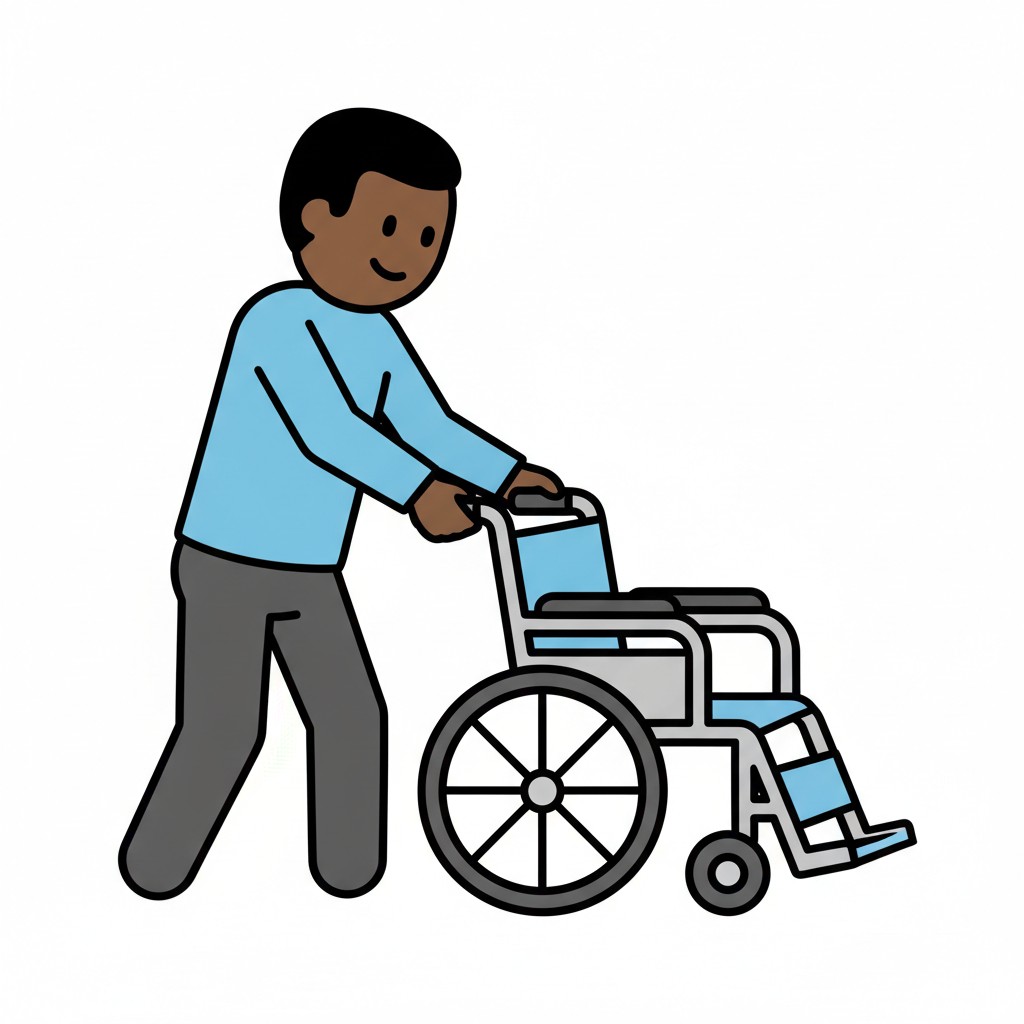 ⚲
⚲Wheelchair
A man walks pushing a blue wheelchair.
About this visual support
For a child who uses a wheelchair, transferring from bed, sofa or car to the chair happens many times a day, often with different adults. One locks the brakes first, another forgets the footrests, a third puts the chair at the wrong angle. The child feels the difference in their body, and every new variation can make the moment tense even when nothing is actually going wrong.
Visual support makes the order shared. A row can show: fetch the chair, place it close at the right angle, lock the brakes, fold up the footrests, transfer, fold down the footrests and release the brakes. The child can point to the next step themselves and help steer the process, instead of simply being moved. New assistants learn faster when the order is on the wall.
A practical tip is to let the child say or show ready before the transfer starts, so there is a clear signal instead of an adult just lifting. It gives control over their own body. If several people in the child's network need to see the same routine, you can share it in Routined and try the app for 14 days at no cost.
Use this image in a schedule
Build your own visual schedule with this image and download it as a print-ready PDF. Completely free.

More similar visual supports
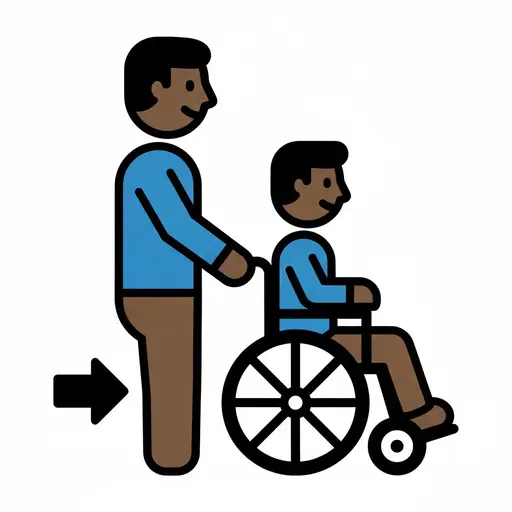
Personal assistance
A person pushes a child sitting in a wheelchair forward.

Allergy medicine
Medicine bottle with a red cross next to a capsule, a leaf, and a cloud.

Antibiotics
A medicine bottle with capsules and a person taking their medicine.
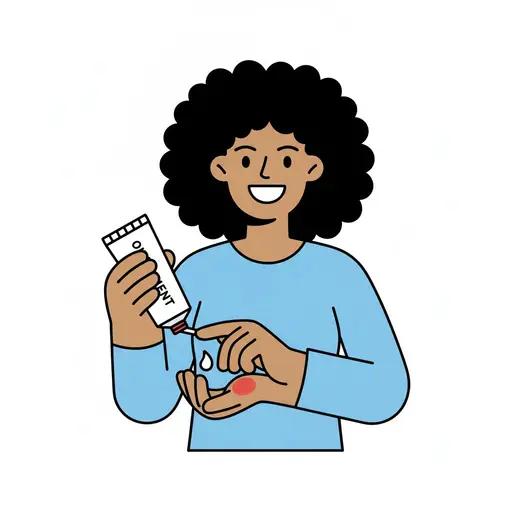
Apply ointment
A woman rubs ointment from a tube onto her hand.
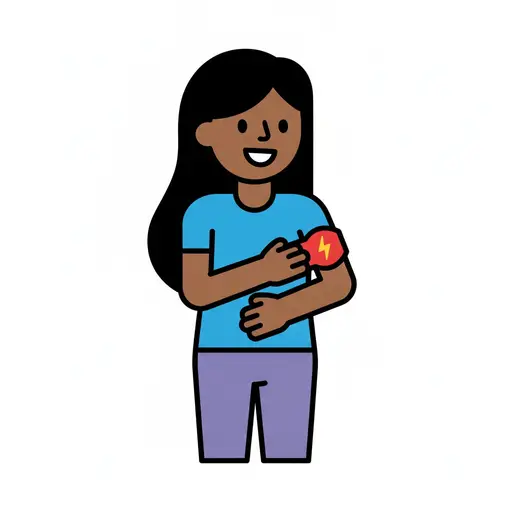
Armband
A person wears a red armband on their upper arm and points at it.
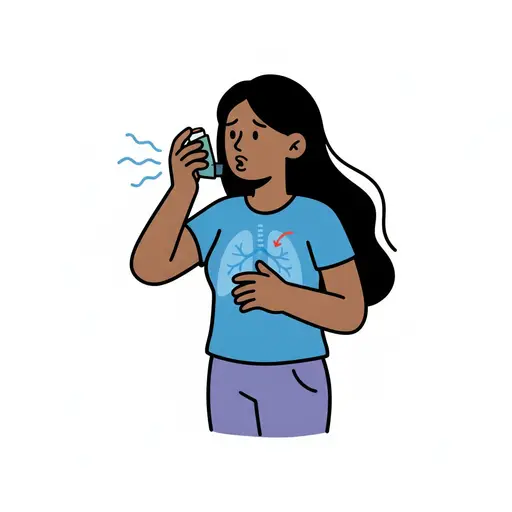
Asthma
A person with a worried expression brings a blue inhaler to their mouth and hold...
Asthma inhaler
An asthma inhaler releasing a puff.
Blood sugar
A large red blood drop next to a blood sugar meter showing 120 and a lancet.
Take the visual supports with you
In Routined you build schedules from these pictures, add timers and voice instructions, and your child follows the day on their own.


* 14-day free trial included for new users.