Turn off the TV
A TV holds attention in one long stream, and without a clear ending signal turning it off can feel like a hard yank. The steps below give your child a visible marker for where the episode actually stops.
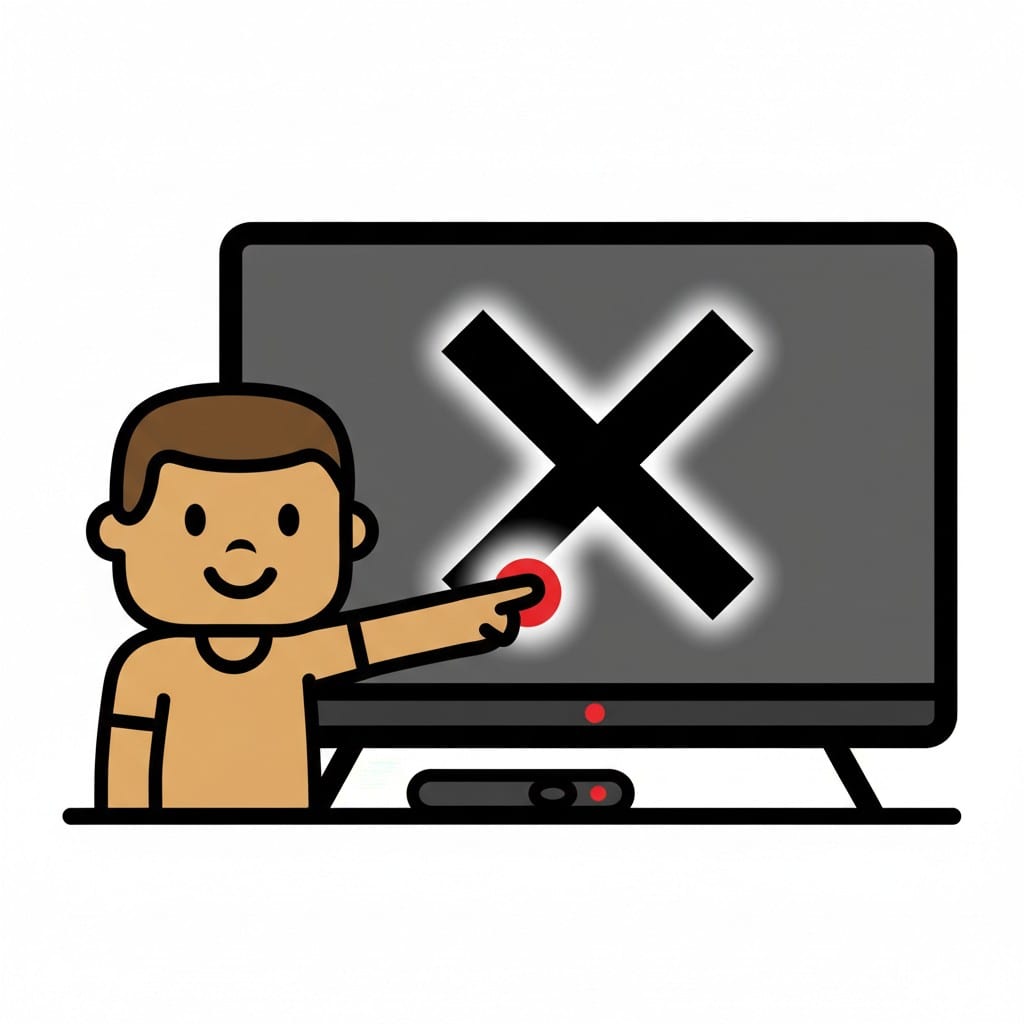 ♂
♂Turn off TV
A boy points at a television screen with a large 'X' on it, indicating it's being turned off.
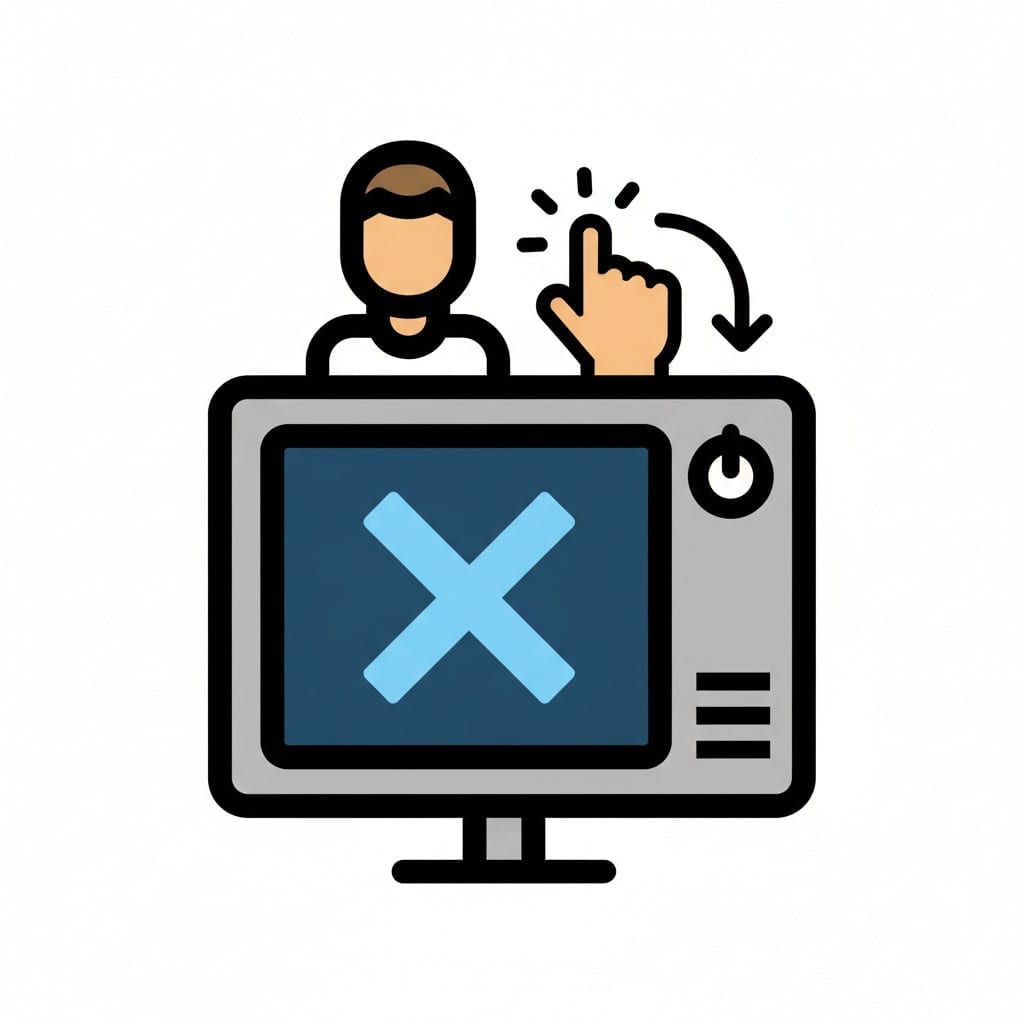 ♂
♂Turn off TV
A person's hand pressing the power button on a TV screen, which displays a large 'X'.
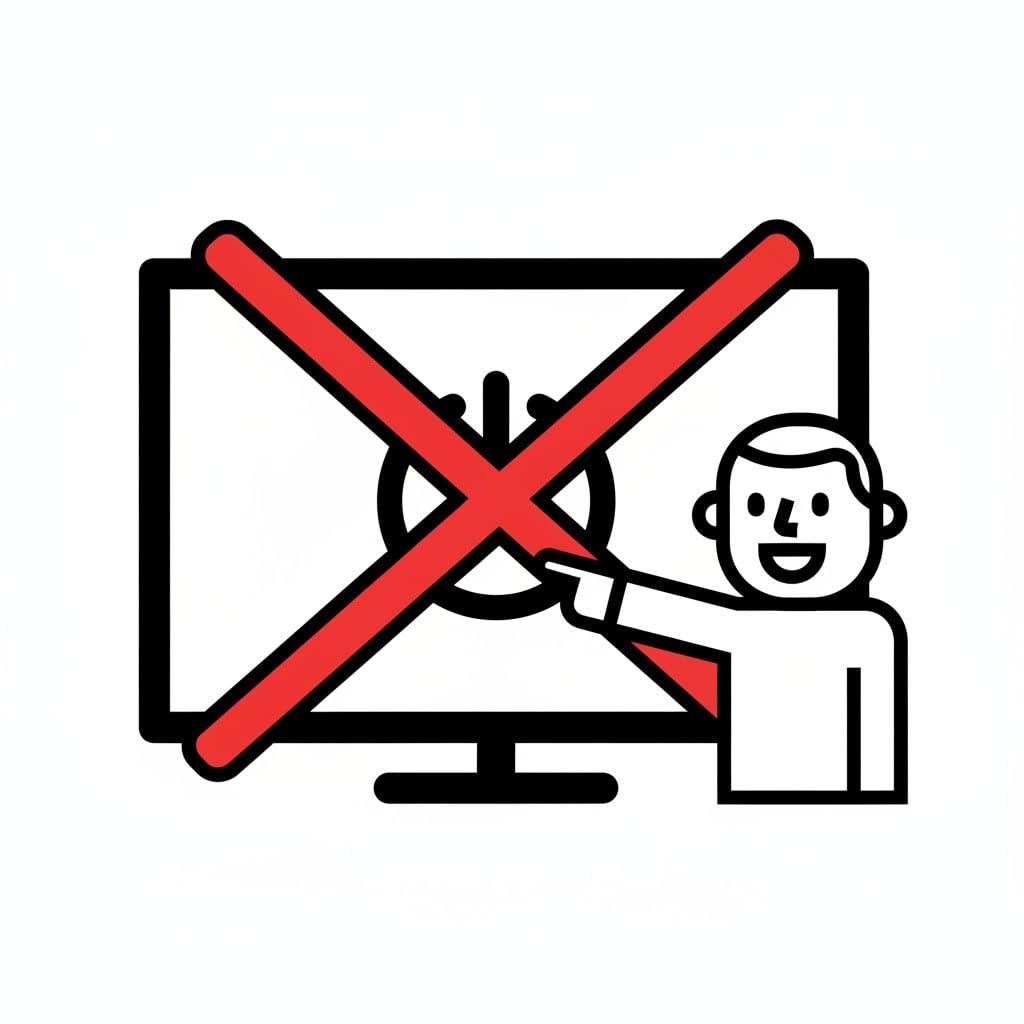 ♂
♂Turn off TV
A person pointing to a television with a red cross over the screen, signifying to turn off the TV.
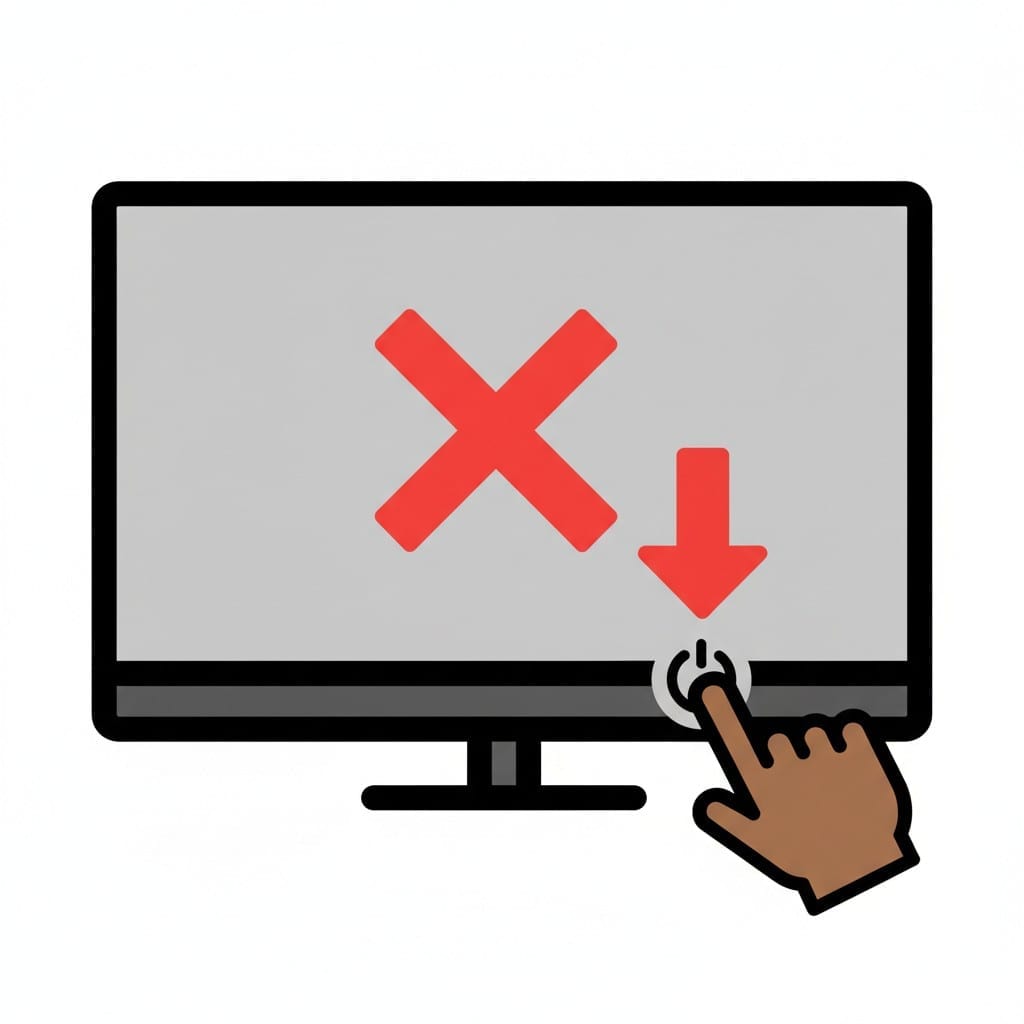 ♀
♀Turn off the TV
A hand presses the power button on a TV screen.
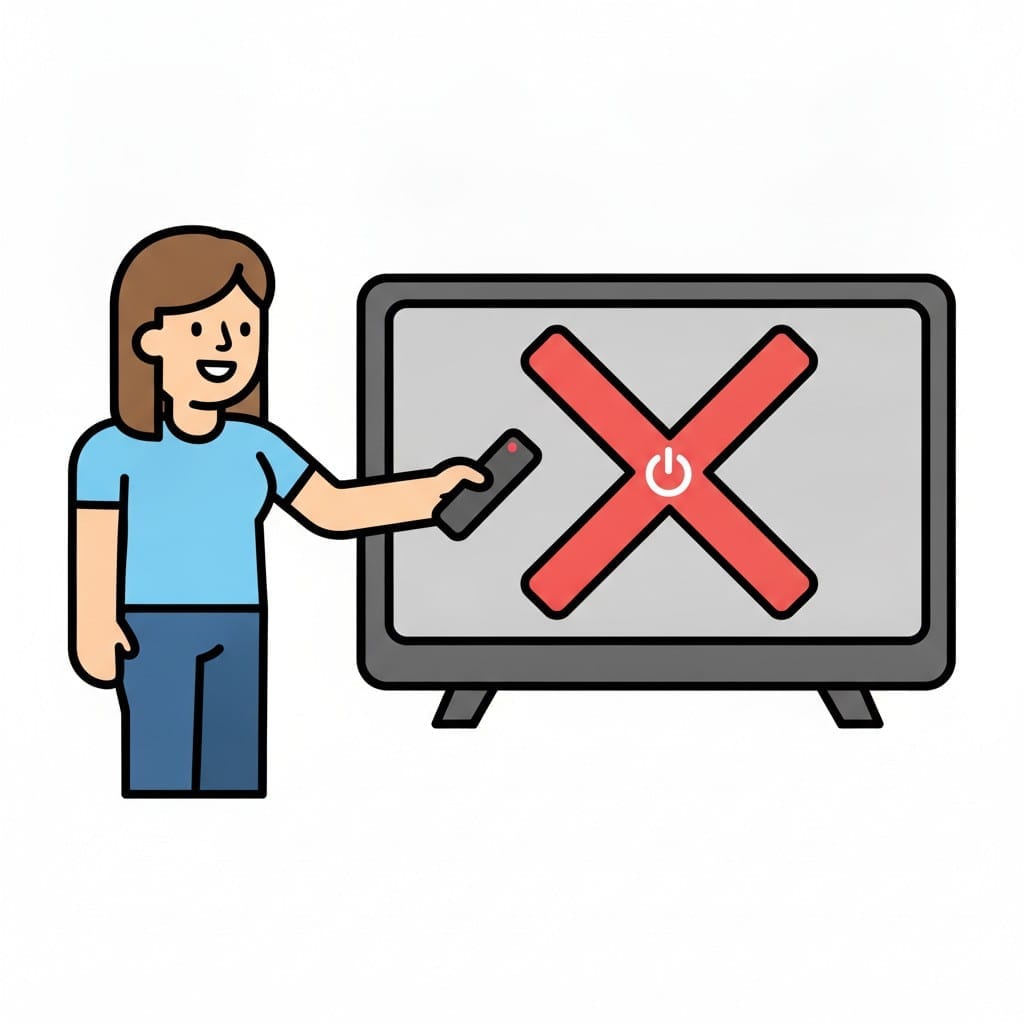 ♀
♀Person switching off the TV
A smiling person points a remote control at a television showing a large red cross and a power symbol on the screen.
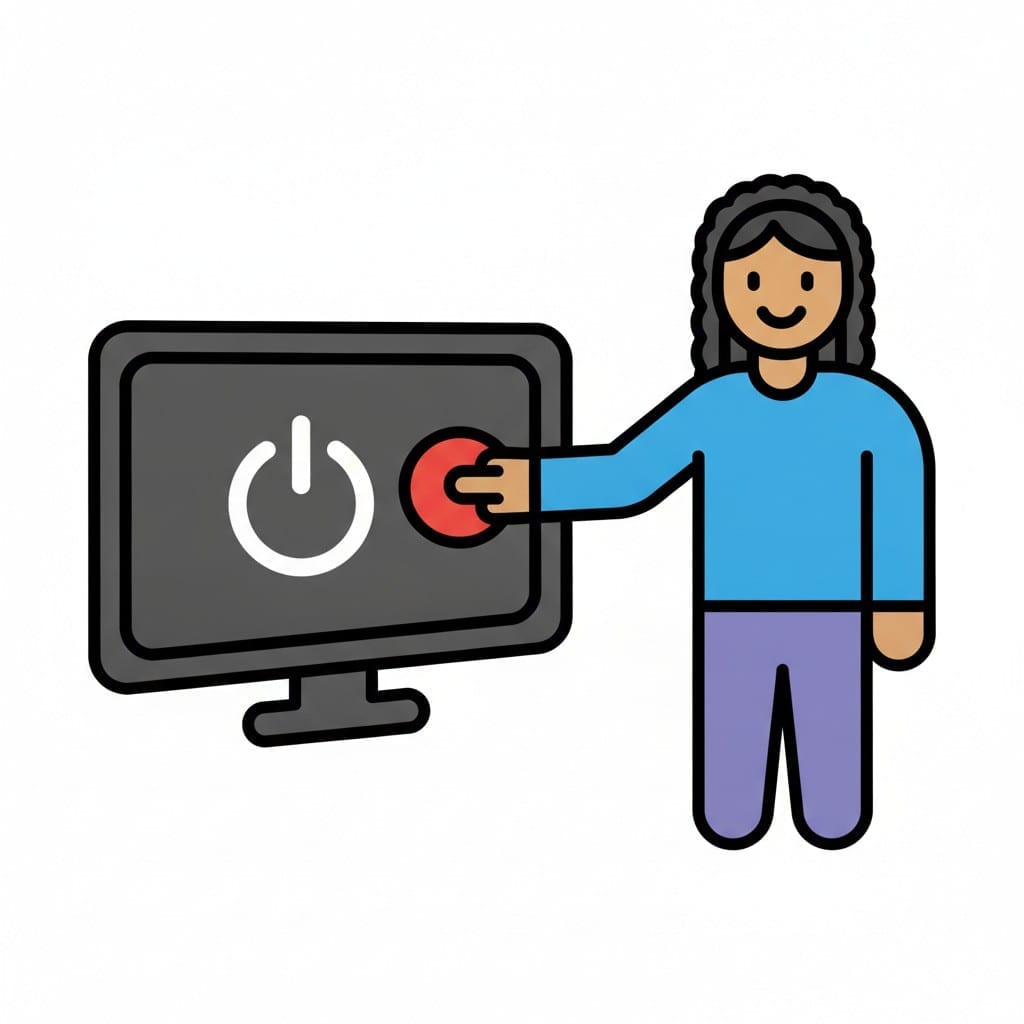 ♀
♀Person pressing the power button
A smiling person reaches out and presses a red button on a television with a white power symbol on the screen.
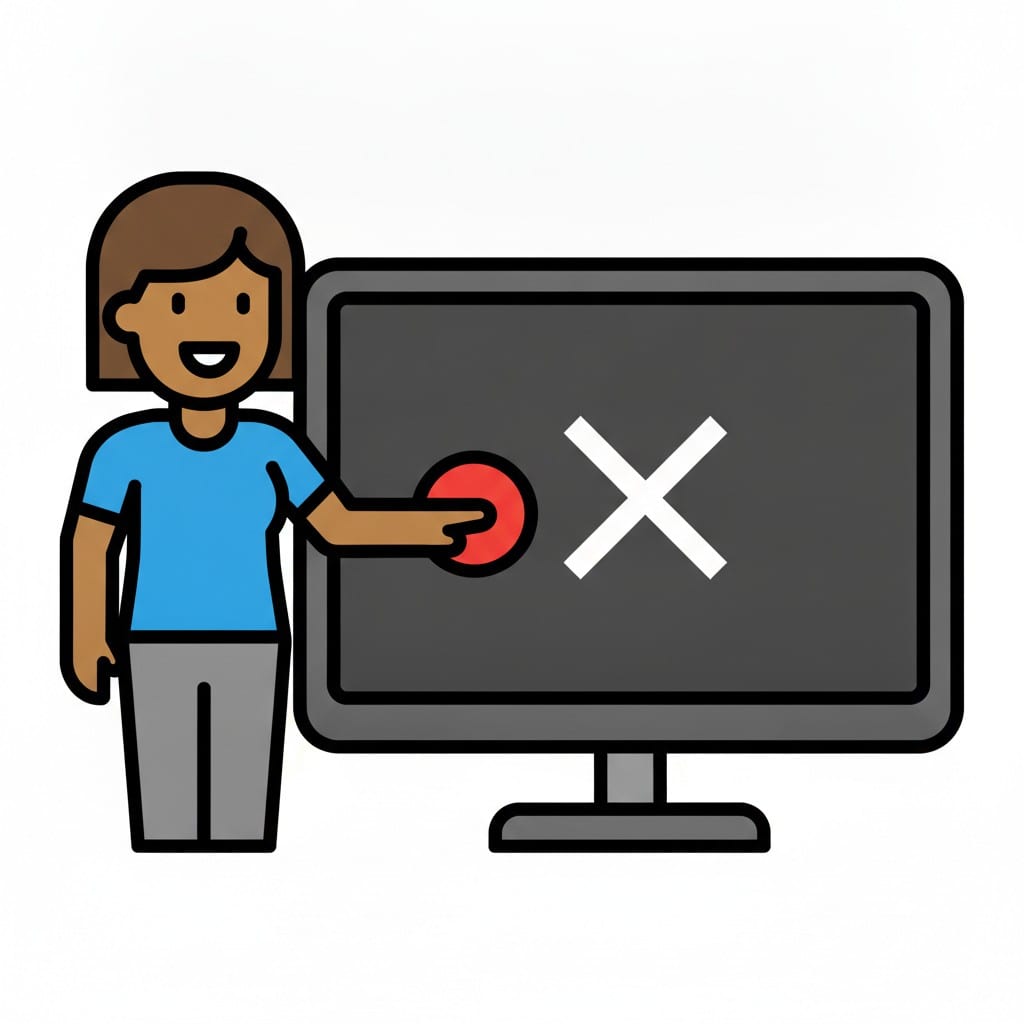 ♀
♀Person turning off the TV screen
A laughing person presses a red button on a television with a white cross on the dark screen.
About this visual support
A television is built to hold the eyes. Cuts are short, music carries across the pauses, and the next episode often starts before the viewer has registered that the last one ended. For a child that means there is no obvious point where the brain receives a clean signal that says we are done now.
This is where the visual support does something concrete. When the card showing the credits sits next to the card showing the remote being placed on the table, followed by the card showing what comes next, there is a visible end marker that does not depend on an adult interrupting. Turning off becomes something the child can prepare for rather than something done to them.
One activity-specific tip: watch for the closing credits or the title screen together before pressing off. That gives a recurring visual cue the child quickly learns to read. If you want to tie the ending to whatever comes after, you can build the sequence in Routined so the next activity is already visible when the screen goes dark.
Use this image in a schedule
Build your own visual schedule with this image and download it as a print-ready PDF. Completely free.

More similar visual supports
Screen Time 10am
A boy holds up a tablet showing 10:00 with a sun symbol.
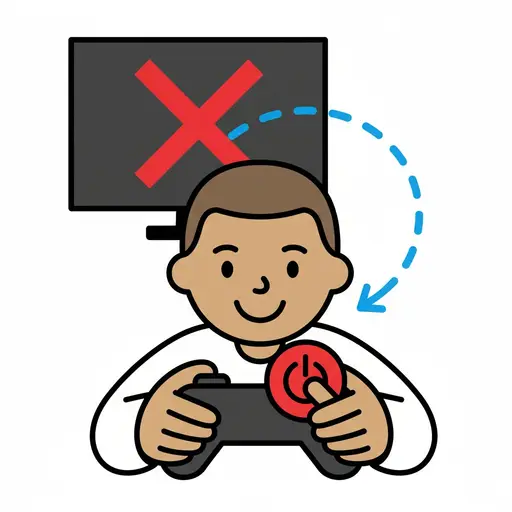
Turn off game
A boy pressing the power button on a game controller, with a screen in the backg...
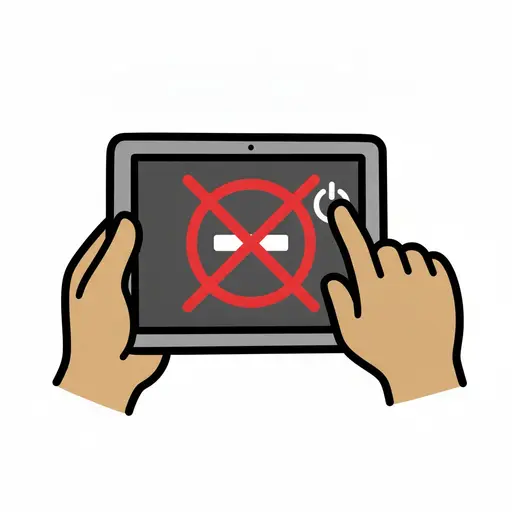
Turn off iPad
Two hands holding a tablet and pressing the power button to turn it off, with a ...
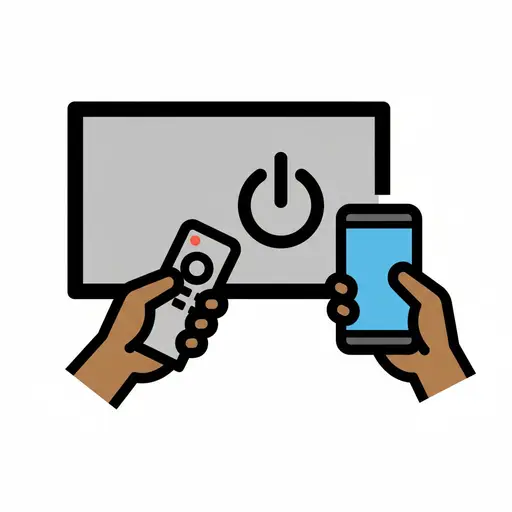
Turn off TV and phone
A hand holds a remote control pointed at a TV screen with a power off symbol. An...
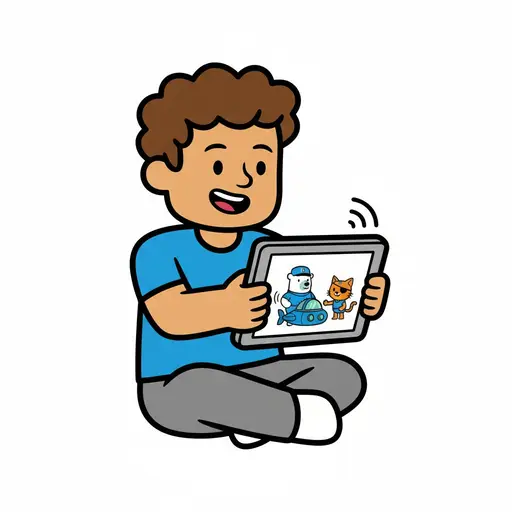
Watch Octonauts
A boy is sitting happily watching an Octonauts series on a tablet.
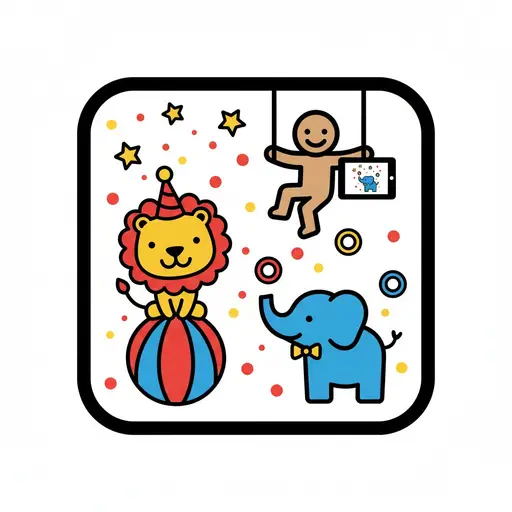
Circus animals app
A cartoon figure on a trapeze holds a tablet displaying an elephant, while a lio...
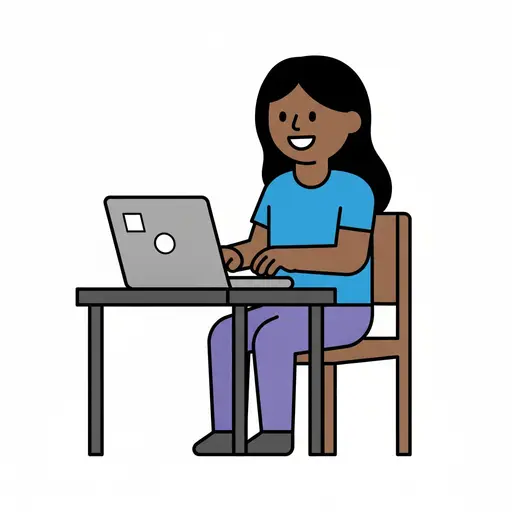
Computer
A smiling person sits on a wooden chair at a desk and types on a grey laptop.
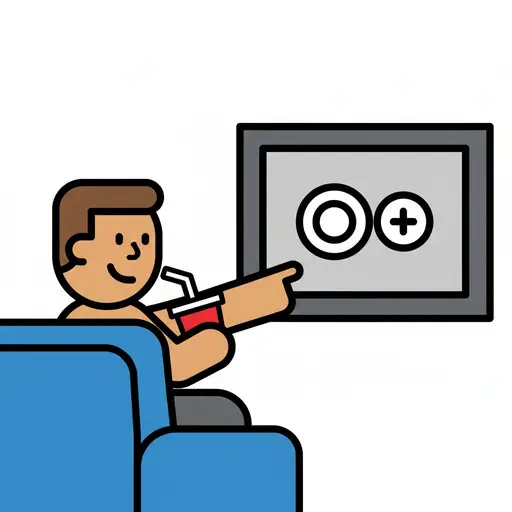
Drink and TV
A person sits on a blue couch, drinking from a red cup with a straw and pointing...
Take the visual supports with you
In Routined you build schedules from these pictures, add timers and voice instructions, and your child follows the day on their own.


* 14-day free trial included for new users.