Educational vs Entertainment Screen Time: Does the Difference Matter?
Does the educational label really matter? What counts far more is whether screen time is passive, active or creative, shared with you, and linked to real life.
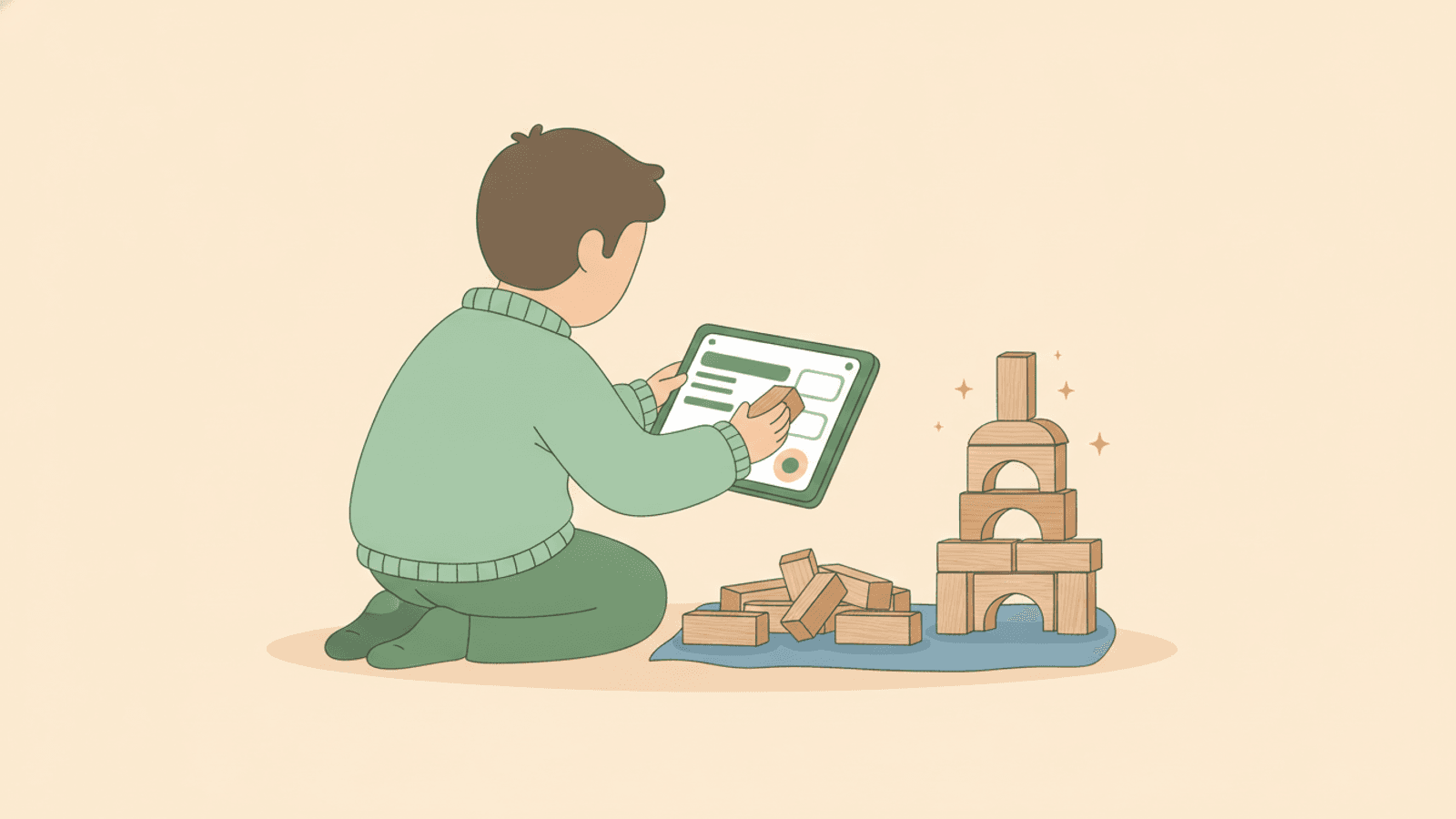
Educational vs entertainment screen time is a real distinction, but it matters less than how the screen is used. Educational screen time is content designed to teach a skill or idea; entertainment screen time is content made mainly to amuse. In practice the more useful line is between passive watching, active or interactive use, and creating something. A child who watches together with you, talks about what they see and links it to real life is learning, whether the app wears an "educational" badge or not.
Not all screen time is equal
It helps to picture screen time on a ladder rather than as one big block. The rung a child is standing on tells you far more than the total minutes.
- Passive watching: sitting back while videos autoplay, one clip rolling into the next with little thought in between.
- Active or interactive: pausing, choosing, answering, solving, moving in response to what is on screen.
- Creating: drawing, building, coding, filming, making music or telling a story with the device as a tool.
Creating tends to be the richest, active use the next, and passive watching the thinnest. None of these is forbidden. But if most of your child's screen time sits on the bottom rung, that is worth noticing before you worry about the label on the app.
What makes screen time genuinely good
Good screen time usually shares a few features, and they have little to do with marketing.
- Engagement: your child is thinking, predicting or responding, not just staring.
- Real learning: the content stretches them a little, rather than repeating what they already know.
- Watching together: an adult nearby to comment, ask and connect.
- Links to real life: what happens on screen shows up again off screen.
A cooking video that leads to baking together in your kitchen does more than a polished maths app played alone on autopilot. The value lives in what surrounds the screen, not only in what is on it.
The myth of the educational label
"Educational" is a marketing word, not a guarantee. Many apps and shows carry it because it sells to parents, not because a child measurably learns from them. Fast cuts, constant rewards and endless levels can hold attention while teaching very little.
Meanwhile, plenty of so-called entertainment builds real vocabulary, empathy and knowledge. A well-made nature series or a story-rich game can teach more than a flashcard app. Judge the content by what your child does and says while using it, not by the category in the store.
Quality matters, but quantity still counts
Focusing on quality does not mean minutes stop mattering. Even brilliant content displaces other things when it runs for hours: movement, sleep, unstructured play, boredom that sparks imagination, and face-to-face time.
So hold both ideas at once. Aim for better screen time, and keep an eye on the total. A short session of thoughtful, shared content beats a long stretch of passive scrolling, but a long stretch of anything crowds out the rest of childhood.
Balancing the categories
You do not need to ban entertainment or force everything to be improving. Balance is more realistic and more sustainable. Think in rough proportions across a week rather than policing every single video.
- Some pure downtime and fun, which children genuinely need.
- Some active or interactive use that asks something of them.
- Some creating, where the device becomes a tool for making.
- Regular co-viewing, so an adult is part of the mix.
If entertainment and passive watching are quietly taking over, gently rebalance rather than crack down. Swapping one autoplay session for a shared show or a creative app shifts the whole week.
Co-viewing and extending content into real life
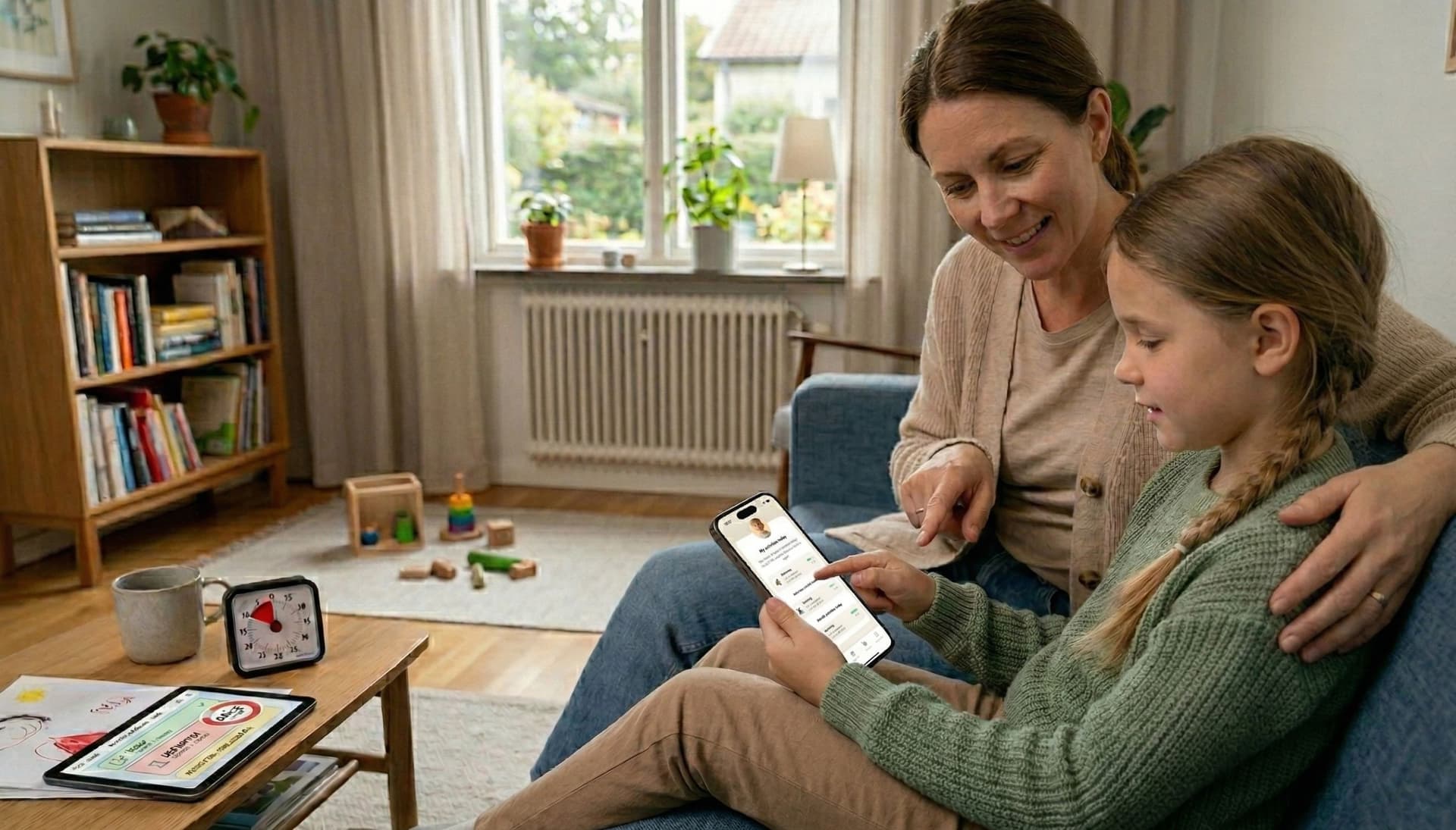
Co-viewing is one of the most powerful things you can do, and it costs nothing. Sitting alongside your child, naming what you see and asking simple questions turns passive watching into a shared, active experience.
Extending the content afterwards is where the real learning lands. Try a few easy bridges:
- Watched a baking video? Bake a simple version together.
- Loved a show about the sea? Visit an aquarium, a rock pool or a library book.
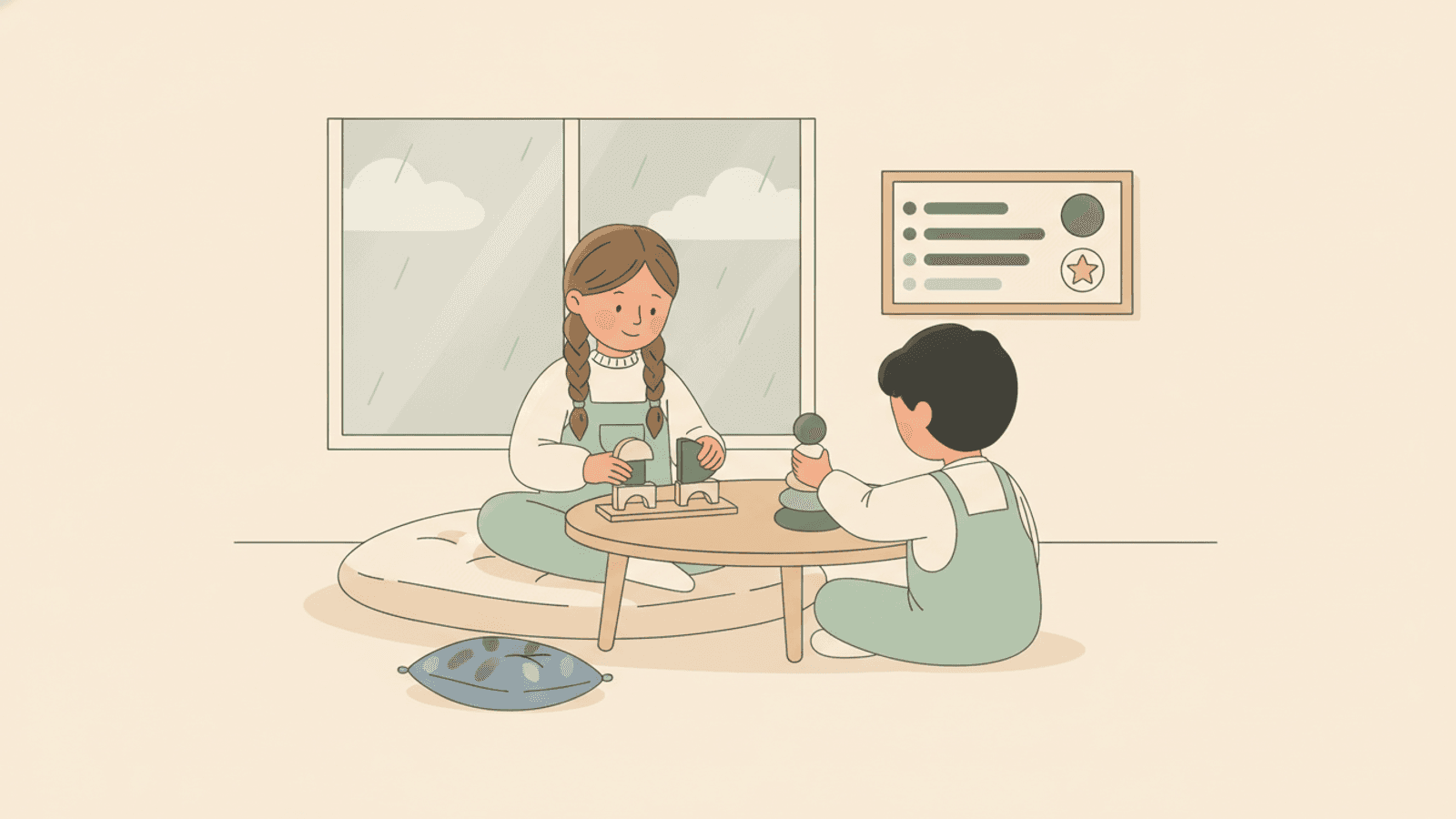
- Played a building game? Get out real blocks, cardboard or clay.
- Heard a new word on screen? Use it at dinner and see if they notice.
These bridges tell your child that screens connect to the real world, rather than replacing it.
Using your child's interests as a hook, and watching for passive loops
A child's obsession, whether trains, dinosaurs, space or a particular game, is a gift. Follow it. Interest-led content holds attention honestly and gives you a natural way in for conversation and real-world follow-up.
The thing to watch for is the passive loop: autoplay, infinite feeds and one video sliding into the next with no choice or thought. These are engineered to keep children watching, and they are where minutes vanish. A few small habits help:
- Turn off autoplay where you can.
- Choose specific videos or episodes rather than open-ended feeds.
- Prefer content with a clear beginning and end.
- Sit in occasionally, so watching stays shared rather than solitary.
Notes for ADHD and autism
Screens can be especially compelling for children with ADHD or autism, and that is not a moral failing. Fast feedback and predictable, controllable content can be genuinely soothing and regulating, which is part of why stepping away feels so hard.
A few adjustments make a real difference:
- Make transitions visible and predictable, so the end of a session is not a surprise.
- Use a timer the child can see, rather than a sudden "time's up".
- Lean into special interests as a bridge to conversation and offline activities.
- Notice regulation: some content winds a child up, some calms them down, and the same app can do either on different days.
For many neurodivergent children, a clear visual routine around screen time reduces conflict far more than tighter rules do. Knowing what comes before and after a screen makes ending it feel safe rather than like a loss.
How Routined helps
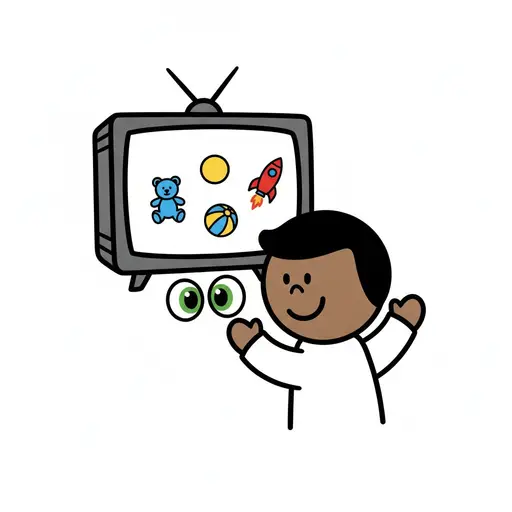
Routined lets you build a calm, predictable routine around screen time instead of relying on last-minute negotiation. You can add a visual countdown timer to a screen-time step, so the ending is visible from the start, and set clear steps for what comes next. In Visual Support mode each step shows a big picture card, using the built-in library, an AI image or your own photo, which suits children who find text harder to follow. Screen-time minutes can also be offered as a reward for completing routines, earned as a simple counter rather than anything that controls the device.
Takeaway: the educational versus entertainment label is a weak guide. What truly matters is where your child sits on the ladder from passive to active to creating, whether you are watching alongside them, and whether screens connect back to real life. Aim for good screen time, keep a gentle eye on the total, follow your child's interests, and make the boundaries visible. Do that, and the label on the app stops mattering much at all.
Read more
Frequently asked questions
Is educational screen time actually better than entertainment?
Not automatically. The "educational" label is a marketing term, not a guarantee. What matters more is whether your child is passively watching, actively engaging or creating, and whether an adult is involved. A well-made entertainment show watched together can teach more than an educational app used alone on autopilot.
Does the amount of screen time still matter if the content is good?
Yes. Even excellent content displaces sleep, movement, play and face-to-face time when it runs for hours. Aim for better quality screen time and keep a gentle eye on the overall total, rather than choosing one over the other.
What is co-viewing and why does it help?
Co-viewing simply means watching alongside your child, commenting, asking questions and connecting what you see to real life. It turns passive watching into an active, shared experience and is one of the most effective, no-cost ways to make screen time worthwhile.
How do I handle screen time for a child with ADHD or autism?
Make endings visible and predictable with a timer the child can see, use special interests as a bridge to offline activities, and notice which content calms or overstimulates. A clear visual routine around screen time usually reduces conflict more than stricter rules do.