YouTube and the Algorithm: What Parents Should Know
The YouTube algorithm is built to keep children watching, not to protect them. Here is how it works, why it is so hard to leave (especially with ADHD), and calm, practical ways to set limits.
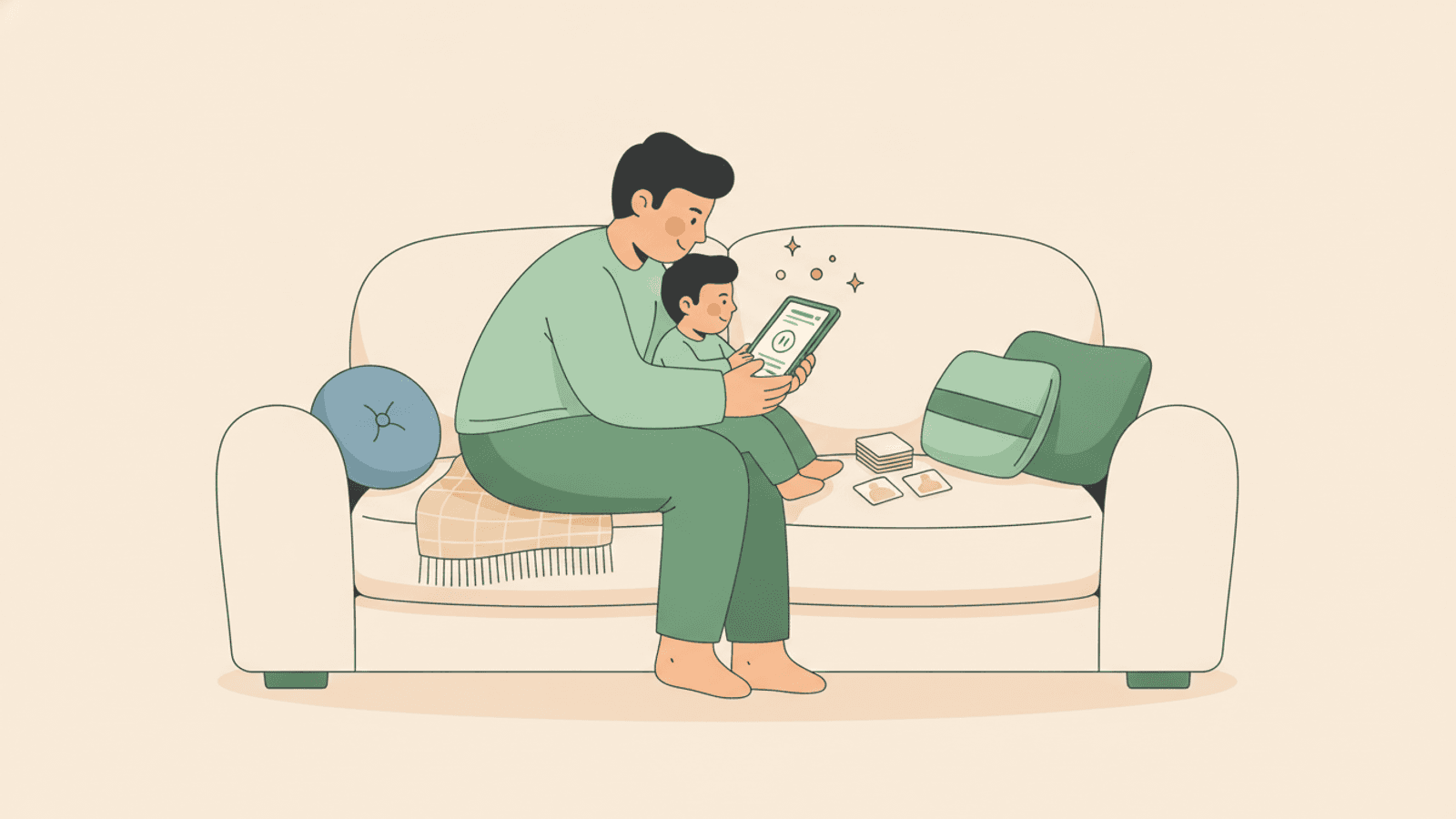
The YouTube algorithm and kids is a recommendation engine designed to keep viewers watching as long as possible, using autoplay and an endless stream of suggested videos tailored to what your child has already watched. It is not neutral, and it is not built with a child's wellbeing in mind. Understanding how it works is the first step to helping your family use YouTube on your terms rather than the platform's.
If your child seems to fall into a bottomless pit of videos, that is not a flaw in them. It is the design working exactly as intended. This is especially true for children with ADHD or autism, who can find the novelty and predictability of the feed genuinely hard to step away from.
How the YouTube algorithm and kids interact
YouTube's recommendation system watches what your child clicks, how long they watch and what they skip. From those signals it predicts the next video most likely to hold their attention, then queues it up automatically.
The single most important thing to understand is that the algorithm optimises for watch time, not for quality, learning or rest. A calm, useful clip and a loud, repetitive one are judged by the same measure: did the viewer keep watching?
Two features do most of the heavy lifting:
- Autoplay: the next video starts on its own, usually within seconds, so there is never a natural stopping point.
- Endless suggestions: a full sidebar or grid of thumbnails, each engineered with bright colours and exaggerated faces to earn the next click.
Why one video becomes an hour
Your child sits down for a single clip. An hour later they are still watching, and they genuinely cannot tell you how they got from a music video to a stranger unboxing toys.
This happens because the design removes every decision point. Without autoplay, a child finishes a video and has to actively choose to find another, a small pause that invites them to stop. With autoplay on, stopping requires effort and choosing to continue requires none. The path of least resistance is always one more video.
Thumbnails and titles add a second pull. They are crafted to trigger curiosity, so even a child who wanted to stop feels a tug toward just this one more.
The content quality problem
Because the system rewards engagement over suitability, low-quality or unsuitable clips can slip through, even inside content that looks child-friendly. Automated recommendations mean no human has checked that the next video is a good fit for your particular child.
You might see mass-produced videos with strange or unsettling themes, clips that are louder and more frantic than what came before, or material aimed at older viewers surfacing after a few autoplays. None of this means you have done anything wrong. It means the feed is not curated with care, so the curating falls to you.
Practical protections that actually help
You do not need to ban YouTube to regain control. A few settings and habits make a real difference.
- Use a dedicated kids profile or the YouTube Kids app, which narrows the pool of content considerably.
- Turn on Restricted Mode to filter out more mature material.
- Build curated playlists so your child watches a defined set of videos with a clear end, rather than an open feed.
- Turn off autoplay, which is often the single most effective change you can make.
- Watch together when you can, even occasionally, so you know what the feed is serving up.
Curated playlists deserve special mention. A playlist has a beginning and an end, which restores the natural stopping point the algorithm works so hard to erase.
Teaching critical viewing
Settings protect younger children, but older ones benefit more from understanding how the machine works. You can explain, in simple terms, that YouTube wants them to keep watching and earns money when they do.
Ask gentle questions together. Why do you think that thumbnail looks so surprised? Do you notice how the next video just starts on its own? Naming the tricks out loud helps a child see the feed as something designed, not something neutral, and that awareness is a skill they keep for life.
Setting limits with forewarnings
Abrupt endings cause meltdowns, especially for children who struggle with transitions. A sudden device off after an hour of immersive video is a jarring shift, and the reaction is understandable.
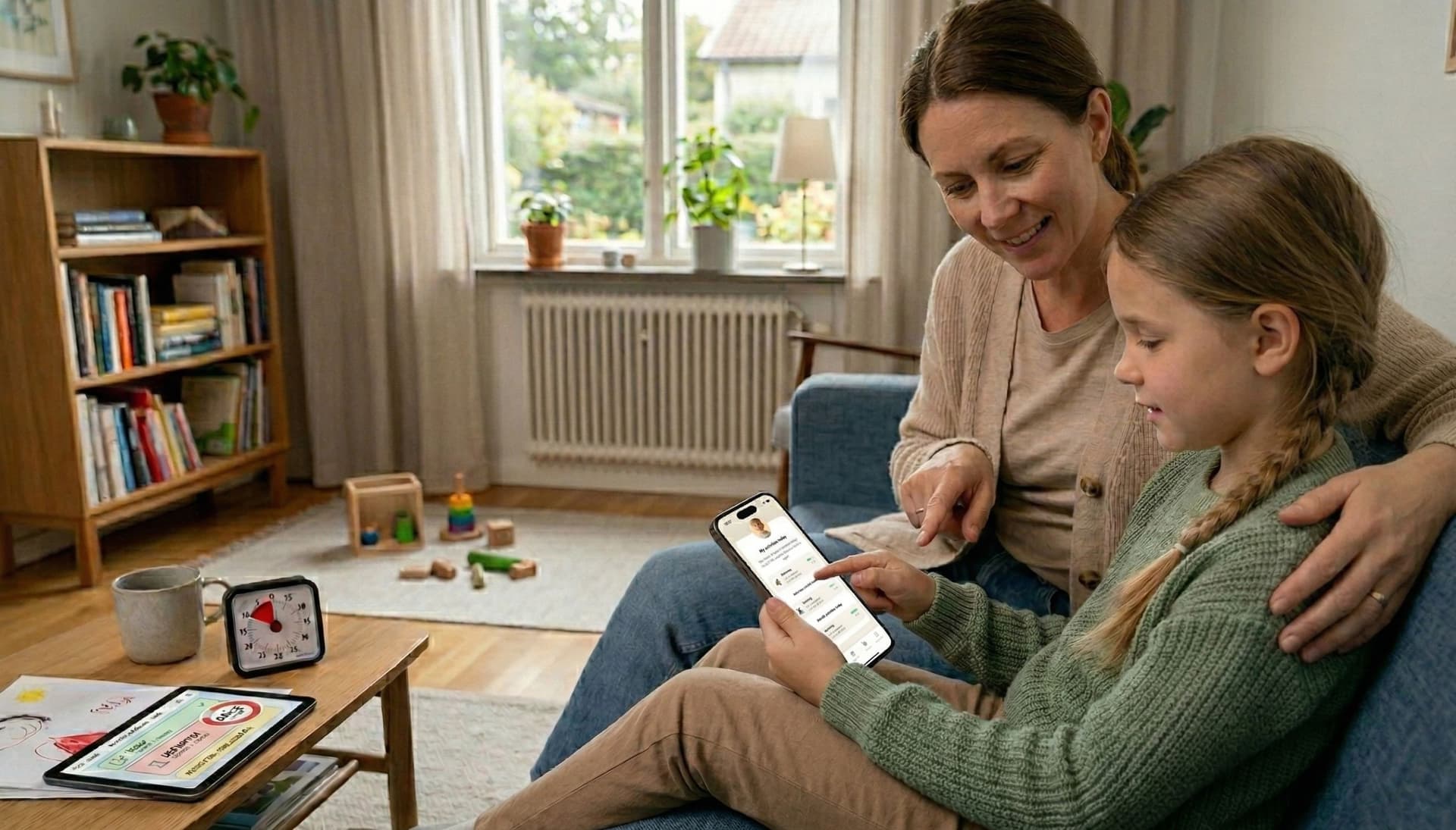
Forewarnings soften the landing. Try agreeing on the number of videos or a set time before they start, then giving a five-minute and a one-minute warning. A visual timer can make the remaining time concrete rather than abstract, which helps a child prepare to stop instead of being surprised by it.
It is designed to be sticky, not a test of willpower
If you take one thing away, let it be this: teams of engineers are paid to make the feed hard to leave. When your child cannot pull away, they are up against a system built to hold them, not failing a test of self-control.
For children with ADHD, the novelty loop is especially hard to break. Each new video delivers a small hit of the unexpected, and a brain that is drawn to novelty finds that loop genuinely difficult to exit. Meeting this with structure and warmth works far better than meeting it with blame.
How Routined can help
Screen time feels calmer when it sits inside a predictable routine rather than filling every gap. Routined lets families build daily routines with two display modes, standard text and checkboxes or Visual Support with big picture cards, so a child can see what comes before and after screen time. An optional visual countdown timer per step gives that concrete sense of how much time is left, which makes the forewarning before switching off feel fair rather than sudden.
You can also offer screen-time minutes as a reward for completing a routine, shown as a running count of earned minutes. It is simply a counter, not a control that locks or blocks the device, but it turns screen time into something earned and bounded rather than endless.
The takeaway
YouTube's algorithm is powerful, deliberate and indifferent to your child's wellbeing, which is exactly why a few small changes matter so much. Turn off autoplay, lean on curated playlists and a kids profile, give clear forewarnings, and talk openly about how the feed is designed. Above all, be kind to yourself and your child. Struggling to switch off is not a failure of willpower, it is the predictable result of a system built to keep you watching, and structure plus warmth will always serve your family better than guilt.
Read more
Frequently asked questions
How does the YouTube algorithm affect kids?
It recommends and autoplays videos chosen to maximise watch time, not suitability or quality. This keeps children watching far longer than they intended and can surface loud, repetitive or unsuitable clips your child did not choose.
How do I stop YouTube autoplay for my child?
Open YouTube settings and switch off the autoplay toggle, which stops the next video starting on its own. In the YouTube Kids app you can also set a timer and limit content, giving each session a clear end.
Why is it so hard for my child to stop watching YouTube?
The feed is engineered by teams to remove every natural stopping point through autoplay and endless suggestions. It is a design built to be sticky, not a failure of your child's willpower, and children with ADHD find the novelty loop especially hard to leave.
Is YouTube Kids safer than regular YouTube?
It narrows the pool of content and offers stronger parental controls, so it is generally safer for younger children. It is not perfect, so curated playlists, restricted settings and occasional watching together still help.
How much YouTube is okay for children?
There is no single number, but bounded, predictable viewing works better than open-ended feeds. Agreeing on a set time or number of videos in advance, with clear warnings before stopping, matters more than the exact minutes.